Print product reference on labels
Last updated
You can print the product reference (for example SKU or EAN, plus quantity) on shipping labels generated in ChannelDock. This makes it easier to check packed items against the label during fulfillment.
Turn on product references on labels
- Go to Orders → Open orders.
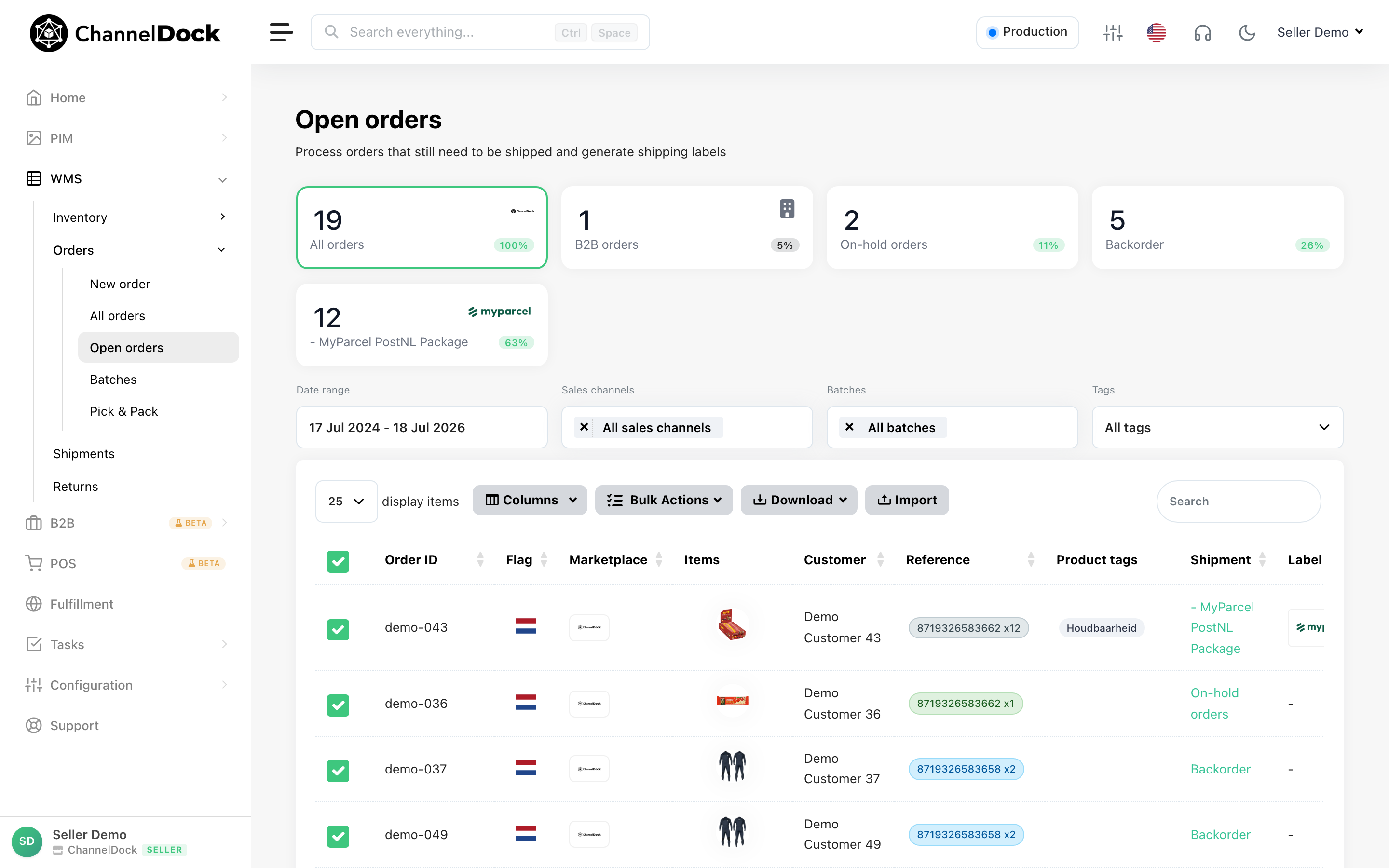
- In the top bar, click the sliders icon to open the order settings panel.
- Turn on Print product reference on labels.
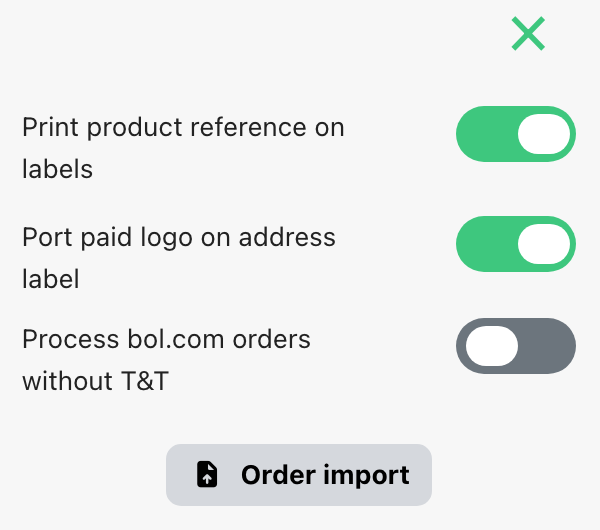
The setting is saved automatically. New shipping labels you generate will include the product reference when the carrier label format supports it.
Related settings
In the same panel you can also enable Port paid logo on address label, which prints your uploaded logo on labels. See Adding your logo to shipping labels.
Was this helpful?