Editing products
Last updated
Edit settings
-
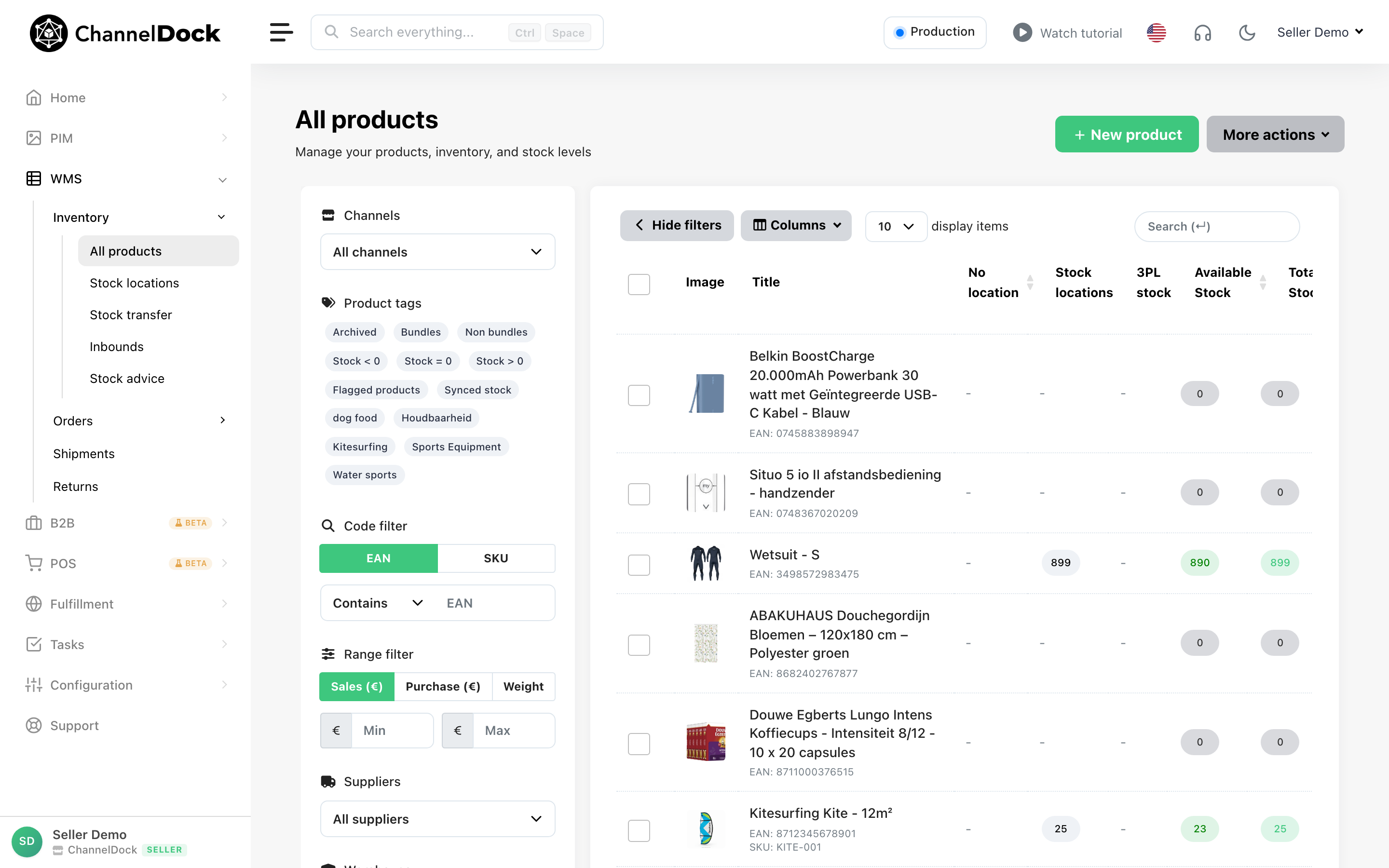
Go to Inventory -> All products
-
Click on the product you want to edit
-
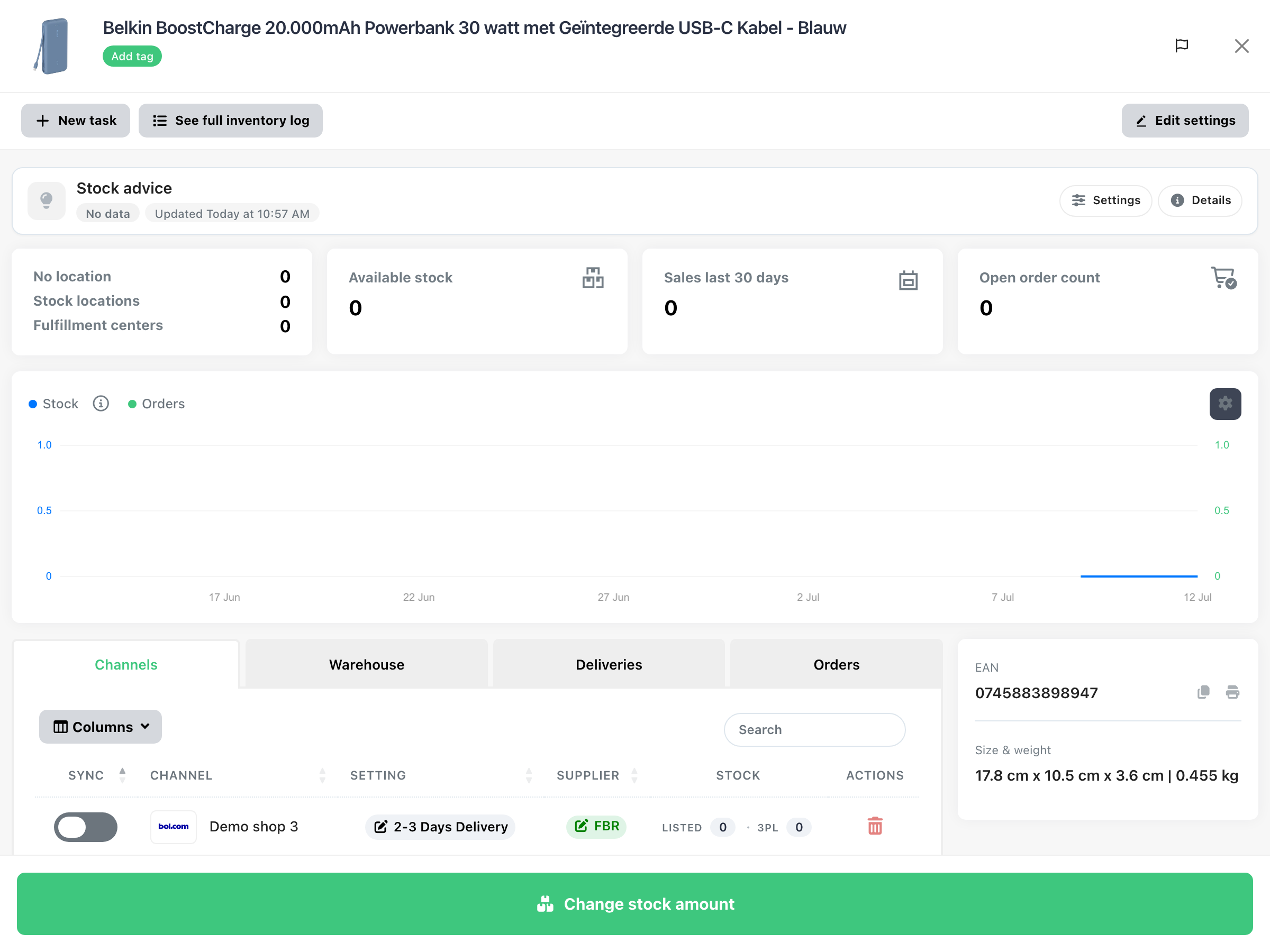
Click on ‘Edit settings’
Basic information
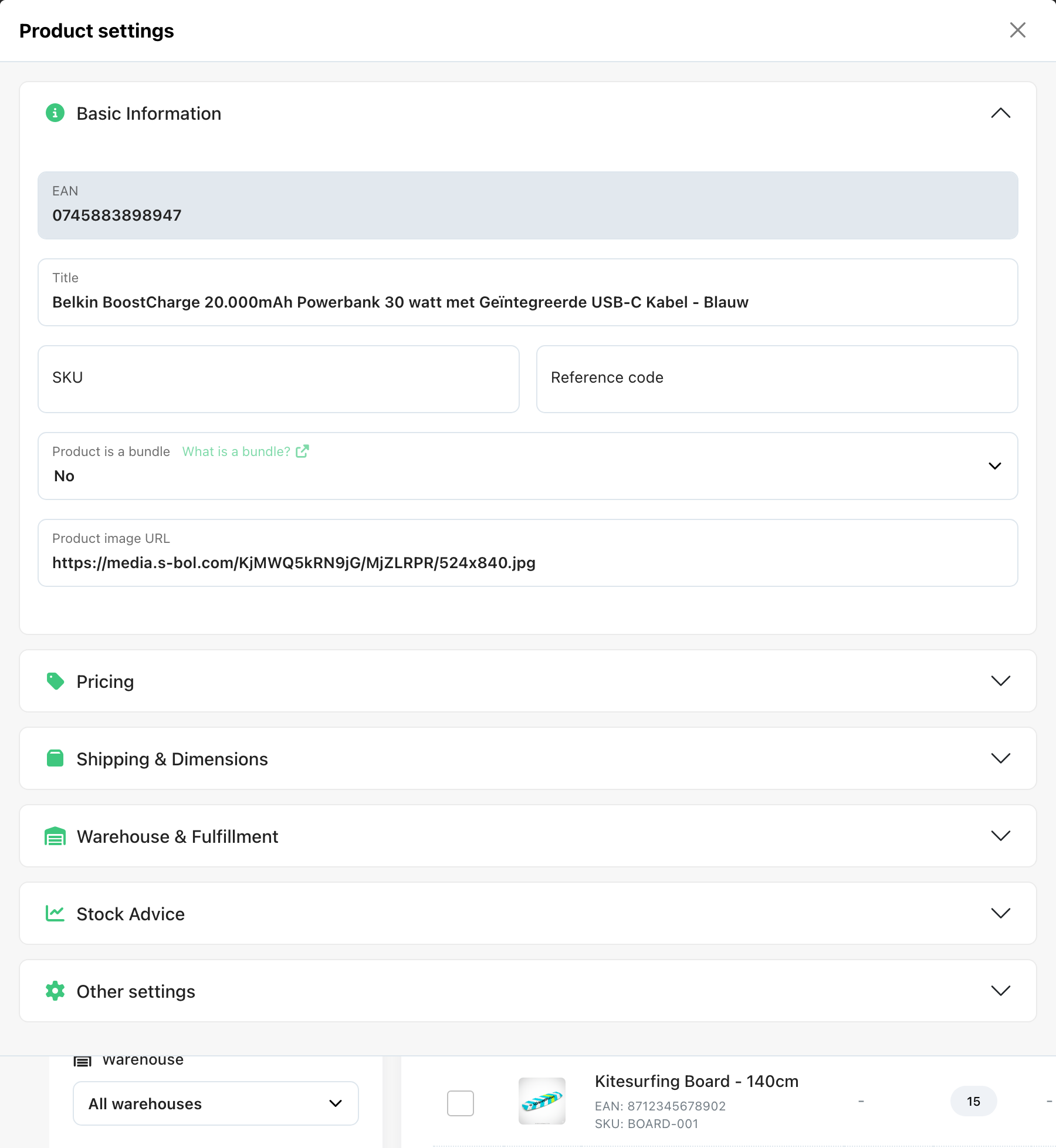
In the basic information menu, you can edit information like the title of your product, the SKU, the reference code and whether or not this product is a bundle. You can also see the EAN, but this you cannot edit as it is used to match products.
Warehouse settings
The next menu is the Warehouse settings. To make the whole menu show, you just click on the name ‘Warehouse settings’ or on the arrow.
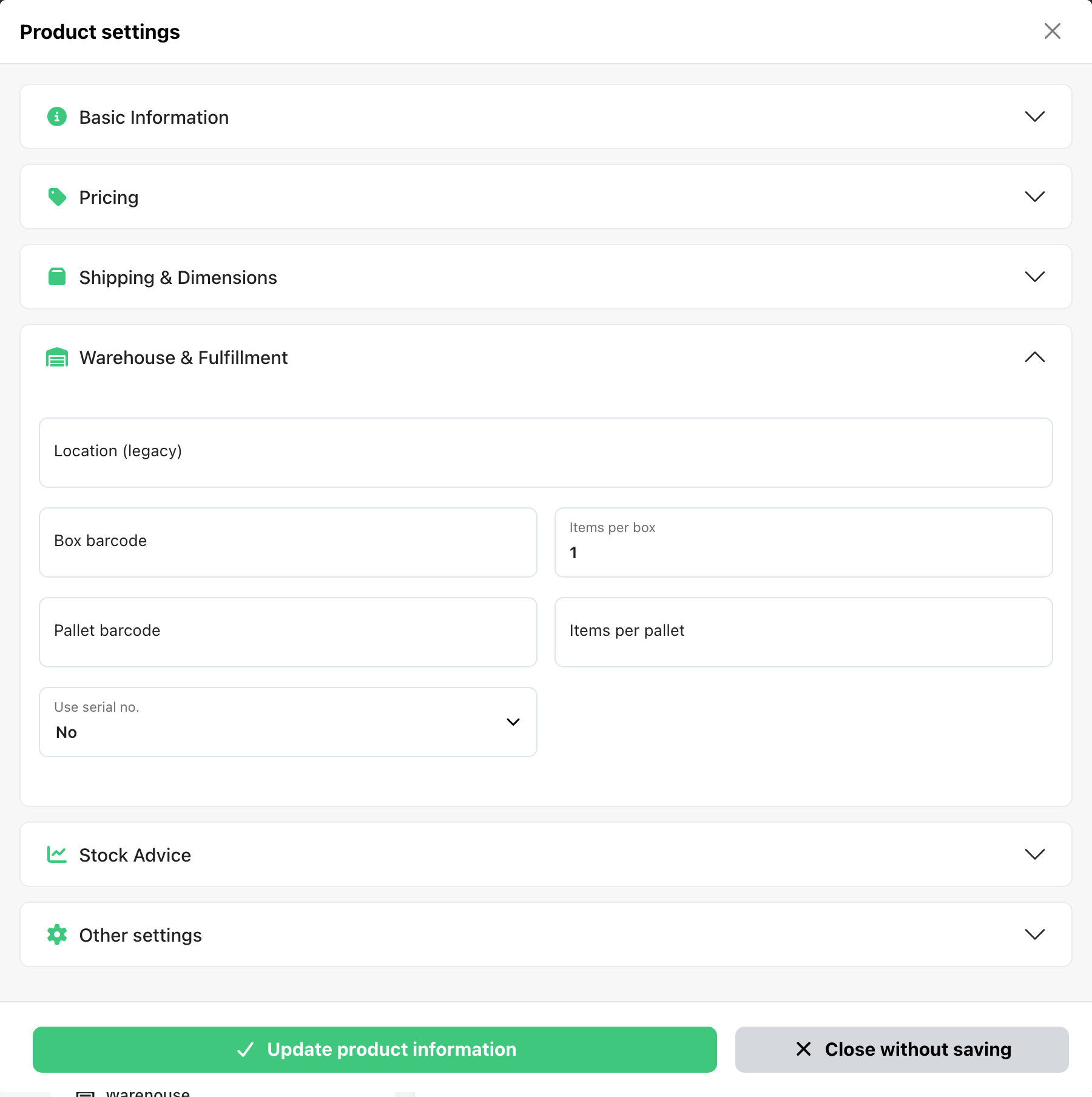
In this menu you can set properties like (purchase) price, weight and measurements, origin and packaging.
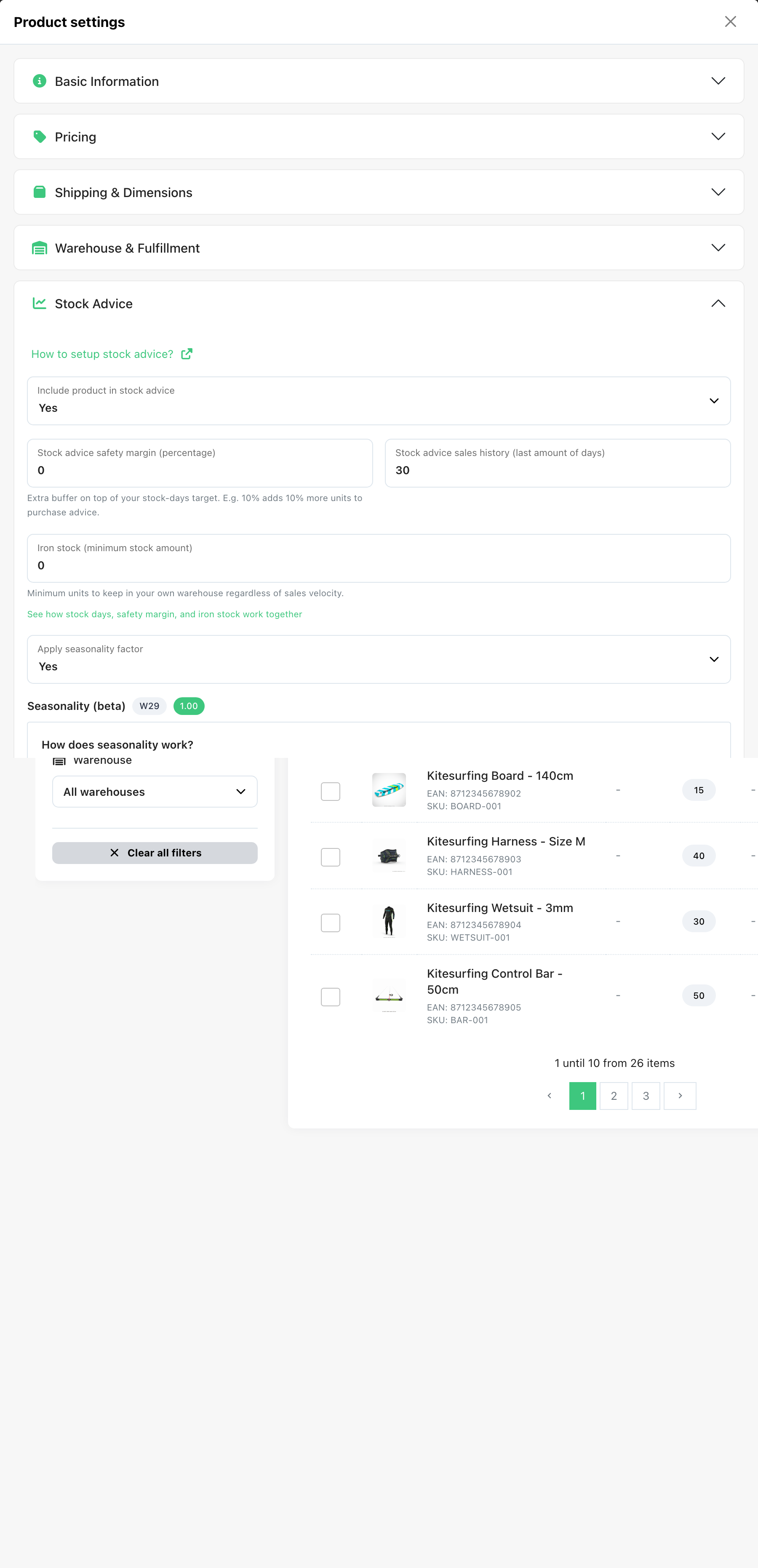
Stock advice
In the stock advice menu you can change whether or not the product should be included in the stock advise and some properties necessary to make the calculations that the stock advise is based on.
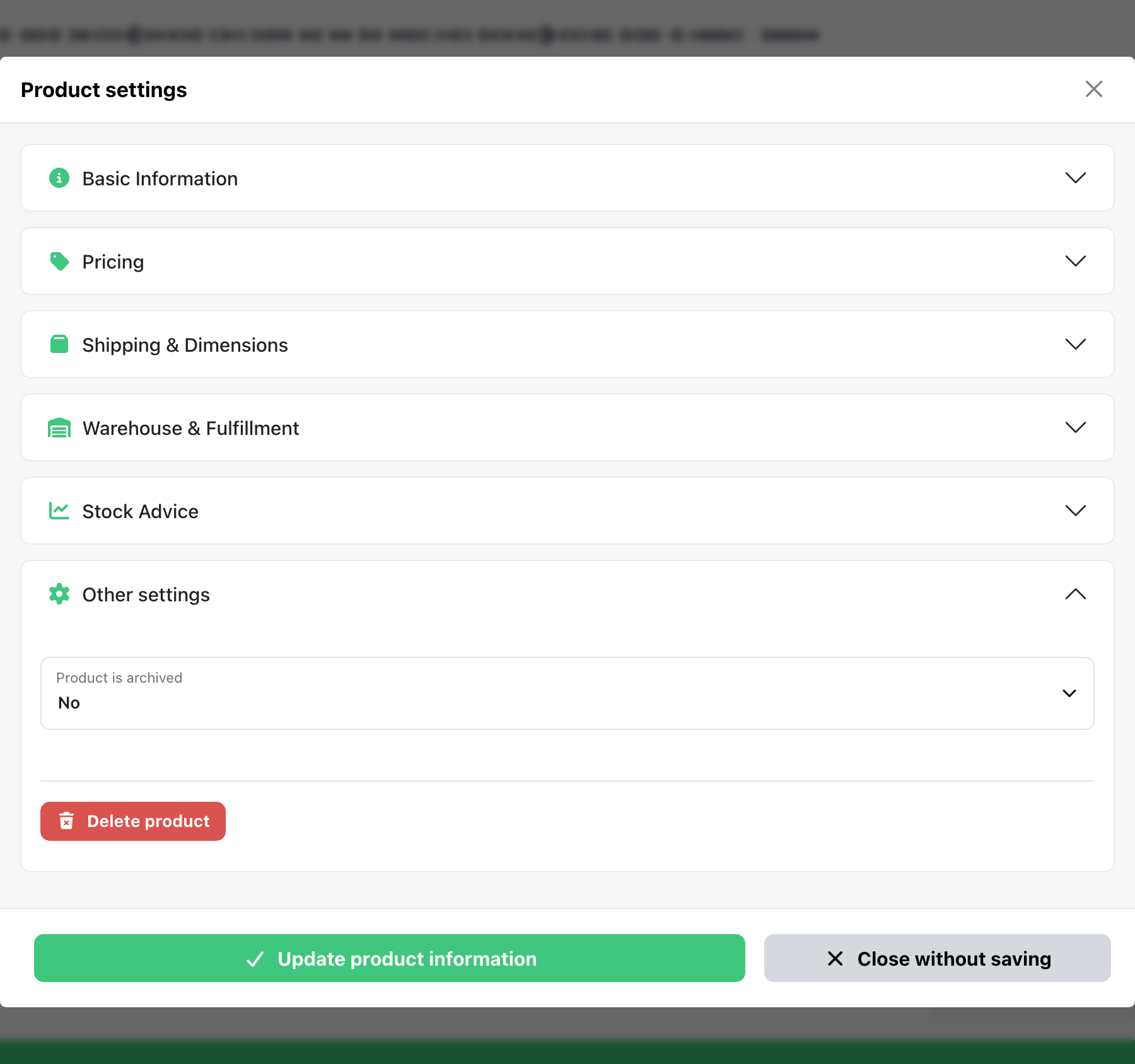
Advanced settings
In the last menu with the advanced settings you can find the link to our picture and you can archive it.
Was this helpful?