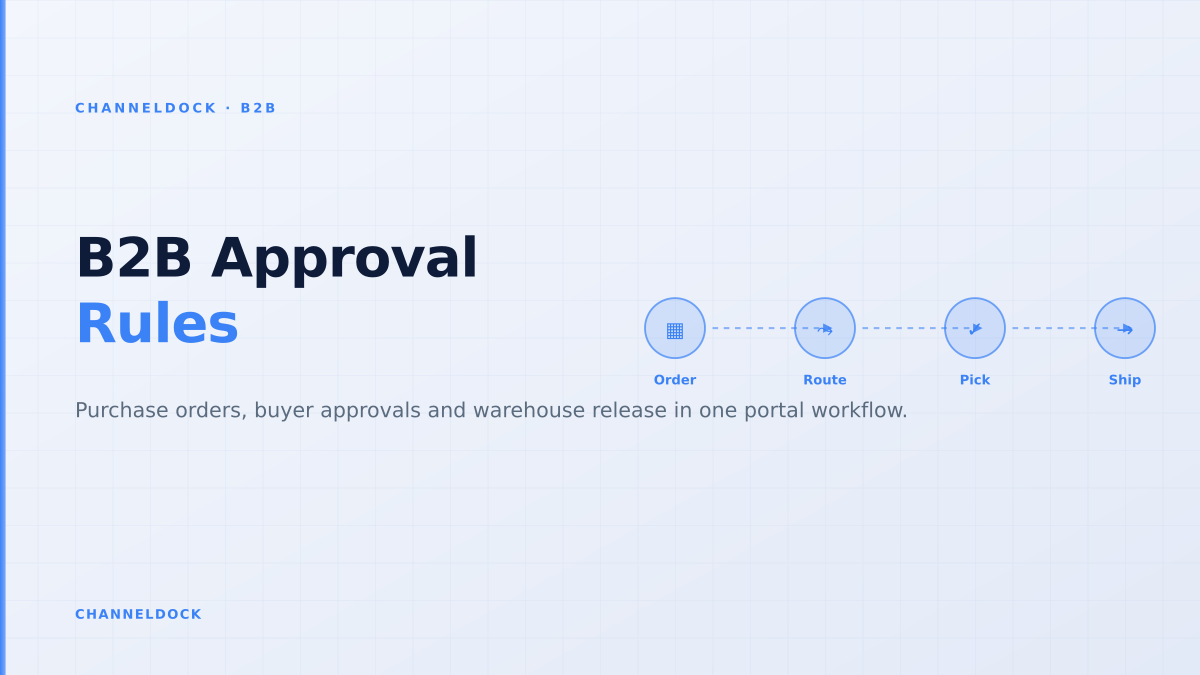
B2B Purchase Order Approval Workflow: Portal Rules That Scale
In 2026, the strongest B2B portal question is no longer whether wholesale buyers can log in and place a reorder. The harder question is whether a purchase order can move from employee request to supervisor approval to warehouse release without falling back into email, spreadsheets or manual stock checks.
Recent B2B ecommerce content from BigCommerce, OroCommerce, Virto Commerce and specialist wholesale platforms all points in the same direction: buyers want self-service, but procurement still needs account rules, approval limits, cost centers, net terms, stock visibility and an audit trail. Shopify Community threads show the pain clearly: many merchants can create draft-order workarounds, but true buyer-side approval often still needs apps or custom logic.
That gap is where an operational B2B sales portal should win. It should not simply collect an order and ask the back office to decide later. It should decide which orders are routine, which need approval, which inventory can be reserved, and when the warehouse may start picking. For teams already running multichannel operations, the portal must connect to order management, live inventory, buyer permissions and the integration layer behind the scenes.
The approval problem is operational, not cosmetic
Most ranking articles explain approval workflows as a checkout feature: set a threshold, route to a manager, notify the buyer. That is useful, but incomplete. A wholesale order is not approved when someone clicks a button. It is approved when the commercial terms, available inventory, payment terms, delivery promise and warehouse release state agree.
A buyer-side approval can take minutes or days. During that time, the seller still has to decide whether stock is soft-reserved, visible to marketplaces, available to another dealer, or blocked for the requesting account. If that decision stays outside the portal, the team gets the worst of both worlds: a digital storefront and the same manual exception queue behind it.
What competitors cover, and what they miss
BigCommerce frames B2B buyers as procurement teams, not shoppers. OroCommerce emphasizes hybrid buying: buyers self-serve until they need a sales rep or exception. Virto Commerce calls out the failure mode of modelling one user per account. G2 reviews for B2B Wave repeatedly praise self-service ordering, customer-specific pricing and reduced manual order entry, while also naming reporting, integrations and large-catalog performance as weak spots.
The missing layer is the warehouse-safe approval sequence. Many guides stop once the approval notification is sent. Operational teams need to know what happens to sellable stock, pick priority, partial shipments, credit holds, substitutions and ERP downtime while the order waits.
Do not treat approval as a yes/no checkbox. In B2B operations, approval is a gate between commercial promise and warehouse execution. If the gate does not control stock and release status, it only moves manual work from email into the portal.
A scalable B2B purchase order approval workflow
The cleanest portal design separates the buyer's authority from the seller's operational release. A junior buyer can create a cart, a supervisor can approve spend, finance can apply credit rules, and the warehouse can release only the lines that are stock-safe. The portal should keep those states visible without exposing internal noise to the buyer.
- 1Start with account structureModel the customer as a company with locations, buyers, approvers, cost centers and delivery addresses. Avoid one shared login because it destroys accountability.
- 2Define approval triggersRoute orders by value, product group, margin exception, restricted SKU, delivery location or payment term. Routine reorders should bypass manual review.
- 3Show only available-to-promise stockDisplay what the account can actually order, not raw warehouse on-hand. Subtract reservations, marketplace buffers, damaged stock and committed B2B allocations.
- 4Hold the order in a pending statePending means visible, auditable and not yet released. Decide whether inventory is soft-reserved and set an expiry rule so abandoned approvals do not create ghost stockouts.
- 5Release approved lines to fulfillmentOnce approval and operational checks pass, send a warehouse-ready order to pick, pack and ship. Split backordered or blocked lines instead of holding the whole order hostage.
- 6Close the loop with status and documentsShow buyers approval status, shipment status, invoices and tracking so support does not become the status API.
Inventory promises decide whether approvals work
Approval delays create inventory risk. A buyer may submit a €7,000 reorder on Monday, a supervisor may approve it on Wednesday, and marketplaces may keep selling the same stock during the gap. If the portal never reserves stock, the approved order can become unfulfillable. If it hard-reserves everything, the seller can block inventory for orders that never get approved.
The practical answer is a reservation policy by customer class and order state. Strategic dealers might get a 24-hour soft reservation for fast movers. Low-priority accounts might see availability but receive stock only after approval. Restricted SKUs might require sales review before any reservation is created. This is why B2B portal work belongs close to inventory control, not only frontend ecommerce.
Portal as storefront
- Buyer submits order
- Approval email goes to manager
- Back office checks stock later
- Warehouse receives exceptions
Portal as control layerRecommended
- Buyer role and budget checked immediately
- Sellable stock calculated before promise
- Pending orders carry expiry and reservation rules
- Approved lines release directly to warehouse
Rules that make the portal trusted by buyers
Buyers will not adopt a portal if it feels less reliable than calling their account manager. The rules should therefore remove surprises. Every buyer should know whether an order is waiting for internal approval, seller review, stock allocation, payment confirmation or warehouse picking. Every approver should see the commercial context needed to decide, not just a cart total.
- Spend limits: route orders above a buyer's threshold to the right approver, not to a generic inbox.
- Cost centers: require cost-center selection before submission when the customer's finance team needs it on the invoice.
- Credit limits: flag accounts that exceed terms before the warehouse receives a pick task.
- MOQ and case packs: enforce minimum order quantities and packaging rules at cart level, not after approval.
- Substitutions: let approved substitute SKUs appear when primary stock is not available.
- Expiry: cancel or reprice old pending orders when pricing, stock or delivery promises are no longer valid.
A B2B portal earns trust when the answer in the portal is the same answer sales, finance and the warehouse would give after three internal messages.
Where Shopify-style workarounds break down
Shopify Community discussions around employee-to-admin approval show a common pattern. Draft orders and Flow automations can notify people and pause fulfillment, but they often solve merchant-side review rather than genuine buyer-side approval. That distinction matters for wholesale: the customer's supervisor may need to approve the spend before the supplier should even treat the order as committed.
Apps can cover pieces of the workflow, but the operational risk remains if approval status is disconnected from warehouse release, stock reservations and B2B order documents. A purpose-built B2B portal should reduce app sprawl by keeping buyer permissions, order state and fulfillment readiness in one flow.
If a workaround cannot answer “who approved this order, which stock was promised, when did the promise expire, and why was the warehouse allowed to pick it?”, it is not yet an operational approval workflow.
Implementation checklist for wholesalers
Before launching approvals to every customer, test the workflow with five account types: a small dealer, a large distributor, a franchise location, a buyer with multiple approvers, and a credit-sensitive account. The goal is not to prove the portal can process a perfect order. The goal is to prove it handles exceptions without returning to email.
- Map buyer roles, approvers and locations before importing users.
- Decide whether pending orders reserve stock, and for how long.
- Define who can edit an approved order and when a changed order needs re-approval.
- Connect portal status to the order queue so warehouse teams do not pick pending orders.
- Expose order history, invoices and tracking in the portal to reduce support tickets.
- Measure adoption by approved order value, not only logins.
How to measure success
The best B2B portal metrics are not vanity metrics. Login growth can hide a broken flow if buyers still call to confirm stock or email approvals outside the system. Track the percentage of wholesale order value that reaches warehouse release without manual re-keying, how often pending orders expire, and how many approved orders need post-approval stock fixes.
For ChannelDock customers, the practical target is simple: wholesale buyers use the portal, approvals happen in the portal, and approved orders join the same operational queue as marketplace, webshop, POS and manual orders. That keeps B2B growth connected to the same warehouse rhythm as the rest of the business.
- The strongest B2B portals connect approval status to inventory availability and fulfillment release.
- Buyer-side approval is different from merchant-side review. Wholesale teams need both states modelled clearly.
- Pending orders need expiry and reservation rules, otherwise they create ghost stockouts or broken promises.
- Measure approved, warehouse-ready order value rather than portal logins alone.
FAQ
What is a B2B purchase order approval workflow?
Should pending B2B orders reserve stock?
Is buyer-side approval the same as merchant review?
Can a Shopify B2B setup handle approval workflows?
What should a B2B portal integrate with first?
Conclusion
A B2B purchase order approval workflow is only scalable when it protects both sides of the transaction. Buyers need self-service that respects their internal purchasing rules. Sellers need approvals that do not create stock drift, credit exceptions or warehouse confusion.
The winning portal is not the one with the prettiest login screen. It is the one where a buyer can request, a manager can approve, and the warehouse can fulfill from the same operational truth.