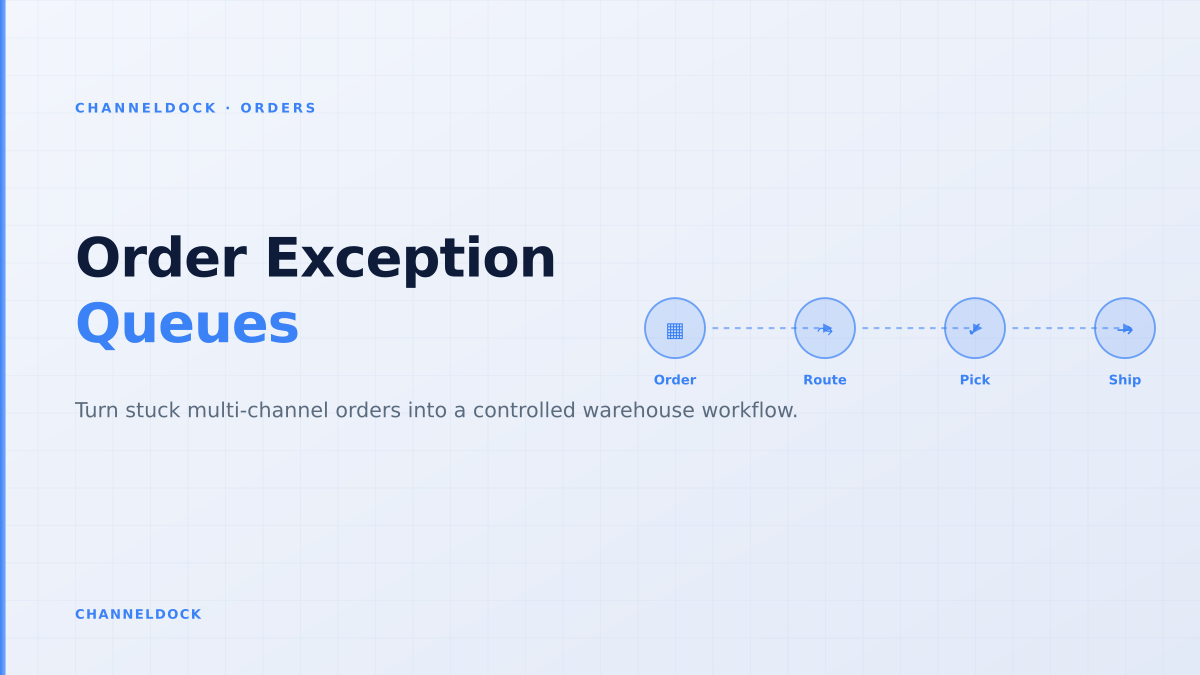
Order Exception Management: Stop Letting Stuck Orders Run Your Warehouse
In a 2026 Shopify Community discussion about catching operational problems before they become expensive, sellers kept circling the same signals: overselling zero inventory, orders unfulfilled for several days, vendor delays, hidden product changes and margin leaks. None of those starts as a marketing problem. They start as an order exception that nobody owns yet.
For multi-channel sellers and fulfillment centers, order exception management ecommerce is becoming the practical middle layer between order automation and real warehouse execution. It is the place where bol.com, Amazon, Shopify, WooCommerce, Kaufland, ERP, WMS, barcode scanning and carrier rules meet when the normal flow breaks.
Why stuck orders are getting harder to see
A simple webshop can spot a stuck order by opening the order list. A multi-channel operation cannot. One order may be imported from Amazon, reserved in the ERP, picked in a WMS, held by a 3PL, blocked by a carrier rate, and still show “processing” in the customer inbox. Each system is partly right, but no team sees the whole exception.
The strongest recent commentary on AI order management makes the same point: automation only earns trust when every exception has evidence, an owner, a next action and an audit trail. That is also true without AI. Before a seller adds another automation tool, the operation needs one shared queue for orders that stopped moving.
The four exception queues every seller should define
Start small. Most ecommerce operations can classify more than 80% of daily exceptions into four operational buckets:
- Stock exceptions: oversold SKUs, bundle shortages, location mismatches, damaged stock, or inventory reserved on the wrong channel.
- Address and carrier exceptions: missing house numbers, unsupported service points, failed carrier rates, pickup cutoffs, or labels that cannot be generated.
- Payment, fraud and finance exceptions: payment holds, fraud review, invoice mismatch, refund approval, or channel-specific reimbursement risk.
- Warehouse SLA exceptions: orders not picked before cutoff, split shipments waiting for approval, missing barcode scans, or WMS statuses that never wrote back.
ChannelDock’s order overview and integration layer are built around this operational reality: orders do not fail in one system. They fail between systems.
The mistake is treating every exception as a support ticket. Most exceptions are operational: stock allocation, carrier cutoffs, address validation, split shipment approval, or a WMS status that never wrote back to the marketplace.
Ticket-first vs queue-first operations
Most teams begin with a ticket-first model because it feels natural: a customer asks where the order is, support opens the warehouse system, and somebody fixes it. That works until volume rises or the seller adds new channels. Then the same failure appears in different inboxes, with different owners, and nobody measures the root cause.
Ticket-first exception handling
- Support sees the customer complaint first
- Warehouse checks orders manually between pick waves
- ERP, WMS and marketplace status are reconciled later
- Root cause is hidden in notes or spreadsheets
Queue-first exception handlingRecommended
- Every blocked order is classified before pick/pack
- Warehouse, support and finance share the same evidence
- Rules decide what can be fixed automatically
- Metrics show which exception class is growing
A practical workflow for the next 30 days
The goal is not to build a perfect control tower in week one. The goal is to stop letting exceptions hide inside email, spreadsheets and marketplace portals. A seller or 3PL can build a working operating rhythm with four steps:
- 1Create four exception codesStart with stock shortage, address/rate failure, payment or fraud hold, and warehouse SLA breach. Keep the list short enough that pickers and support use it consistently.
- 2Attach an evidence packetFor each order, store channel source, SKU, inventory snapshot, carrier rate result, warehouse location, customer message and the current owner.
- 3Define safe actionsAllow low-risk fixes such as reserving stock, requesting address correction, releasing a warehouse hold, or splitting shipment only when the margin and channel promise are clear.
- 4Write status back everywhereUpdate the marketplace, webshop, WMS, ERP and customer message after the decision so the next team does not re-open the same problem.
What to measure first
Do not start with generic “orders processed” dashboards. Measure the stuck part of the operation: exception count by channel, average exception age, owner response time, orders saved before cancellation, labels regenerated, split shipments approved, and customer messages sent before the SLA is missed.
For fulfillment centers, the same metrics should be visible per client. A 3PL that can show why orders are stuck — missing stock, late inbound, bad addresses, carrier failure or client approval — turns exception handling from a blame loop into a service-level conversation. That fits naturally with a connected fulfillment center workflow and barcode-driven pick & pack process.
- A daily exception queue is more useful than a weekly operations meeting because it catches stuck orders before customers escalate.
- The first automation win is classification and ownership, not a fully autonomous AI agent.
- 3PLs should expose exception status to clients in the portal instead of answering repeated “where is this order?” messages.
- Measure exception cycle time by channel: bol.com, Amazon, Shopify, WooCommerce and Kaufland will not fail in the same way.
FAQ
What is order exception management in ecommerce?
Which team should own ecommerce order exceptions?
Can order exceptions be automated?
How does ChannelDock help with stuck orders?
Conclusion
Order exception management is not glamorous, but it is where multi-channel operations either become scalable or stay reactive. Sellers that define queues, owners, evidence packets and safe actions will resolve stuck orders before the customer notices. Sellers that keep treating every exception as a support ticket will keep paying for the same operational failure twice: once in warehouse time, and once in customer trust.