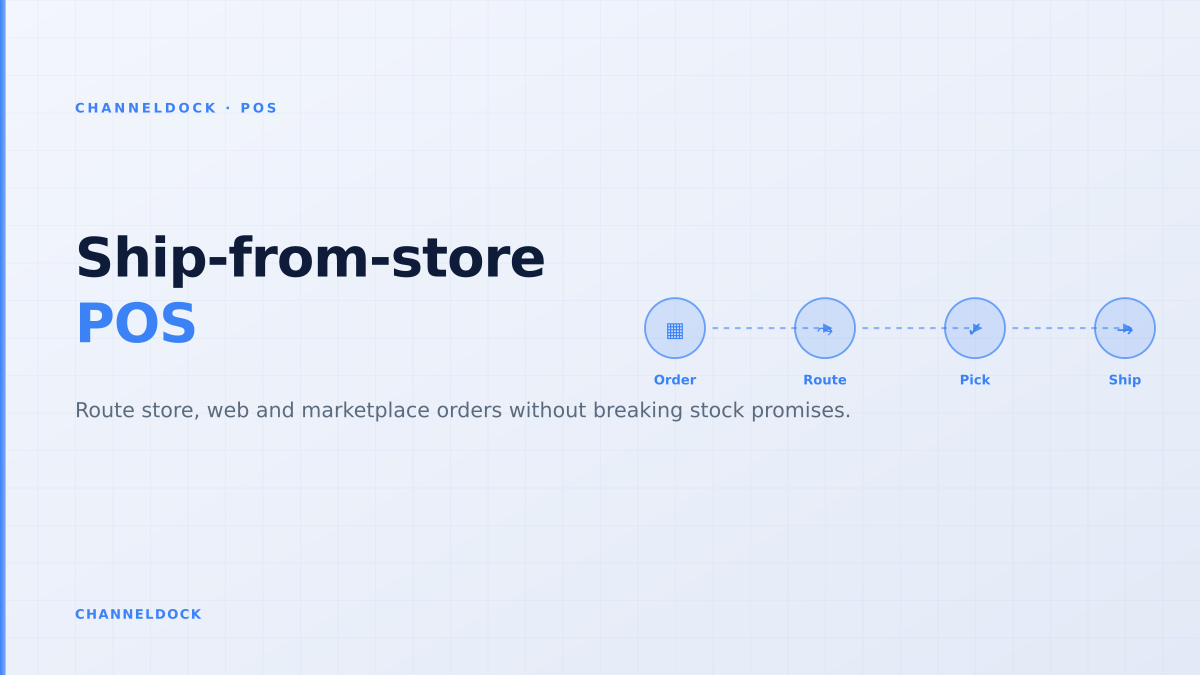
Ship-from-Store POS: Inventory Routing Without Broken Promises
Ship-from-store is moving from enterprise retail playbook to practical ecommerce operation. Shopify now promotes Ship from Store inside POS, Kibo frames it as a way to use real-time store inventory, and retail order-management vendors all pitch the same promise: shorter delivery distance, better stock utilisation and fewer markdowns. The missing detail is operational: a store is not automatically a warehouse just because the POS can see stock.
For omnichannel retailers, the real question is not “can the POS ship an order?” It is whether store inventory, ecommerce promises, marketplace reservations, carrier labels and warehouse replenishment all agree on the same sellable unit. That is where most ship-from-store projects either become a margin win or turn into daily firefighting.
Why ship-from-store breaks when POS is the only source
A POS system records what happened at the till. Ship-from-store needs to decide what can be promised before the till, webshop, Amazon, bol.com, Shopify or WooCommerce sells the same SKU. That difference is small in a single-store setup and huge in omnichannel operations.
Consider a retailer with one warehouse, three stores and marketplace listings. Store A shows three units in the POS. One is on display, one is in a fitting room basket, and one was returned yesterday but not inspected. If the ecommerce site exposes all three to online orders, the routing engine looks efficient until the associate cannot pick the item. The order is then cancelled, rerouted to the warehouse, or shipped late at a higher carrier cost.
The better model is to let the POS remain excellent at in-store checkout while an order layer decides availability, reservations and routing. ChannelDock’s integrations layer is built around that operational spine: connect the store sale, web order, marketplace order and warehouse movement before they compete for stock.
The four checks before a store can become a fulfillment node
Competitor content often says “use stores as mini warehouses.” That advice is too vague. A store should only receive ship-from-store orders when it passes four checks: trustworthy inventory, physical process, carrier readiness and workload rules.
The first check is inventory accuracy. Store stock is messier than warehouse stock because items are touched by customers, moved for merchandising, returned at the counter and sold through POS baskets. A location-level available-to-promise number must therefore be lower than the raw POS count. It should subtract reservations, damaged items, display units, open transfers and a local floor buffer.
The second check is process. A warehouse has bins, scanners, benches and label printers. A store often has a counter, a back room and staff who are also serving customers. If order picking is squeezed between checkout queues, ship-from-store will silently steal time from retail sales. Use the same discipline as pick and pack workflows: pick list, barcode confirmation, packing instruction, label print and handover scan.
Routing logic: closest store is not always the best store
The most common ship-from-store mistake is over-weighting distance. Closest location helps delivery speed, but it can also drain a best-selling SKU from a busy store, create split shipments or push orders into a location that missed the carrier cutoff.
Better routing weighs four signals together: stock position, customer distance, margin impact and operational capacity. For example, a bulky item might ship from the warehouse even if a store is closer because the store pays more for packaging and pickup. A slow-moving colour variant might ship from a store because it prevents markdown. A marketplace order might route to the warehouse because the SLA penalty is too high if a store misses the pickup window.
Naive ship-from-store
- POS stock is synced overnight or in batches.
- Online orders are emailed to the nearest store.
- Store staff decide manually whether to pick, substitute or cancel.
- Tracking is pasted back into the webshop after shipment.
Operational ship-from-storeRecommended
- ChannelDock reserves sellable stock per location before promising it online.
- Orders enter one queue for store, warehouse, POS, marketplace and manual flows.
- Routing rules protect buffers, carrier cutoffs and store workload.
- Labels, tracking and inventory updates return to every connected channel automatically.
How to build a ship-from-store workflow that store teams will actually use
The store associate experience matters as much as the routing algorithm. If staff need to switch between POS, ecommerce admin, carrier portal and email, the process will work only when order volume is low. Once peak season starts, the weakest manual step becomes the bottleneck.
- 1Define which stores are allowed to shipStart with locations that have reliable counts, packing space, label printers and staff capacity. Do not expose every shelf to online demand on day one.
- 2Create a single available-to-promise numberSubtract reservations, marketplace buffers, damaged stock, display stock and open transfers before a SKU is eligible for routing.
- 3Route by cost, distance and workloadClosest store is not always best. Add rules for carrier cutoff, staff capacity, margin, parcel size and whether the order can ship complete.
- 4Push tasks into the store workflowAssociates need a pick list, barcode check, packing instruction and label step inside the same operational queue, not a printed web order on the counter.
- 5Feed status back to every channelOnce the label is printed, tracking and stock deductions should flow back to webshops, marketplaces and customer service without manual copy-paste.
ChannelDock helps retailers keep this flow in one place. The orders overview brings marketplace, webshop, B2B, POS and manual orders into one operational queue, while inventory rules keep warehouse and store stock from drifting apart. For retailers evaluating the POS side specifically, the omnichannel POS solution shows how store terminals fit into the wider order-management layer.
What existing ranking articles usually miss
Most ship-from-store guides are written as retail transformation pieces. They explain benefits such as faster delivery, lower shipping distance and better use of store stock. Those points are true, but they miss the operational gaps that ecommerce operators feel on Monday morning.
- Marketplace reservations: Amazon, bol.com, Kaufland or Shopify orders must reserve stock immediately, not after a store associate prints a label.
- Returns quality: A returned item in the POS is not automatically sellable. Inspection status should affect availability.
- Carrier cutoffs: A store that cannot hand over parcels today should not receive a same-day promise.
- Partial shipments: Routing each line to the closest location can double label cost and confuse customers.
- Store workload: A location with stock but one associate on duty is not always available capacity.
Ship-from-store is profitable only when the routing rule protects the store experience as carefully as it protects the delivery promise.
The scorecard to monitor after launch
Do not judge ship-from-store by shipping cost alone. The full scorecard should show whether the promise is reliable, profitable and manageable for staff.
- Cancellation rate by node: orders cancelled because the chosen store could not pick the item.
- Reroute rate: orders moved from store to warehouse after the first routing decision.
- Pick-to-label time: minutes from order release to carrier label printed.
- Stock adjustment frequency: manual corrections after failed picks, returns or misplaced items.
- Cost per shipped order: label, packaging, labour and split-shipment cost, not just carrier rate.
If cancellations rise while shipping distance falls, the routing rule is too aggressive. If pick-to-label time is slow, the store workflow is under-designed. If stock adjustments spike, the available-to-promise calculation is trusting raw POS stock too much.
Conclusion
Ship-from-store can be a strong omnichannel POS strategy for retailers that already have inventory close to customers. It can reduce delivery distance, clear slow-moving store stock and keep online orders moving when the warehouse is busy. But it only works when the POS is connected to order routing, inventory reservations, pick and pack execution and carrier tracking.
The practical path is to start with a small set of reliable stores, protect floor inventory with buffers, route orders using business rules and measure the failure signals weekly. When every channel works from one stock truth, stores become useful fulfillment nodes instead of accidental warehouses.
- Ship-from-store is strongest for slow-moving store stock, regional delivery promises and peak-season overflow.
- The deciding system should be the order and inventory layer, not the checkout screen alone.
- Store buffers matter: a SKU that looks available online can still be needed for walk-in shoppers or open POS baskets.
- Measure cancellations and reroutes before celebrating lower shipping cost.