打印面单错误 - HS 分类编码
Last updated
如果尝试打印面单时遇到错误 Set the product classification by going to the product settings in your seller account,请按以下步骤解决:
单独更新
-
登录卖家账户。
-
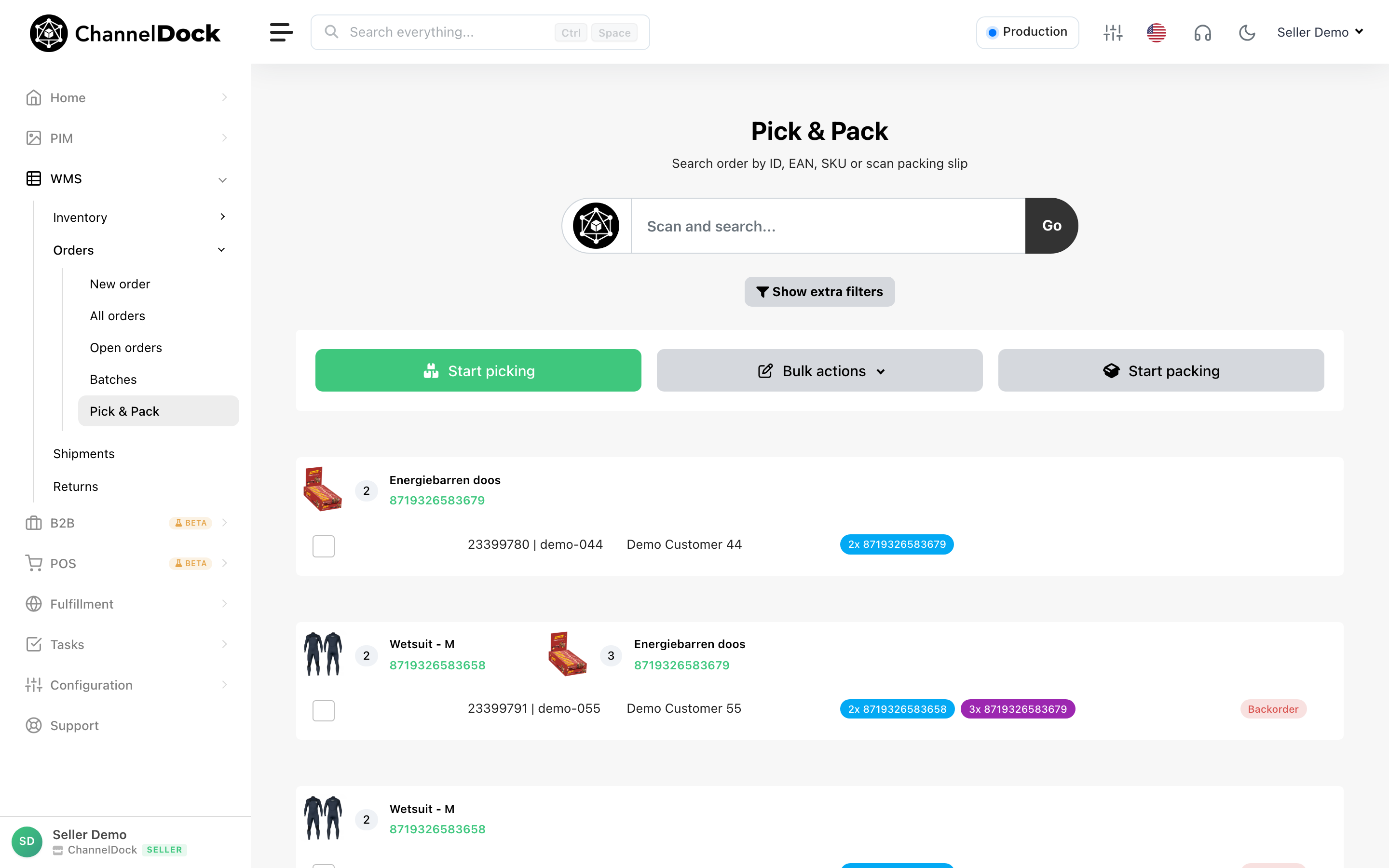
前往 Inventory → All products,选择需要更新的产品。
-
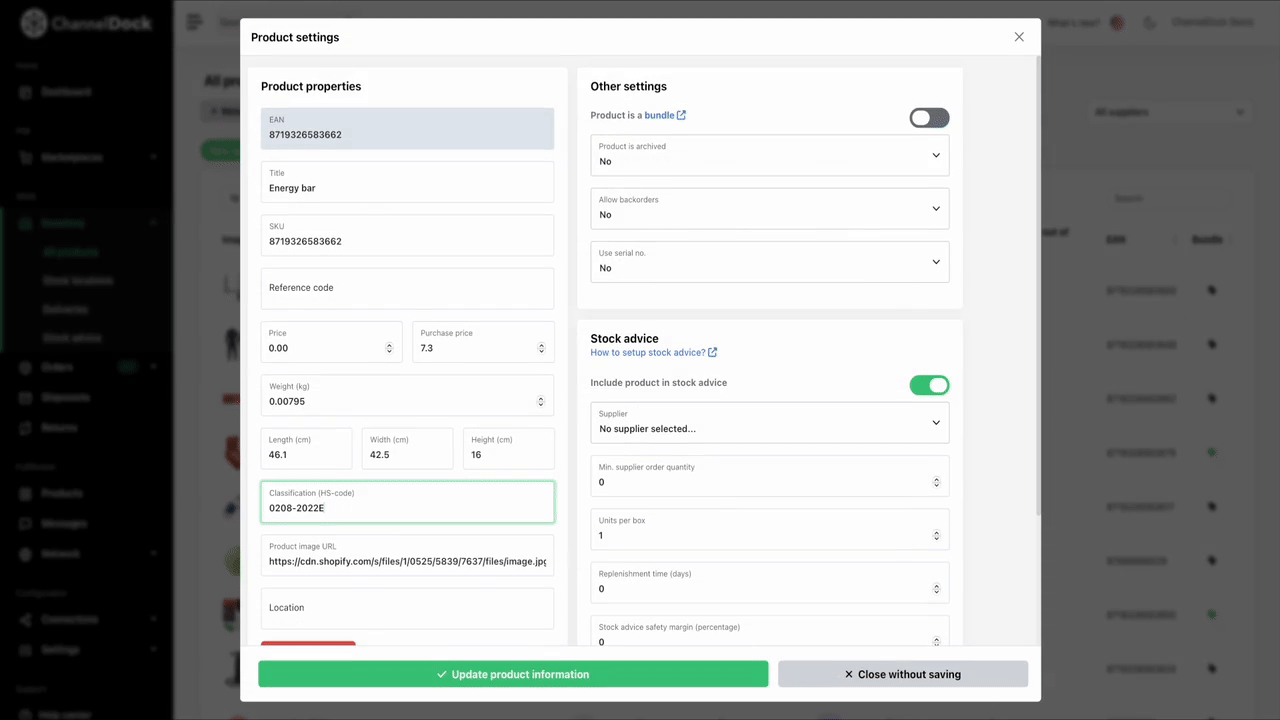
点击 Edit settings,添加编码,然后点击 Update product information 保存。
通过 Excel 批量更新
您也可以通过 Excel 批量完成。关于如何通过 Excel 更新产品信息的更多说明见此处。
Was this helpful?