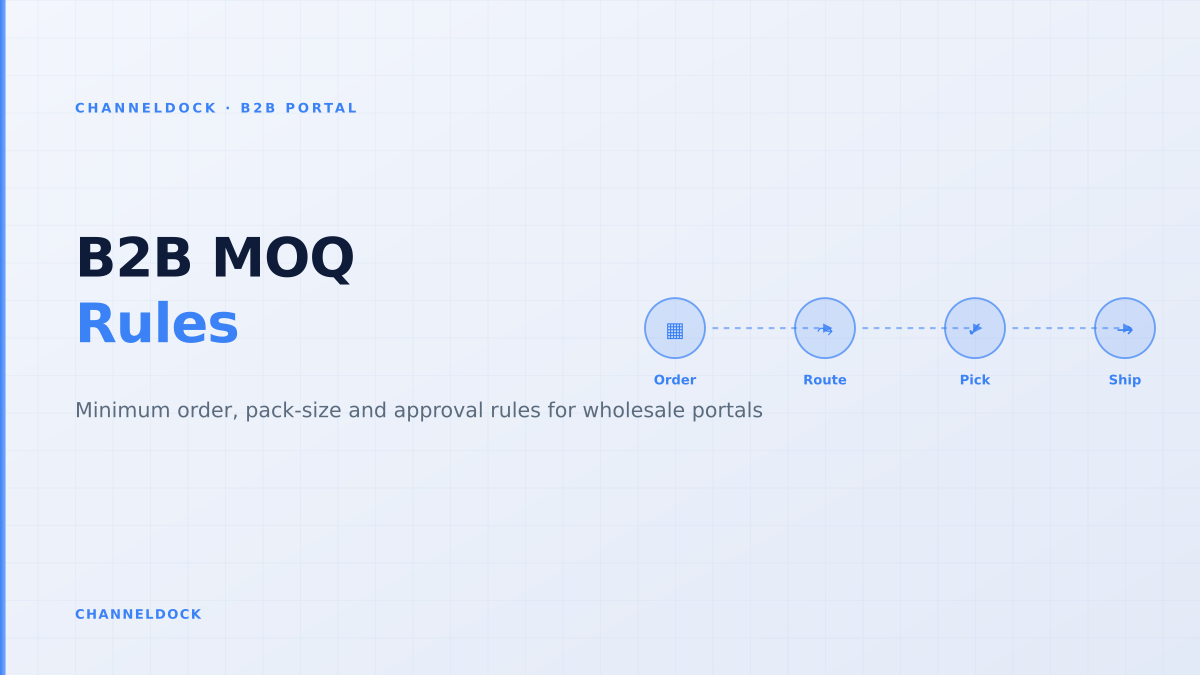
B2B Minimum Order Quantity: Portal Rules That Protect Margin
In August 2026, the most practical B2B ecommerce question is not whether wholesale buyers want to order online. They already do. The sharper question is whether the portal can stop a bad wholesale order before it reaches the warehouse: the 3-unit order for a product packed in cases of 12, the first-time dealer order below the onboarding minimum, or the negotiated-price order that ignores a customer-specific carton rule.
Search results for B2B minimum order quantity usually explain what MOQ means. That is useful, but incomplete. A wholesale seller does not need another definition. The seller needs an operating model: which minimums live on the SKU, which live on the customer, which live on the cart, and when an exception should become an approval instead of a checkout error.
That is where a warehouse-connected B2B sales portal matters. Minimum order quantity rules should not be decorative ecommerce settings. They should connect to price lists, pack sizes, stock availability, buyer roles, credit terms and the order queue that your warehouse actually fulfils.
The real MOQ problem is not the minimum — it is the exception
Most platforms can express a simple rule such as “minimum 10 units”. Shopify’s B2B quantity rules, for example, support minimum, maximum and increment quantities on product variants, while its checkout validation functions can enforce B2B location order minimums, maximums or credit limits. SparkLayer documents product-level minimum and maximum quantities through metafields, plus pack-size and customer-specific quantity rules. OrderEase and Orderwerks position order minimums, pack sizes and approval workflows as core B2B portal features.
The common gap is what happens when the buyer is real, the order is valuable, but one rule is slightly off. A new dealer might order €480 against a €500 first-order minimum. A franchise location might need 10 units now, even though the product normally ships in 12. A key account might have a contract that allows mixed cartons across related SKUs. If the portal only says “no”, the buyer emails sales. If the portal says “yes” without control, operations pays the cost.
A B2B portal should not treat every MOQ miss as a lost order. High-value exceptions should become approval tasks with the margin, stock and pack-size impact visible before anyone clicks approve.
Four layers of minimum order logic
A good wholesale portal separates minimum order logic into four layers. Keeping these layers separate prevents a rule intended for one customer group from breaking every buyer journey.
- Product-level MOQ: the fewest units a buyer may purchase for one SKU or variant.
- Pack-size increment: the multiple a buyer must follow, such as 6, 12, 24 or one pallet layer.
- Customer or company minimum: the first-order or repeat-order value required for a specific dealer, distributor, franchise or location.
- Cart-level operating rule: the final check that validates order value, credit limit, shipping method, restricted items and approval status before the order is released.
This distinction is why B2B minimum order quantity is not just a storefront problem. It touches order management, warehouse picking, stock reservation, credit control and customer service at the same time.
One flat MOQ rule
- Easy to configure but hard to explain to buyers
- Breaks on case packs, mixed cartons and contract exceptions
- Pushes edge cases back to email and spreadsheets
Layered B2B portal rulesRecommended
- Separates SKU minimums from customer order minimums
- Routes exceptions to approval instead of losing the order
- Feeds clean, fulfilment-ready orders into the warehouse queue
A practical MOQ rule model for wholesale sellers
The cleanest setup starts with a rule matrix, not with checkout configuration. Build the model in plain language first, then configure the portal. This reduces accidental conflicts between price lists, pack sizes and customer groups.
- 1Define the sellable unitDecide whether each SKU is sold as single units, inner packs, cases, layers or pallets. The portal should show this before the buyer reaches the cart.
- 2Set the SKU minimum and incrementFor each wholesale SKU, define both the minimum quantity and the purchase multiple. A minimum of 12 with an increment of 12 is different from a minimum of 12 with an increment of 1.
- 3Add customer-level order minimumsSeparate first-order minimums from repeat-order minimums, and store them against the company or location rather than hardcoding them into every product.
- 4Connect price breaks to the same quantity logicVolume prices should never encourage a quantity the warehouse cannot pick or pack. Price breaks need to respect the increment and the minimum.
- 5Choose block, warn or approveHard-block impossible orders, warn on margin-risk orders, and route commercial exceptions to an approval queue with context.
- 6Release only fulfilment-ready ordersOnce approved, the order should enter the same operational queue as webshop, marketplace and manual orders, with stock reserved and pick/pack instructions intact.
Where generic ecommerce setups usually fail
Generic ecommerce setups often treat B2B minimums as a checkout validation problem. That is too late. By the time a buyer reaches checkout, they have already built a basket, expected a price and planned a delivery. If the portal then discovers that the basket violates a rule, the experience feels broken even when the rule is commercially correct.
The better experience is progressive validation. The buyer sees pack sizes on the product page, receives a cart warning before checkout, and only hits a hard stop when the order is impossible to fulfil or commercially outside policy. Shopify’s own guidance says that when product minimums are configured, the storefront should display them so buyers know what quantity they need to add. That principle applies across every B2B platform.
The approval workflow is part of the MOQ design
Approval workflows are not only for large purchase orders. They are also the safety valve for minimum order rules. A buyer below the minimum may still be worth accepting if the order contains high-margin items, fills a backorder, or belongs to a strategic account. A buyer above the minimum may still require approval if the order exceeds a credit limit, reserves scarce stock or changes the delivery promise for a marketplace channel.
In ChannelDock terms, the portal should not be isolated from operations. The same B2B order may need customer-specific pricing, purchase-order reference, stock reservation, pick & pack instructions, shipping rules and invoicing data. A rule engine that cannot see those fields will either block too much or approve too much.
The best B2B portal does not remove human judgement; it reserves human judgement for the exceptions that are actually worth reviewing.
What ranking content misses
Most MOQ articles are written from the supplier or ecommerce-platform perspective. They explain cost control, price breaks and basic threshold settings. Few connect the topic to warehouse execution. That gap matters because a wholesale order only creates profit when it can be picked, packed, shipped and invoiced without manual repair.
A stronger B2B portal article should answer operational questions that sales, finance and warehouse teams ask together:
- Does the minimum apply to each variant, the parent product, the mixed case, the customer, or the total basket?
- Can the buyer combine SKUs to meet a minimum, or must each SKU meet its own rule?
- Should first orders, repeat orders and key-account orders use different thresholds?
- What happens to stock reservation while an exception waits for approval?
- How does the warehouse know whether to pick singles, inner packs, full cases or pallets?
If your MOQ rule cannot be explained on the pick list, it is probably not operational enough. The buyer-facing portal and the warehouse-facing workflow need to describe the same pack logic.
A ChannelDock-style rule blueprint
For a wholesale seller using ChannelDock, the goal is not to recreate a standalone B2B webshop next to the operation. The goal is to let customers order themselves while ChannelDock keeps the order operationally usable. That means the portal needs to talk to the same inventory, order and fulfilment logic used by marketplaces, webshops, POS and manual entries.
A practical blueprint looks like this:
- Customer catalog: show only the products, prices and payment terms the buyer is allowed to use.
- Quantity rule: enforce SKU minimums, case packs and increments before checkout.
- Order rule: validate total order value, first-order minimum, repeat-order minimum and credit limit.
- Exception route: send commercially interesting misses to approval with margin, stock and pack-size context.
- Warehouse release: once approved, reserve stock and push the order into the standard pick & pack workflow.
- Minimum order quantity is a margin-control tool only if it is connected to pack sizes, price breaks and fulfilment execution.
- Cart-level minimum order value and SKU-level minimum order quantity solve different problems; do not collapse them into one rule.
- The best portal experience validates early, explains the rule clearly and routes valuable exceptions to approval.
- A warehouse-connected portal turns clean B2B orders into pickable, shippable orders instead of creating another inbox for customer service.
FAQ: B2B minimum order quantity portals
What is B2B minimum order quantity?
Is minimum order quantity the same as minimum order value?
Should a B2B portal block every order below the minimum?
Can B2B buyers have different MOQ rules?
How does MOQ connect to warehouse operations?
Conclusion
B2B minimum order quantity is not a small checkout setting. It is a control layer between sales promise and warehouse reality. The right portal protects margin, explains rules to buyers, supports customer-specific exceptions and releases orders that operations can actually fulfil.
For wholesalers, distributors and brands, the next step is simple: map your MOQ rules against the physical order flow. If a rule changes how a box, case or pallet is picked, it belongs in the same connected system that manages orders, inventory and fulfilment — not in a disconnected storefront script.