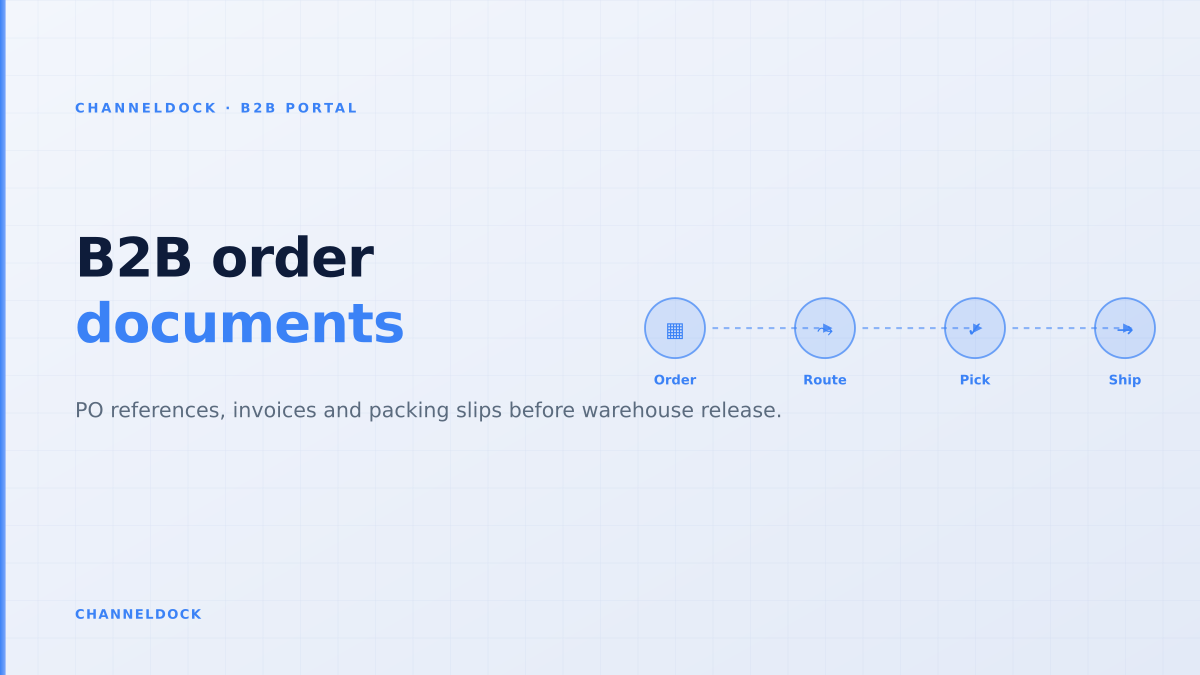
B2B Order Documents: Portal Rules Before Warehouse Release
In 2026, the weak point in many wholesale portals is no longer the catalog. Buyers can log in, see their price list and submit a cart. The failure usually happens one step later: the purchase order reference lives in a note, the invoice is generated from a different system, the packing slip misses the buyer’s required field, and the warehouse starts picking before finance has a clean document trail.
That is why B2B order documents need to be designed as a release system, not as admin output. A wholesale order should only become pickable when the buyer’s PO, invoice details, stock reservation, pack sizes and warehouse instructions all describe the same order.
Why B2B order documents are an operational control
Most ranking B2B portal content talks about self-service ordering, customer-specific pricing and buyer roles. Those are important, but they do not fully answer the warehouse question: “Can we safely ship this order now?” For that, the order documents must prove that the commercial agreement, buyer approval and fulfillment plan are aligned.
Wholesale buyers often have stricter document expectations than direct-to-consumer shoppers. They may require a PO number on every invoice, a legal entity per branch, net payment terms, VAT details, delivery-location references, pallet or carton information, and a packing slip that matches their receiving process. If one field is missing, the order may still ship, but payment and receiving become harder.
The common mistake is treating an invoice as an accounting afterthought. In B2B operations, the invoice, packing slip and purchase order reference are operational controls: if they are wrong, buyers reject deliveries, warehouses pause orders and finance chases corrections after shipment.
The document chain that should exist before picking
A strong B2B portal connects five layers: buyer identity, commercial terms, order approval, document generation and warehouse release. Each layer removes a class of errors before stock leaves the building.
The goal is not to slow buyers down. It is to let trusted customers order quickly while giving sales, finance and warehouse teams a shared version of truth. A buyer can self-serve through the ChannelDock B2B Portal, but the order should still pass the same operational logic as any other high-value shipment.
A five-step release workflow for clean B2B documents
Use this workflow when moving wholesale orders out of email, spreadsheets or draft orders and into a portal-led process.
- 1Capture the buyer identity at portal loginStart with the company account, location, VAT number, invoice address, delivery address and user role. A buyer should not type these fields into a comment box on every order; the B2B portal should inherit them from the account profile and make exceptions visible.
- 2Require the purchase order reference before approvalFor repeat wholesale buyers, the PO number is often the anchor used by procurement and accounts payable. Make it a structured field, validate length or format where possible, and show it on the order confirmation, invoice and packing slip.
- 3Freeze the commercial version that was approvedOnce a buyer or account manager approves the order, lock the price list, discount, MOQ rule, pack-size conversion and tax basis used for that approval. If stock or pricing changes later, route the order back to review instead of silently changing the documents.
- 4Generate warehouse documents from the same order recordPacking slips, pick lists and shipment documents should pull from the approved order, not from a separate spreadsheet. This is where ChannelDock connects the B2B Portal to order handling so the warehouse sees the exact quantities and references accepted by the buyer.
- 5Release to picking only after document checks passThe final gate should compare PO reference, invoice address, delivery address, VAT fields, stock reservation and line quantities. Only then should the order enter the operational queue in ChannelDock order management.
Where competitors often stop too early
BigCommerce, OroCommerce, App4Sales, Orderwerks and other B2B platforms all highlight buyer portals, invoice access, account permissions and order histories. Those features are useful. The gap for operational ecommerce sellers is that portal content often treats the warehouse as a downstream destination instead of a gate that must validate the order before stock moves.
That matters for multichannel sellers that also sell on Shopify, bol.com, Amazon, Zalando or via sales reps. If the same SKU is promised to a wholesale buyer and still available on marketplaces, the invoice may look clean while the stock position is already risky. Document automation has to connect with inventory visibility, not only with checkout.
Email-driven document flow
Portal-driven document flow
What forum discussions reveal about the real pain
Seller forums show the operational edge cases that generic B2B portal guides skip. Shopify merchants ask how to add customer PO numbers to invoices, how to handle custom B2B packing slips, and how to stop draft-order invoices from creating confidence before inventory is truly reserved. These are not cosmetic problems; they are control problems.
Shopify Community threads around B2B draft orders repeatedly surface the same pain: an invoice or draft order can exist before stock is reliably committed. For wholesale teams, that gap matters because the buyer treats the document as a promise while the warehouse may still see unreserved inventory.
For a wholesale customer, an invoice is often interpreted as commitment. For the warehouse, commitment should mean the stock is reserved, the quantities are pickable, the delivery address is valid and any order hold has been cleared. If those definitions differ between tools, the portal creates speed without control.
The fields every wholesale order should validate
A practical B2B document gate starts with a checklist. Not every seller needs every field, but every seller needs to decide which fields are mandatory before the order can be released.
Buyer and finance fields
- Company account, buyer role and delivery location
- Purchase order number or internal buyer reference
- Invoice address, VAT number and payment terms
- Credit-limit or account-approval status
Warehouse and fulfillment fields
- Reserved stock by SKU and warehouse
- Pack size, MOQ and carton or pallet instructions
- Carrier, delivery date and shipment routing rules
- Packing slip notes visible to receiving teams
This checklist is especially important when B2B and B2C operations share the same stock pool. A wholesale order may be larger, have negotiated pricing and require approval, but the warehouse still needs the same discipline: exact SKUs, correct quantities, reliable locations and a clear pick-pack flow. That is why document gating belongs next to order and inventory operations, not in a detached PDF tool.
Conclusion
The best B2B portals do more than collect orders. They turn buyer intent into a controlled operational record that finance can invoice, sales can approve and the warehouse can ship without re-keying. If your portal creates documents after the warehouse has already started, you are using paperwork as a receipt. If it creates validated documents before release, you are using them as a control system.
- Treat PO numbers, VAT fields and invoice addresses as structured data, not free-text notes.
- Do not release B2B orders to pick until the approved commercial version and stock reservation are aligned.
- Use portal rules to separate buyer self-service from warehouse release; self-service does not mean uncontrolled shipping.
- Connect document generation to inventory and order management so finance, sales and warehouse teams work from the same order record.