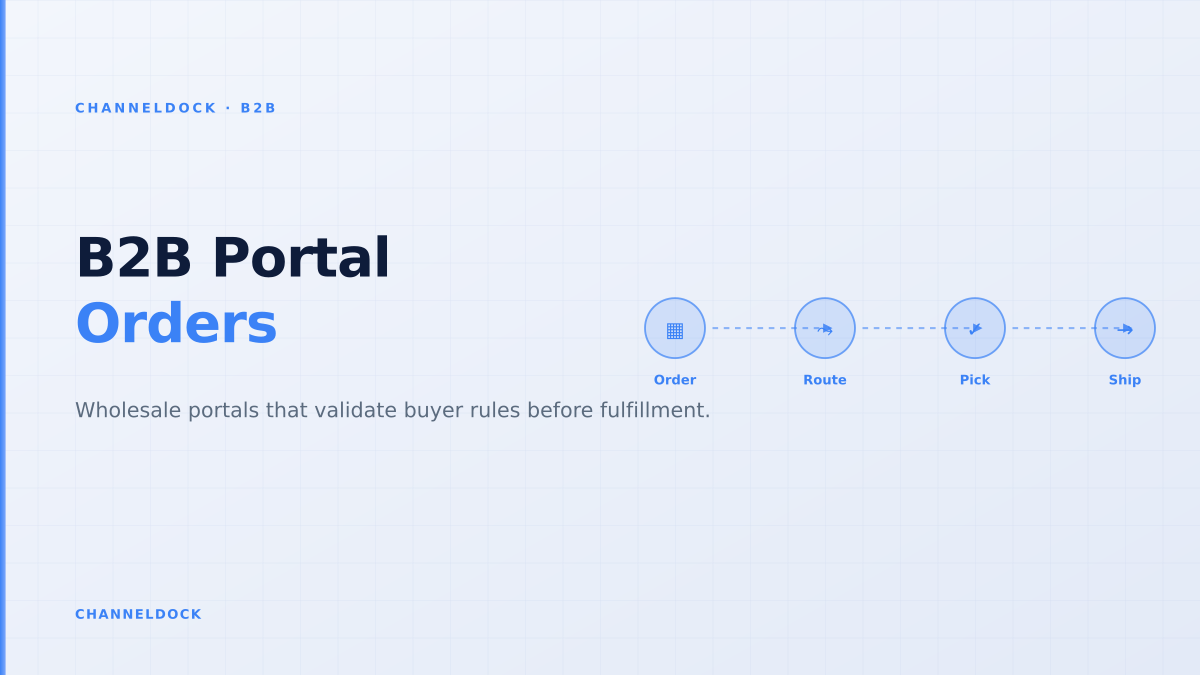
B2B Portal for Manufacturers: Stop Wholesale Order Drift
In 2026, the strongest B2B ecommerce signal is not that buyers want another online catalog. It is that many business buyers are prepared to place high-value repeat orders without speaking to a sales rep, as long as pricing, availability and delivery promises are trustworthy. Market summaries citing McKinsey put the share of B2B buyers willing to spend $50,000 or more through digital self-service at 67%.
That is good news for manufacturers, wholesalers and distributors, but only if the portal is connected to the operational reality behind the promise. A B2B portal for manufacturers cannot be judged by homepage design alone. It has to control who can buy, what they can see, what price applies, whether the stock can be promised, which orders need approval, and how the warehouse receives the order.
Competitor pages from BigCommerce, OroCommerce, Orderwise and OrderEase all agree on the broad feature list: account pricing, buyer portals, purchase orders, net terms, approval controls, ERP sync and repeat ordering. What they often underplay is the warehouse-first question: what happens between a buyer clicking submit and the first picker scanning the order?
Why manufacturers outgrow email-based wholesale ordering
Email works when ten trusted customers send predictable monthly orders. It starts to crack when dealers want different product lists, sales reps override price lists, backorders need explanation, and customer service has to answer the same “where is my order?” question every morning. Shopify Community threads show the same pressure from smaller merchants: customer-specific product lists, approved-buyer access, VAT handling, PDF invoices and wholesale pricing are still hard to bolt onto a standard B2C setup without expensive plans or app stacks.
For manufacturers, the stakes are higher because the order is rarely just a cart. It can include a contract price, a purchase order number, a net-30 term, a minimum order quantity, a pallet multiple, an approval threshold, a delivery location, and a warehouse allocation decision. If those rules are checked manually after checkout, the portal simply moves the error from the inbox to the operations team.
The five promises a B2B portal must keep
A portal becomes useful when it keeps five operational promises before the customer submits an order. First, the buyer sees only the catalog they are allowed to buy. Second, the price is the contract price, not a public list price that finance has to correct later. Third, availability reflects current inventory or a clear backorder rule. Fourth, approval logic catches risky orders before fulfillment. Fifth, the accepted order lands in a workflow your warehouse can execute.
A B2B portal fails when it behaves like a brochure with a cart. Manufacturers need the portal to validate price lists, MOQ, available stock, approval status and warehouse routing before the order lands in operations.
This is where ChannelDock’s operational fit matters. The B2B Portal gives wholesale customers a branded ordering path, while the broader order management workflow keeps portal orders aligned with other sales channels. Manufacturers that already sell through marketplaces, webshops, POS or manual sales entries need one queue for fulfillment, not a separate B2B island.
Catalog-first versus warehouse-first portal design
Most search results for “B2B ecommerce portal” describe front-end capabilities: buyer accounts, custom catalogs, quote workflows, saved lists and payment terms. Those matter. But a manufacturer choosing software should also ask how the system prevents operational drift: orders accepted with unavailable stock, wrong pack sizes, expired pricing agreements, blocked credit accounts or missing delivery instructions.
Catalog-first portal
- Customer sees products and submits a cart
- Sales or customer service fixes exceptions later
- Stock, credit and warehouse checks happen after the promise
- Works for simple repeat orders, breaks on constrained inventory
Warehouse-first B2B portalRecommended
- Customer sees only allowed products, prices and pack sizes
- Portal validates MOQ, credit, backorder and approval rules
- Orders enter the same queue as ecommerce and marketplace orders
- Warehouse teams pick against real availability, not yesterday's spreadsheet
A practical launch sequence for manufacturers
The safest implementation starts with control points, not every possible feature. You do not need a perfect portal on day one. You need a portal that prevents bad orders from reaching the warehouse and makes repeat orders easier for the accounts that already buy from you.
- 1Map buyer accounts before productsStart with customer groups, authorised buyers, delivery locations, payment terms and credit limits. The catalog should inherit these rules instead of using one generic price list.
- 2Publish only the products each account may buyUse customer-specific catalogs for contract SKUs, private-label items, regional assortment limits and distributor-only packs.
- 3Connect stock availability to order promisesShow stock status from the operational source of truth. If exact quantities are sensitive, show bands such as available, limited, backorder or request approval.
- 4Validate MOQ, pack size and price before checkoutB2B buyers order by case, pallet, inner pack or contract lot. Rejecting these rules after checkout creates support tickets and rework.
- 5Route approved orders into fulfillment automaticallyOnce the order passes approval, send it to the same order workflow that handles webshops, marketplaces, POS and manual entries.
For manufacturers running mixed channels, the B2B portal should also be tested against the same fulfillment rules as Amazon, bol.com, Shopify, WooCommerce, POS and manual sales orders. That means stock reservations, picking priority, shipping cut-offs and documentation should be visible in one operational flow. The ChannelDock integrations layer is important here because B2B orders rarely live alone; they compete with marketplace and webshop demand for the same stock.
What current ranking content misses
The current ranking pages are useful for platform selection, but many are written from the perspective of the ecommerce front end or ERP suite. They explain that customer-specific pricing, purchase orders and self-service matter. Fewer pages explain the failure mode after launch: the buyer adopts the portal, but sales and operations still correct orders manually because the portal does not enforce the same rules the business uses offline.
That gap is where manufacturers should build their evaluation checklist. Do not ask only whether a portal supports custom pricing. Ask where the pricing source lives, how often it syncs, who can override it, whether the override is audited, and whether the resulting order still passes warehouse checks before allocation.
The strongest B2B portal metric is not just portal adoption. Track how many orders arrive ready to pick without price correction, SKU substitution, MOQ changes, delivery-date renegotiation or customer-service follow-up.
The operational checklist before selecting software
Before buying or building a B2B portal, manufacturers should run a sample of recent wholesale orders through a rule audit. Pick twenty orders: five clean reorders, five orders with custom pricing, five constrained-stock orders and five orders that required sales or finance approval. If the proposed portal cannot explain exactly how each order would move from buyer login to warehouse release, the implementation risk is still high.
- Account rules: buyer roles, allowed delivery addresses, payment terms and credit limits.
- Catalog rules: private SKUs, distributor-only products, regional assortment and replacement items.
- Pricing rules: contract price, volume tiers, currency, tax handling, discounts and expiry date.
- Inventory rules: available-to-sell logic, reservations, backorder status and multi-warehouse routing.
- Fulfillment rules: approval state, pick priority, carrier selection, documents and invoice handoff.
The best B2B portal is not the one with the most storefront features. It is the one that turns a wholesale buyer’s intent into a warehouse-ready order with the fewest exceptions.
How to score success after launch
Portal adoption is a useful starting metric, but it is not enough. A manufacturer can have strong login numbers and still drown in operational exceptions. Better KPIs connect the portal to order quality: share of portal orders released without correction, average time from submit to pick-ready, number of customer-service touches per order, percentage of repeat orders placed from history, and the share of orders held by approval rule rather than discovered manually.
ChannelDock’s advantage for this use case is the connection between B2B ordering and operational execution. The portal is not a detached microsite; it is another controlled source of orders that can flow into inventory, fulfillment and shipping decisions alongside your other channels. Manufacturers can also connect the flow to inventory management and fulfillment workflows when warehouse execution becomes the bottleneck.
- Prioritise order validation over storefront design; buyers forgive a simple interface faster than an unreliable promise.
- Customer-specific catalogs are a revenue-protection feature, not just a merchandising feature.
- The portal should reduce operational exceptions for sales, customer service and warehouse teams at the same time.
- If stock, pricing and approval logic live outside the portal, the buyer still depends on email and phone calls.
FAQ
What is a B2B portal for manufacturers?
How is a manufacturer B2B portal different from a normal ecommerce store?
Should a B2B portal show exact warehouse stock?
Which internal teams benefit from a B2B sales portal?
What should manufacturers check before launching a B2B portal?
Conclusion
A B2B portal for manufacturers should do more than help buyers place orders online. It should protect margins, reduce routine service questions, apply account rules consistently and give the warehouse cleaner work. The practical goal is simple: fewer orders drifting between buyer, sales, finance and fulfillment before anyone can ship.
If your wholesale buyers already reorder by email, spreadsheet or phone, start by mapping the exceptions that slow those orders down. Then build the portal around those controls first. A clean, warehouse-first B2B portal will feel less like “another ecommerce project” and more like a better operating system for wholesale growth.