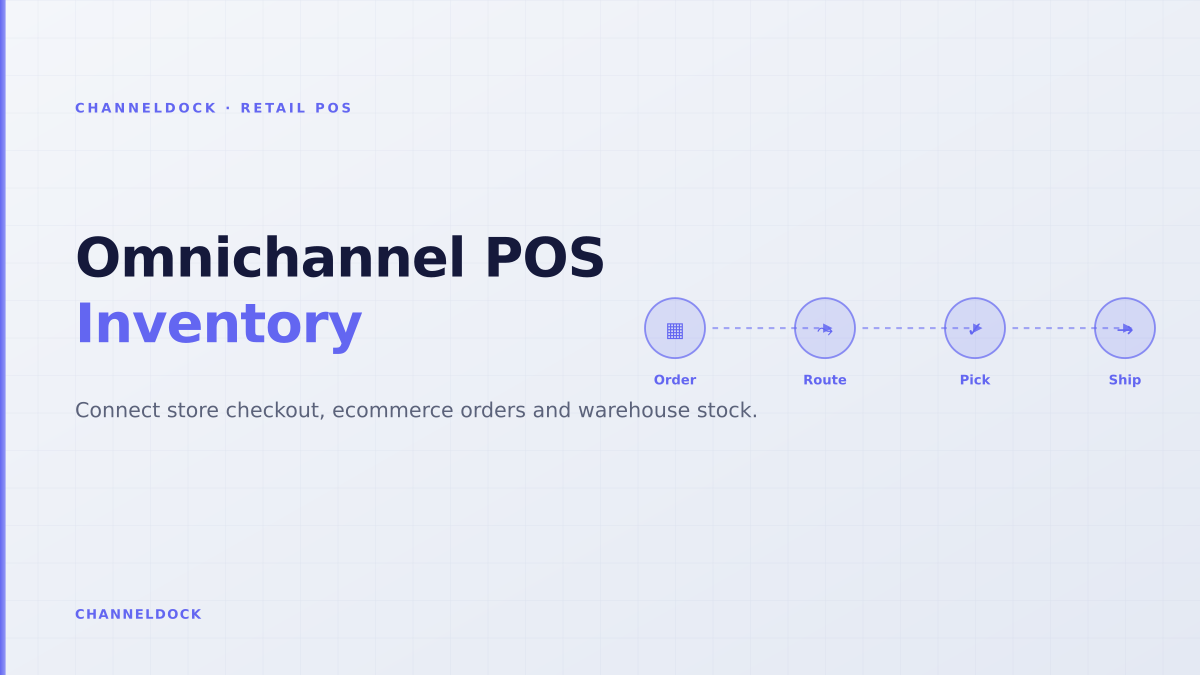
Omnichannel POS Solution for Retail: The Inventory Test
In 2026, the search term omnichannel POS solution for retail is no longer just about taking payments in a store. Shopify's 2026 omnichannel POS guide cites an 8.9% gross merchandise value lift for retailers using omnichannel POS, while forum threads still show merchants losing weeks to inventory that refuses to sync between POS and online storefronts.
That gap is the real buying decision. A store checkout can look modern, but if the last unit is sold at the counter while a webshop cart, marketplace order and B2B reorder are competing for the same SKU, the retailer does not have omnichannel operations. It has a fast cash register attached to a fragile stock model.
For ChannelDock's audience — retailers and brands selling through physical stores, webshops, marketplaces and sometimes fulfillment centers — the practical test is simple: can the POS feed the same inventory, order and fulfillment layer as every other channel? If not, the POS becomes another silo.
Why the ranking POS articles still miss the operational layer
Most competitor pages explain the same feature list: real-time inventory, customer profiles, BOPIS, BORIS, gift cards, reports and staff permissions. Shopify frames the POS as part of unified commerce. Lightspeed describes the POS as a central nervous system for retail fulfillment. Square positions retail POS as a connected checkout, back office and online store system.
Those are useful definitions, but they usually stop before the messy part: what happens when operations collide. A retailer does not fail because the POS lacks a product grid. It fails because the inventory number is technically updated but operationally untrusted.
The hardest POS question is not whether store stock updates online. It is whether your team can still trust the number after a web order, marketplace order, store sale, return, transfer and warehouse adjustment happen in the same hour.
The Shopify Community discussion on POS and online stores feeling like two separate businesses makes the distinction clear: merchants talk less about sync speed alone and more about inventory confidence across store locations, duplicate products, fulfillment rules, receiving, transfers and allocation. The Square developer forum case is more severe: a two-store merchant reportedly spent more than three weeks waiting for inventory between Square POS and Square Online to sync, with the website at risk before holiday season.
The five inventory promises an omnichannel POS must keep
An omnichannel POS solution should be judged by the promises it can safely make to staff and customers. The first promise is availability: if the website says two units are available for pickup, the store team should find those two units. The second is allocation: if the same SKU sells on Amazon, bol.com, Shopify and in store, the system decides which order owns which unit.
- 1Map every inventory source before choosing softwareList store shelves, backroom stock, warehouse stock, consignment stock, marketplace buffers and B2B reservations. If a tool cannot model these locations, it will hide risk behind one blended number.
- 2Test the last-unit scenarioSell the final SKU in store while a webshop cart and a marketplace order are active. A real omnichannel POS solution should reserve, decrement and release stock predictably.
- 3Route orders by operational rules, not channel labelsA webshop order might ship from store, warehouse or a 3PL. Routing should look at available stock, cutoff time, carrier promise and picking capacity.
- 4Make BORIS and exchanges inventory-safeBuy online, return in store should not create mystery stock. Returned items need a condition, location and resale decision before they reappear online.
- 5Give staff an exception queueWhen a barcode is missing, a transfer is late or a channel rejects a stock update, staff need one place to fix it before customers see the mistake.
The third promise is reversibility. Returns, exchanges and cancelled pickups should not require a manager to manually adjust stock in three systems. The fourth is traceability: staff should see whether a stock count changed because of a sale, transfer, damaged return, warehouse correction or marketplace reservation. The fifth is recovery: when an API call fails or a product mapping breaks, the team should know before a customer does.
POS-first versus operations-first: the difference retailers feel
A POS-first rollout starts with the register. It asks which terminal looks good, which payment provider is supported and how fast store staff can check out. Those questions matter, but they are not enough for multichannel retailers. Once the retailer adds marketplaces, a warehouse, click-and-collect and buy-online-return-in-store, checkout becomes only one event in a bigger order lifecycle.
POS-first setup
- Great checkout experience in the store
- Inventory often starts at the cash register
- Marketplaces and warehouse logic get added later
- Exceptions are handled by staff notes or spreadsheets
Operations-first omnichannel POSRecommended
- POS, webshop, marketplaces and B2B share one order inbox
- Stock reservations protect the last units before checkout
- Returns and transfers feed the same inventory truth
- Warehouse teams see what store teams promise
An operations-first rollout starts from the stock ledger. It asks where stock lives, who can promise it, how long a reservation lasts, what happens when pickup expires, whether marketplaces need buffers, and how warehouse teams see store-originated orders. This is why ChannelDock's integrations layer, inventory overview and POS feature page at POS system matter together: the value is not another checkout screen, but one operational truth.
How to evaluate POS ecommerce integration before signing
Before choosing between Shopify POS, Lightspeed, Square, Vend-style systems or a connector-based setup, run a live workflow test rather than a feature checklist. Create five products: a normal SKU, a variant-heavy SKU, a low-stock SKU, a bundle-like SKU and a product sold on a marketplace with a stock buffer. Then execute store sale, webshop order, marketplace order, return, transfer and warehouse correction in one afternoon.
A true omnichannel POS solution is not the one that syncs a happy-path stock change. It is the one that keeps the stock promise correct when every channel changes the same SKU at once.
Score the test on four questions. Did the POS and ecommerce layer agree within the promised window? Did the marketplace receive the right available-to-sell quantity after buffers? Did store staff see whether an online order had already reserved the last unit? Did the warehouse see a pickable order without retyping anything?
Where ChannelDock fits for physical-plus-online retailers
ChannelDock is not trying to replace every payment terminal. The stronger position is operational: connect POS terminals, marketplaces, webshops, B2B orders and manual entries into a single inbox, then let inventory and fulfillment rules decide what can be promised. That keeps the retail store from becoming a separate business inside the business.
For a seller that uses Shopify, WooCommerce, bol.com, Amazon, Zalando or OTTO alongside a physical store, the practical path is to treat POS as another order source. Store sales decrement shared stock. Online orders can route to the warehouse or store. Returns can come back through the counter and still update inventory status. Marketplace buffers protect against overselling. Warehouse workflows remain visible through order management and pick-pack execution.
- Choose an omnichannel POS solution by testing inventory confidence, not by comparing checkout screens.
- Treat the POS as one node in the operation: webshop, marketplaces, warehouse, B2B and returns all need the same stock truth.
- A low-friction store checkout is only safe when stock reservations, order routing and return workflows are connected behind it.
- For ChannelDock customers, POS works best when it feeds the same inventory and order layer already used for marketplaces and fulfillment.
FAQ
What is an omnichannel POS solution for retail?
Is real-time inventory sync enough for omnichannel retail?
How should POS and ecommerce inventory be connected?
What is the biggest POS ecommerce integration mistake?
Where does ChannelDock fit in an omnichannel POS stack?
Conclusion
The best omnichannel POS solution for retail is not simply the tool with the cleanest checkout interface. It is the setup that keeps inventory, orders, returns and warehouse execution aligned when store and online demand overlap. Retailers should test last-unit reservations, order routing, BORIS, transfers and failed sync recovery before they compare dashboards.
If physical retail is now part of a multichannel operation, the POS should feed the same operational layer as ecommerce and marketplaces. That is where ChannelDock gives store teams, warehouse teams and online teams one shared view of what can actually be sold, picked, returned and promised.