B2B Payment Terms: Stop Risky Wholesale Orders Before Picking
In August 2026, the clearest B2B ecommerce gap is no longer “can a buyer place an order online?” It is whether the portal knows when a wholesale order is financially safe to release. Search results around Shopify B2B, BigCommerce B2B Edition, OroCommerce and wholesale apps all circle the same issue: Net 30 and Net 60 are easy to display, but credit exposure, overdue invoices, PO matching and warehouse release are still where operations break.
For wholesalers, distributors and brands selling to dealers, this is not a finance-only problem. A risky order consumes available stock, interrupts pick planning, triggers calls from sales, and can disappoint a buyer who thought the order was already confirmed. The operational question is simple: should this B2B order enter the pick queue now, wait for approval, or require a different payment path?
Why payment terms are an operations problem
Net terms are often described as a checkout option, but in wholesale they behave like a release rule. A consumer order is normally paid before fulfillment. A B2B order may be accepted with a PO number, an invoice promise, a deposit, or a due date 30 to 90 days later. That means the order can look valid to the buyer while still being unsafe for the warehouse.
The strongest competitor content explains payment terms, credit limits and checkout configuration. What it often misses is the physical sequence after checkout: stock reservation, batch planning, packing documents, carrier choice, pallet or parcel shipment, and invoice follow-up. That is where a B2B sales portal has to connect with order management instead of acting like a separate storefront.
The four gates before a wholesale order should be picked
A practical B2B portal should ask four questions before releasing work to the warehouse. First, is the buyer allowed to use the requested term? Second, does the new order fit inside the credit limit once open invoices and unshipped orders are included? Third, are the documents complete enough for the buyer’s accounts payable process? Fourth, is the order operationally ready: stock available, MOQ respected and delivery route clear?
A B2B portal that accepts every Net 30 order is not self-service; it is deferred manual work. The buyer thinks the order is confirmed, sales has to explain the hold later, and the warehouse may reserve stock for an order finance would never release.
When those gates run after the order has already reached the picker, everyone loses time. Sales chases finance, finance checks ledgers, the warehouse wonders whether to hold stock, and the buyer receives a vague delay. The better model is a visible order status: pending finance approval, awaiting PO, over credit limit, deposit required, released for fulfillment, or blocked for overdue invoices.
Payment terms versus credit limits
The most common confusion in B2B ecommerce is treating terms and limits as the same control. They are different. Payment terms answer when the buyer must pay. A credit limit answers how much exposure the seller is willing to carry. A buyer with Net 30 terms can still be blocked if the account already has unpaid invoices or the new basket would push exposure above the approved threshold.
That distinction matters for ecommerce teams that also sell through marketplaces, retail or direct-to-consumer channels. Inventory is shared. If a dealer order on Net 60 reserves the last 80 units of a product while an Amazon or bol.com campaign is live, the cost of a finance hold becomes a stock allocation problem. The finance rule needs to speak to order processing, stock availability and fulfillment release at the same time.
Terms as checkout text
- Net 30 appears as a payment option
- Credit limit lives in ERP or spreadsheets
- Overdue invoices are found after the order arrives
- Warehouse sees a normal order until someone intervenes
Terms as operational rulesRecommended
- Buyer eligibility is checked before submit
- PO, account, credit and stock rules travel with the order
- Exceptions are held outside the pick queue
- Finance can release, change terms or request prepayment
What buyers should see before they submit
Self-service should not hide constraints. It should make them clear early enough for the buyer to fix the order themselves. A logged-in dealer or wholesale customer should see their eligible payment methods, whether a PO number is mandatory, whether minimum order quantities apply, and whether an account issue will prevent immediate release.
This is especially important for multi-location buyers. One head office may be approved for Net 60, while a new branch is still on prepayment. One buyer contact may place orders, while another can approve over-threshold baskets. If the portal only stores a single customer tag, those differences collapse into manual review. If it stores buyer role, company location, term eligibility and account status, the order can route correctly from the beginning.
- 1Define the account status that unlocks termsTreat Net 15, Net 30 or Net 60 as a privilege attached to a buyer account, location or dealer group, not as a universal checkout method.
- 2Calculate exposure before the order is acceptedAvailable credit should compare the new basket with open invoices, unshipped orders and any temporary account hold.
- 3Separate confirmation from releaseA portal can acknowledge the order while still holding it for finance approval, PO correction, deposit request or stock allocation.
- 4Show the reason to sales and the buyerA clear “over limit”, “overdue invoice”, “PO missing” or “prepayment required” status prevents the trust damage of a surprise phone call two days later.
- 5Release only warehouse-ready workOnce the finance gate clears, route the order into the same operational queue as ecommerce orders so pick, pack, labels and documents follow one standard process.
The warehouse release model
The operational fix is to separate order capture from fulfillment release. The portal can accept an order request, generate a clear status and notify sales without making the order immediately pickable. Only when the finance and account rules pass should the order reserve stock, enter a batch, print documents or flow into a WMS workflow.
ChannelDock’s advantage for this topic is the connection between B2B ordering and the operational order queue. A wholesale portal that lives next to ERP, WMS and marketplace integrations can treat B2B orders like first-class operational work, not as emails converted into manual orders. That is the difference between a nice buyer experience and a controllable wholesale process.
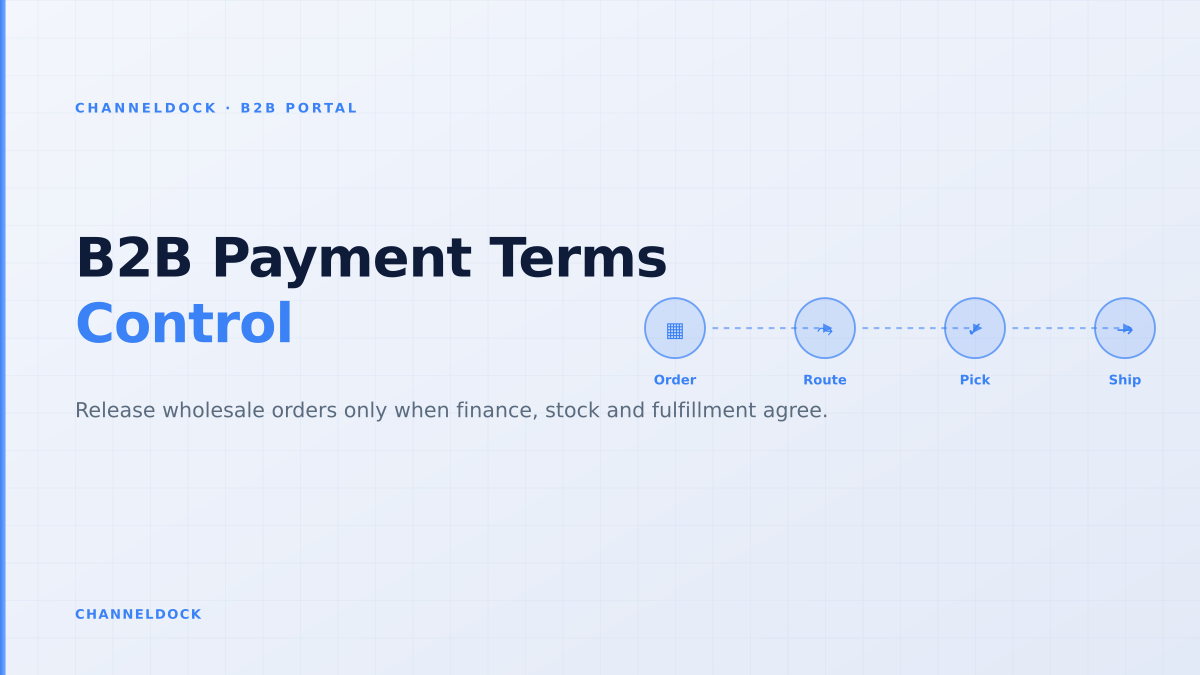
- OrderBuyer submits with termsPortal captures company, location, PO number, payment term, delivery date and line-level quantities.
- GateFinance rules runCredit exposure, overdue invoices, account hold and required deposit are checked before warehouse release.
- ReleaseOperations take overOnly approved orders reserve stock, enter pick batches and trigger shipment documents.
- ReviewTerms improve or tightenPayment history informs whether a buyer graduates to higher limits, shorter terms or prepayment.
What current ranking content misses
Most ranking pages are useful on definitions: Net 30, Net 60, early-payment discounts, deposits, due dates and financing providers. The missing layer is the handoff from checkout to warehouse. For a real wholesale team, the high-risk moment is not the due date printed on the invoice. It is the moment an unpaid, over-limit or incomplete order becomes operationally expensive.
That is why the better KPI is not just average order value or conversion rate. Track how many B2B orders are accepted but later held, how many holds happen after stock is reserved, how many invoices are delayed because the PO number is wrong, and how often warehouse teams pick orders that finance later stops. Those are the signals that the portal is collecting orders faster than the business can control them.
A B2B payment term is not a checkout label. It is a promise that finance, sales and fulfillment are all willing to honor.
Conclusion
B2B payment terms become scalable only when they are operational rules. Net 30, Net 60, deposits and PO-based checkout should be visible to the buyer, enforced against live account exposure, and connected to warehouse release. If the portal simply accepts every order and asks the team to sort out risk later, it has digitized the old email problem rather than solved it.
For wholesalers and brands using ChannelDock, the goal is a single flow: buyers place orders in the portal, finance rules decide whether the order is releasable, and approved work moves into inventory, pick-pack and shipping without retyping. That is how a B2B portal protects cash flow while still making repeat ordering easier for the customer.
- The best B2B portal does not merely collect orders; it decides which orders are safe to operationalize.
- Credit limits, payment terms, PO numbers and overdue-invoice status should be visible before warehouse release.
- ChannelDock is strongest when the B2B portal, order queue, inventory and fulfillment rules share one operational source of truth.