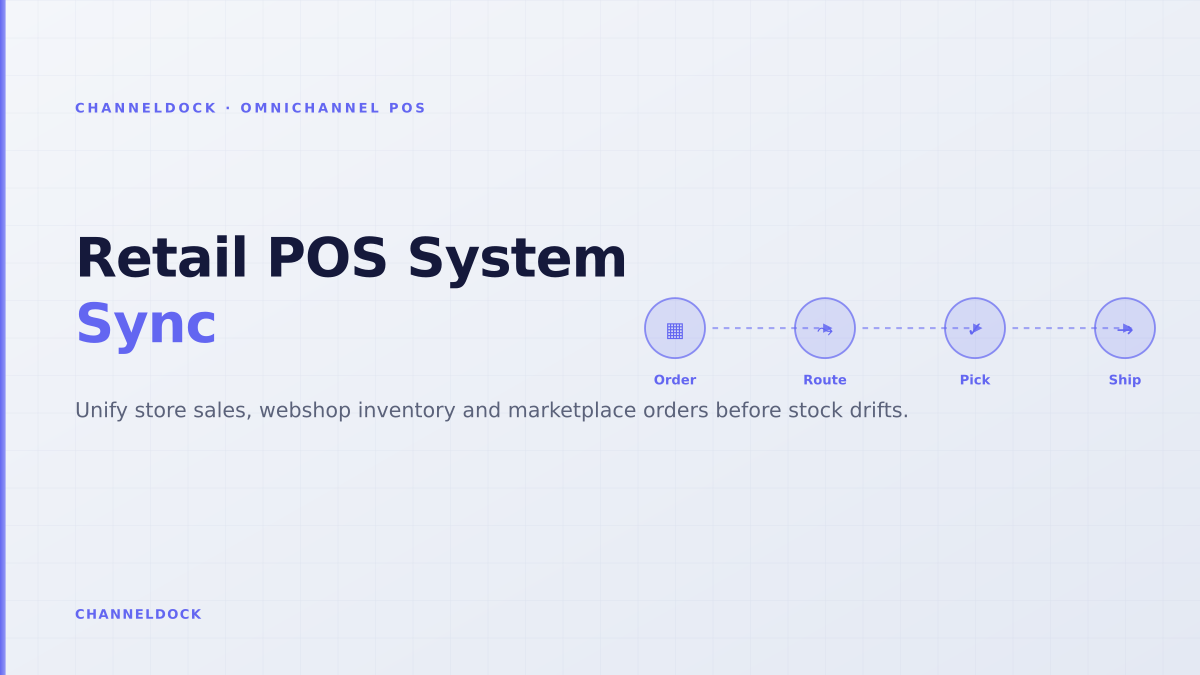
Retail POS System: Keep Store and Online Stock in Sync
Retail POS systems are no longer just checkout tools. In 2026, a store sale can collide with a Shopify order, an Amazon order, a marketplace listing and a warehouse transfer within the same few minutes. The weekly competitor analysis flags omnichannel POS, POS omnichannel and POS system ecommerce as low-difficulty opportunities, but most ranking content still treats the POS as the single centre of retail operations. That is only true for very small retailers.
For sellers with a showroom, pop-up shop, warehouse and marketplace channels, the real question is operational: which system owns available stock, and how quickly does every other channel learn about a sale, return or adjustment? ChannelDock’s omnichannel POS solution is built around that question: POS, webshop, marketplaces, B2B, manual orders and warehouse work all feed the same operational inbox instead of creating parallel stock truths.
What makes a retail POS system truly omnichannel?
A true omnichannel retail POS system does three things at once. It records in-store sales, it updates customer-facing stock availability, and it hands the operational consequences to the warehouse or store team. Most vendor articles stop after “real-time inventory sync.” That phrase is useful, but incomplete. A seller needs to know what is synchronized: on-hand stock, reserved stock, damaged stock, incoming transfers, online returns, store pickups, marketplace buffers and warehouse commitments.
The first practical test is whether the POS can participate in the same order and inventory model as the webshop and marketplaces. If a unit is sold in-store, the webshop should not keep offering it. If a customer buys online for pickup, store staff should see a pick task, not just a vague stock number. If an Amazon or bol.com order arrives, the POS should not be allowed to sell the same final unit because it missed the marketplace reservation. This is where ecommerce integrations, POS and warehouse workflows need to meet.
Retailers often ask, “Does this POS sync inventory?” A better question is: “What happens when a store sale, online payment, return and warehouse pick hit the same SKU inside one sync interval?” The answer reveals whether the setup is omnichannel or just connected.
What current ranking content misses
Shopify, Lightspeed, Square, Extensiv and comparison sites all explain that POS, ecommerce and inventory should be connected. Several pages mention BOPIS, endless aisle, unified customer data and real-time stock updates. The gap is execution detail. Very few explain the inventory ledger behind the promise: which system is the source of truth, how reservations work, whether sync is event-driven or scheduled, and how store staff recover when product data, SKU handles or inventory movements do not match.
Seller forums show why this matters. Shopify Community threads mention POS and online stores feeling like separate businesses, multi-location inventory causing oversells, and merchants still relying on stocktakes or bulk edits. Square Community threads mention catalog and item sync delays, slow inventory updates and forced “sync now” workarounds. Lightspeed support warns that editing names, handles, SKU, variant information or inventory in Shopify can break POS sync and that large changes may take time to complete. Those are not marketing objections; they are daily operating risks.
POS-first setup
- Fast checkout and familiar store workflow
- Inventory often adjusted by store staff first
- Risk: webshop, marketplaces and warehouse learn late
Operations-first omnichannelRecommended
- POS sale becomes one inventory movement in a shared ledger
- Marketplace and webshop availability update from rules
- Warehouse, pickup and return flows stay visible in one queue
Build the POS inventory model before choosing software
The safest retailers do not start by comparing terminals. They map stock events. A store sale reduces on-hand stock. An online order creates a reservation. A marketplace order may need a buffer. A BOPIS order should reserve from the pickup store, while ship-from-store orders may reserve from a different shelf or back room. A return should not become sellable until the item is inspected. A warehouse transfer should reduce available stock at the sending location before it increases stock at the receiving location.
That event map defines whether a POS system is enough by itself or needs an operational layer. Shopify POS is strong when the online store is Shopify-centric. Lightspeed can be stronger for complex store inventory and purchasing. Square is approachable for smaller retailers. But retailers selling through Shopify, WooCommerce, Amazon, eBay, bol.com, TikTok Shop, pop-ups and a central warehouse quickly need more than a checkout screen. They need a shared channel operations layer with rules for availability, reservations and fulfillment.
- 1List every selling surfaceInclude store tills, pop-ups, webshop, Amazon, bol.com, eBay, B2B portals, manual orders and marketplaces planned for the next 12 months.
- 2Choose the inventory source of truthDecide whether POS, webshop, ERP, WMS or ChannelDock owns available-to-sell. Avoid setups where every platform edits inventory independently.
- 3Separate on-hand from available stockReserve stock for paid online orders, marketplace buffers, damaged units, transfers and pickup promises before publishing availability.
- 4Define return and exchange statesReturned in-store, returned online and returned to warehouse should not all become sellable at the register by default.
- 5Measure sync latency with real ordersTest sales, refunds, stock counts and large catalog edits during trading hours. The edge cases matter more than the demo flow.
Where ChannelDock fits in the stack
ChannelDock does not need to replace every system a retailer already likes. The stronger pattern is to connect the systems that must agree: POS, webshop, marketplaces, warehouse and shipping. ChannelDock can receive store and online orders into a single inbox, keep stock synchronized, support inventory reservations and route orders into pick, pack and carrier workflows. That makes it a practical middle layer for retailers who are not ready to rebuild their full commerce stack but cannot keep reconciling by spreadsheet.
The POS page is one entry point, but the bigger value is cross-channel operations. Sellers can combine ChannelDock POS with inventory management, order workflows and WMS-style execution. If store sales are only one part of revenue, the POS should not dictate every inventory rule. It should become one well-controlled input into the same operational system that handles online and marketplace demand.
The best retail POS system is not the one with the nicest checkout screen. It is the one that lets the business promise stock confidently across store, webshop, warehouse and marketplaces.
KPIs to track after connecting POS and ecommerce
After implementation, do not measure success by whether data “syncs.” Measure whether the retail operation is more reliable. The first KPI is oversell cancellation rate: orders cancelled because the item was already sold elsewhere. The second is stock adjustment volume: manual corrections per week by store and warehouse teams. The third is pick failure rate for BOPIS or ship-from-store. If online orders cannot be found on the shelf, your stock ledger is not reliable enough for omnichannel promises.
Also track sync exception age. A product mismatch that sits unresolved for two days is more dangerous than a small catalog issue fixed in 10 minutes. Teams should know which SKUs are excluded from sync, which channels are using buffers, which locations can fulfill online orders and which returns are awaiting inspection. This is the operational detail missing from most “best POS” lists.
- Pick a POS for checkout usability, but pick an inventory architecture for channel growth.
- A five-minute sync delay can be harmless for slow movers and expensive for scarce bestsellers.
- Store returns, BOPIS, marketplace buffers and warehouse transfers need explicit inventory states.
- ChannelDock is strongest when POS sales must coexist with webshops, marketplaces, B2B and warehouse execution.
FAQ
What is an omnichannel POS?
Is Shopify POS enough for omnichannel retail?
How fast should POS inventory sync be?
Should the POS or WMS be the inventory source of truth?
Can ChannelDock connect POS with marketplaces?
Conclusion
The strongest opportunity around retail POS system and omnichannel POS content is not another vendor comparison. It is explaining the inventory architecture behind store-plus-online selling. Retailers do not fail because they forgot to buy a POS. They fail because their POS, webshop, marketplaces and warehouse each believe a different version of stock.
For ChannelDock’s audience, the winning message is practical: keep the checkout simple, but make stock promises from one operational truth. When a store sale, online order, marketplace reservation, return and warehouse pick all flow through the same rules, omnichannel POS stops being a marketing phrase and becomes a reliable way to grow.