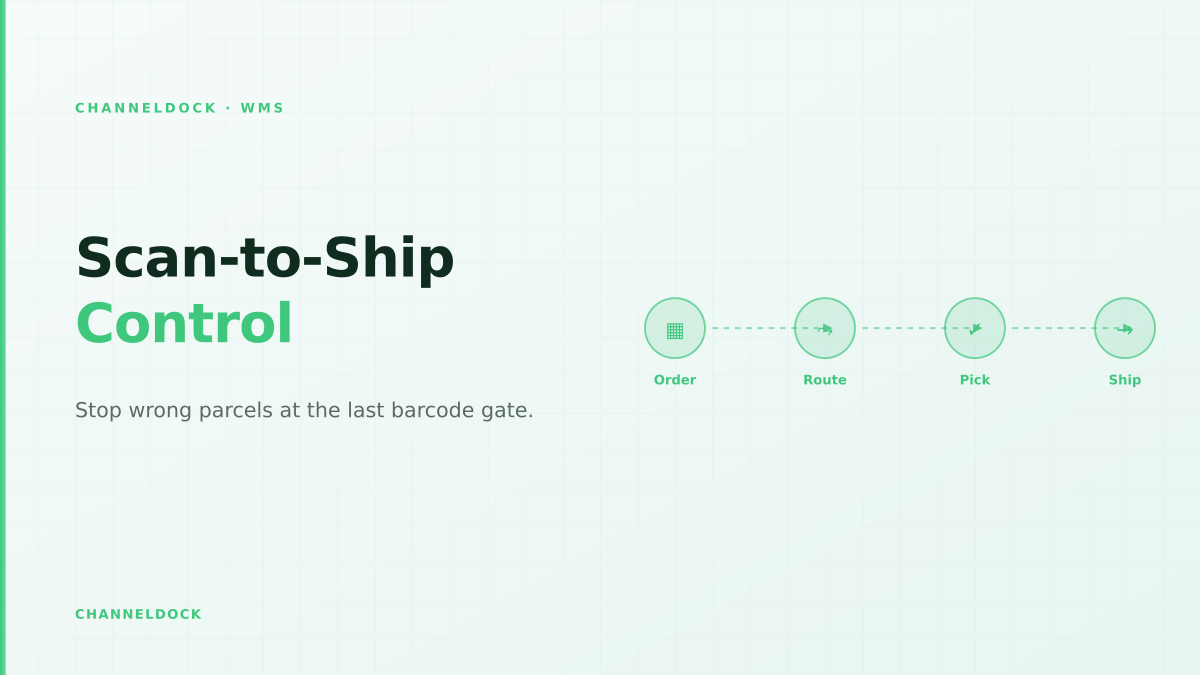
Scan-to-Ship Verification: The Last WMS Gate Before Dispatch
In September 2026, the strongest signal from ecommerce WMS searches is not another generic “what is warehouse software” question. Sellers are asking a more practical one: how do we stop the wrong item from leaving the packing table when order volume is too high for visual checking?
That question sits between picking and shipping. A picker may scan the correct bin. The order may show as picked. The carrier label may even be ready. But if the final parcel is assembled from the wrong tote, a lookalike variant, an unscanned bundle component or a rushed substitution, the customer receives the operational failure. Scan-to-ship verification is the last WMS gate before dispatch.
Competitor content usually explains barcode picking, order picking methods or shipping-label automation as separate topics. The gap is the release control: the moment when a warehouse management system decides whether a box may receive a carrier label and leave the building. For online sellers using Shopify, WooCommerce, Amazon, bol.com, Zalando or TikTok Shop, that gate matters because a wrong parcel creates a return, a reship, a support ticket, an inventory mismatch and sometimes a marketplace defect.
Why the last gate matters more than another pick list
Most growing sellers start with a printed pick list. Then they add bin locations. Then they add barcode picking. Each step helps, but none of them proves what was sealed inside the parcel. A packer can scan the pick list, pull products from a tote, swap two similar colours, miss the second unit in a quantity-two order and still print a valid label if the shipping tool is disconnected from the WMS.
ShipStation's public help documentation describes Scan to Verify and Print as a workflow where the packer opens the shipment from a packing-slip barcode, scans SKU or UPC barcodes and can combine verification with label printing. Picqer explains the economics from the seller's side: a single wrong product in their example creates enough extra cost that several correct orders are needed just to recover the margin. Shopify Community and Reddit threads show the same pain in plain words: employees misread packing slips, need barcode mismatch alerts, or look for apps that compare scanned items against order lines.
What scan-to-ship verification actually controls
A good scan-to-ship workflow is not just “scan something before shipping.” It controls five data points: the order, the item, the quantity, the carton and the release event. The WMS should know which sales channel created the order, which lines are expected, whether the item requires a serial number or batch number, whether a bundle must be exploded into components, and whether the carrier label may be printed.
This is where a WMS is stronger than a standalone shipping tool. Shipping software can print labels quickly. A warehouse system can connect that label to stock movement, pick status, barcode validation, exception history and marketplace updates. That is why scan-to-ship belongs close to pick and pack, not as an afterthought beside the printer.
The five-step scan-to-ship workflow
The sequence should be simple enough for temporary staff during peak weeks and strict enough to stop a wrong parcel when everyone is moving fast. The best workflow is short, but every step has a clear owner and a clear system response.
- 1Open the shipment by scanning the packing slipThe operator scans the order barcode, tote barcode or packing slip barcode before touching products. The WMS loads the exact order, channel, promised carrier service, quantities and any bundle or serial-number requirements.
- 2Scan every unit before it enters the cartonThe packer scans the product barcode, SKU, EAN, UPC or serial number. A wrong scan should stop the workflow immediately, show the expected item and require a supervisor reason if the exception is overridden.
- 3Check quantity, bundles and substitutesMulti-line orders fail when the first item is correct but the second quantity is guessed. Scan-to-ship rules should count repeated scans, handle kit components and block unapproved substitutions.
- 4Print the carrier label only after verification passesThe label is the point of no return. If the WMS prints it before item verification, a rushed packer can seal a wrong parcel with a valid label. The safest sequence is scan order, scan contents, confirm carton, then print.
- 5Log exceptions as data, not as blameWrong item scanned, unknown barcode, short quantity, label reprint and carton change should become structured WMS events. That turns pack-station friction into training, replenishment and master-data fixes.
Where sellers usually get it wrong
The most common mistake is scanning at the wrong level. Scanning the tote proves the tote moved. Scanning the order proves the packer opened the right screen. Scanning the label proves the package exists. None of those scans proves that the expected products went into the carton. Product-level verification is the control that prevents lookalike variants and missing quantities.
The second mistake is allowing label printing too early. If labels are batch-printed before packing, the warehouse has already created a pile of valid carrier labels that can be attached to the wrong boxes. Batch label printing feels fast until the team must investigate which box contains which order. Scan-to-ship verification deliberately moves label printing later in the workflow, after content proof.
Visual packing check
Scan-to-ship gateRecommended
The exception list your WMS should capture
Every blocked scan is useful. If staff see the same wrong SKU warning every day, the problem may be product labelling, not training. If quantity mismatches cluster around bundles, the bundle setup may be unclear. If unknown barcodes appear after receiving, inbound labelling may be broken. If label reprints spike near carrier cutoff, packing may be under too much time pressure.
For online sellers, the minimum exception list should include wrong item scanned, item not on order, duplicate scan, missing quantity, unknown barcode, serial number mismatch, bundle component missing, carton changed, label reprinted, order placed on hold and supervisor override. That list gives managers a practical map of where warehouse control is failing.
How to decide where to start
You do not need to redesign the whole warehouse on day one. Start with the order profiles that make mistakes expensive. High-value electronics, cosmetics with similar packaging, apparel variants, expiry-sensitive products, bundles and international parcels are better first candidates than slow-moving single-SKU orders. If you sell through marketplaces, add orders with strict performance rules because late corrections can affect account health.
The first pilot should run at one packing station with a defined SKU group, a defined carrier cutoff and one clear rule: no label prints until all expected items are scanned. Measure three numbers for two weeks: blocked wrong scans, orders verified without exception and orders shipped without a completed scan trail. Then expand the workflow to more stations once the team trusts it.
What to connect inside ChannelDock
Scan-to-ship only works when order, inventory and shipping data sit in the same operational flow. In ChannelDock, the natural path is to import marketplace and webshop orders, pick through the WMS workflow, verify items at packing, print the carrier label and sync the fulfilled status back to the sales channel. That keeps the last scan connected to stock deduction and customer communication.
For sellers comparing systems, look for three practical features: barcode validation against the live order, an exception history that managers can review later, and integrations that keep marketplaces, carriers and webshops in sync. ChannelDock's fulfillment features and integrations are the parts that make the scan gate useful beyond one station.
A practical rollout checklist
- Barcode coverage: every sellable unit needs a reliable SKU, EAN, UPC or internal barcode. Do not rely on product names for lookalike variants.
- Packing-slip barcode: the order should open from a scan, not from manual search. Manual search invites wrong-order packing.
- Scanner behaviour: configure the scanner to send Enter after each scan so the packer does not need keyboard clicks between items.
- Label lock: prevent carrier label printing until item and quantity verification pass.
- Exception ownership: decide who can override a blocked scan and which reasons are allowed.
- Training loop: review exceptions weekly and fix the source: barcode master data, bin labelling, bundle setup, replenishment or staffing.
That checklist is deliberately operational. Sellers do not need another abstract WMS framework. They need fewer wrong parcels and a way to prove that the box matched the order before it left.
- Start with the orders that hurt most: high-value SKUs, lookalike variants, bundles, international shipments and marketplace orders with strict delivery promises.
- Keep picking fast, but make shipment release strict. A picker can recover from a wrong tote; a customer receives the cost of a wrong parcel.
- Use exception data to fix root causes: missing barcodes, poor SKU naming, unclear product photos, bad bin locations and rushed carrier-cutoff waves.
- Connect the pack station to inventory sync, so a verified shipment deducts stock and updates marketplaces without manual reconciliation.
FAQ
What is scan-to-ship verification?
Is scan-to-ship the same as barcode picking?
Do small online sellers need this workflow?
What hardware is needed?
Which ChannelDock pages are most relevant?
Conclusion
Scan-to-ship verification is the difference between hoping a packed order is right and proving it before dispatch. Barcode picking reduces aisle mistakes. Packing discipline reduces handling mistakes. But the last WMS gate, scan order, scan contents, then release the label, is what stops the wrong parcel from becoming a customer problem.
If your warehouse is already beyond visual checks, build the gate where the risk becomes irreversible: at the packing station, just before the label prints. ChannelDock can connect that gate to orders, stock, carriers and marketplace updates, so online sellers can move fast without turning every shipping day into a support queue. Create a free account to test the workflow with your own order flow.