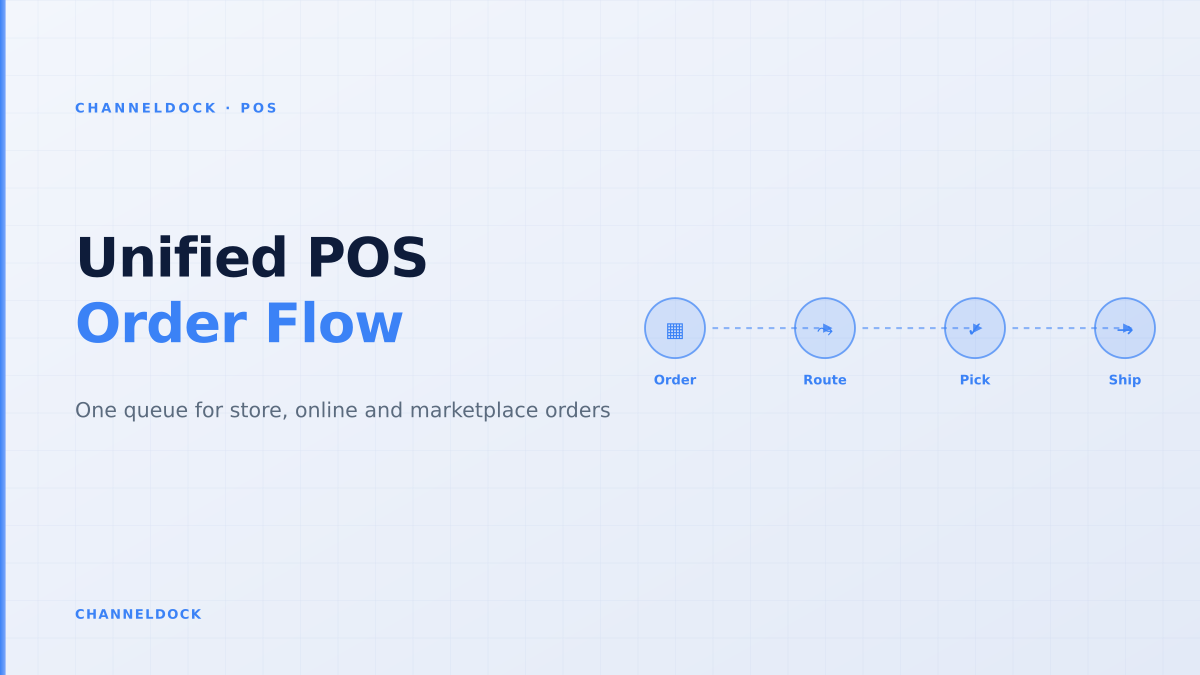
Unified Commerce POS Order Management: One Queue, Real Stock
In 2026, the strongest omnichannel retailers are no longer judging a POS system by checkout speed alone. They are asking whether the till can see the same order queue, sellable inventory and fulfilment rules as the webshop, marketplaces and warehouse. That shift matters because every store sale now competes with online orders for the same last units.
Search results for unified commerce POS order management are full of platform definitions: POS, ecommerce, CRM and OMS under one roof. Useful, but incomplete for operators. The daily failure is more concrete: a cashier promises pickup stock that a bol.com order already reserved, a Shopify order sits outside the warehouse queue, or a return is accepted in store but never becomes sellable online again.
This guide looks at the operational layer behind unified commerce POS: how retail teams should design one order queue that store staff, warehouse pickers and marketplace operations can trust.
What unified must mean at the till
A unified commerce POS should do more than post a receipt into the ecommerce back office. At minimum, it must answer three operational questions before staff makes a promise to the customer: is the item physically available, is it already reserved by another channel, and which location should fulfil the order?
That is where many POS ecommerce integrations disappoint. They sync transactions after checkout, but the store team still works from a different queue than the warehouse. Inventory appears synced, while order priority, pickup holds, transfer status and marketplace reservations live somewhere else.
The hard part is not connecting POS to ecommerce. The hard part is deciding which system is allowed to promise the last sellable unit when a cashier, a webshop cart and an Amazon order all touch the same SKU within minutes.
Why POS-only order queues break in multichannel retail
Traditional retail POS systems were built around local transactions: scan item, take payment, print receipt, reduce stock at that store. Omnichannel retail adds orders that may be paid online, picked in store, shipped from a warehouse, returned at a till or sourced from another location. A POS-only queue misses at least one of those states.
The result is familiar to sellers who also run Shopify, WooCommerce, bol.com, Amazon or a B2B portal: the POS shows stock, the webshop shows different stock, and the warehouse team receives orders too late to prevent a broken promise. ChannelDock’s order management overview and inventory features are built around avoiding that split: every channel feeds one operational queue instead of each channel becoming a mini back office.
- Pickup orders need immediate reservation, not a loose note in the POS.
- Ship-from-store orders need pick confirmation, packing status and carrier handoff.
- Marketplace orders need SLA-aware routing before stock is consumed by store traffic.
- In-store returns need a sellable / damaged / quarantine decision before stock goes live again.
POS as local checkout
- Store stock reduces after sale
- Online orders handled in webshop admin
- Returns corrected manually later
- Marketplace reservations depend on connector timing
POS as unified order nodeRecommended
- Every transaction enters one order queue
- Availability checks reservations before promise
- Store, warehouse and marketplace SLAs are visible
- Returns re-enter inventory through status rules
The five queues that should become one
Competitor content often describes unified commerce as one platform. Operators should think in queues. If the following five queues are separate, staff will spend the day reconciling exceptions instead of selling or shipping.
- 1Checkout queueStore sales must deduct from the same SKU and location model used by online channels.
- 2Pickup queueClick-and-collect orders need paid status, pickup deadline, picker assignment and handover confirmation.
- 3Ship queueWebshop, marketplace and POS ship-to-home orders should flow into the same pick, pack and carrier workflow.
- 4Return queueIn-store returns from online orders need inspection status before stock becomes sellable again.
- 5Transfer queueIf a store cannot fulfil, the request should become a stock transfer or rerouted fulfilment task, not an email.
The operational architecture: POS, OMS and WMS
For smaller retailers, the POS and ecommerce platform may be the same vendor. For growing sellers, the architecture is usually more mixed: Shopify POS or Lightspeed in store, marketplaces such as bol.com or Amazon online, a warehouse tool, a carrier platform and sometimes an ERP or Warenwirtschaft. Unified commerce does not require replacing everything. It requires one operational source of truth for orders and available-to-promise stock.
A practical architecture gives each system a clear job. The POS owns cashier actions and store payments. The ecommerce platform owns storefront browsing and carts. The WMS owns pick, pack and warehouse movements. The OMS or operations layer owns routing decisions, reservations, status updates and channel communication. ChannelDock sits in that operational layer by connecting integrations, stock sync, orders and fulfilment rules in one place.
A “native” POS and ecommerce bundle can still behave like two systems if locations, reservations and returns are configured differently. Test the workflow, not the logo on the software suite.
How to test a unified commerce POS before rollout
The fastest way to evaluate a POS integration is to run failure scenarios before peak traffic. Do not start with a clean demo order. Start with the last unit, the mixed basket, the return, the offline till and the marketplace SLA. If those scenarios work, the everyday sale usually works too.
- 1Sell the last unit in store while it is in an online cartThe online channel should block or re-check availability before payment, not accept a doomed order.
- 2Create a click-and-collect order for a fast-moving SKUThe stock should be reserved immediately and visible to store staff as a task, not just a paid order.
- 3Route a marketplace order to a store locationThe store should see the SLA, packing steps and carrier label workflow before accepting the task.
- 4Return an online order at the tillThe item should move through inspection, quarantine or sellable status with an audit trail.
- 5Disconnect the POS for 20 minutesOffline sales should reconcile without double-deducting stock or erasing online reservations.
Where current ranking content falls short
Most ranking pages list benefits such as “real-time inventory”, “better customer experience” and “single customer profile”. Those are true, but they rarely show the routing rules that prevent daily operational mistakes. Real retailers need policy decisions:
- Does marketplace stock get a safety buffer before store stock is exposed online?
- Can a store reject a ship-from-store task if staffing is too low?
- Who owns a partial pickup when one item is ready and one is missing?
- When does returned stock become sellable: after refund, after inspection, or after put-away?
- Can the POS create a warehouse order for endless aisle without bypassing order controls?
These rules turn unified commerce from a marketing phrase into a reliable order operation.
- Treat the POS as an order node, not a separate retail island.
- Before adding more sales channels, define one reservation model for store, webshop and marketplace stock.
- Measure exception rates: rejected pickup orders, rerouted store fulfilment tasks, negative stock and manual stock corrections.
- Use one queue for store, online, marketplace and manual orders so staff can see priority and SLA context.
- Connect POS workflows to warehouse and carrier execution before promising ship-from-store at scale.
What to measure after go-live
The best POS order management projects are judged by exceptions, not by the number of integrations switched on. Track cancelled online orders caused by store sell-through, pickup orders not ready on time, manual stock adjustments, returns waiting for inspection and split shipments caused by poor location choice. If those numbers fall, unified commerce is working.
Also measure staff behaviour. If cashiers still leave notes for the warehouse, if store managers still export spreadsheets, or if marketplace orders still get checked in a separate admin, the queue is not truly unified yet.
FAQ: unified commerce POS order management
What is unified commerce POS order management?
Is POS ecommerce integration the same as unified commerce?
Which retailers need a unified POS order queue?
How does ChannelDock help with POS order management?
What is the biggest rollout risk?
Conclusion
Unified commerce POS order management is not about making the till look more modern. It is about making sure every promise made in store, online or on a marketplace is backed by the same stock, the same order queue and the same fulfilment rules. Retailers that solve this layer can add channels without adding daily reconciliation work.
If your POS, webshop and marketplaces still behave like separate businesses, start with the queue. Connect the order sources, enforce reservations, route fulfilment by rule and make returns visible before stock goes live again. That is the operational version of unified commerce that customers actually feel.