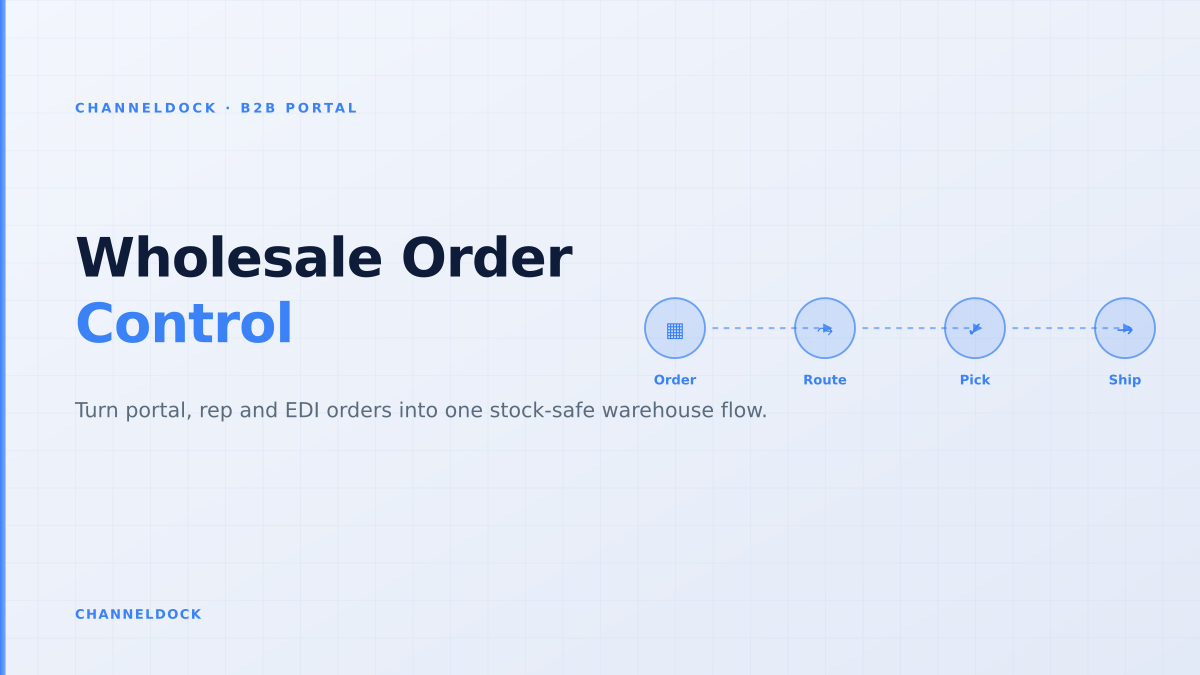
Wholesale Order Management Software: The B2B Control Layer
In July 2026 the strongest B2B portal keyword cluster in ChannelDock’s competitor analysis was not just “B2B portal”; it was the operational layer behind it: wholesale order management software. The search results are full of portal checklists, platform comparisons and Shopify B2B guides, but most skip the part that breaks in daily operations: what happens after a buyer clicks submit.
For a wholesale brand or distributor, the order rarely arrives as one neat webshop transaction. A retailer may order through a B2B portal, a key account may send an EDI order, a sales rep may capture a field order, and a smaller buyer may still email a PDF. If those orders do not enter the same stock, pricing, approval and warehouse queue, the portal only moves chaos from the inbox into a nicer-looking interface.
What wholesale order management software should actually manage
Good wholesale order management software is not only a buyer login. It is the control layer between commercial promise and physical fulfillment. The buyer sees customer-specific catalogs, negotiated prices, minimum order quantities, case packs, payment terms and stock availability. The operations team sees a clean order that can be approved, split, picked, packed, shipped and invoiced without re-keying.
This is where a connected B2B portal differs from a generic ecommerce checkout. Wholesale orders carry context: contract pricing, pallet rules, buyer roles, credit limits, backorder policy and sometimes route-specific delivery constraints. The software needs to preserve that context all the way into order processing and warehouse execution.
The hidden failure mode is not low portal adoption. It is high portal adoption with weak operations: more buyers place orders online, but every order still needs manual pricing checks, stock edits, approval emails and warehouse notes before it can move.
The ranking pages miss the warehouse handoff
Competitor content from Orderwerks, OroCommerce, Shopify, Sana Commerce, OrderEase, B2B Wave and other B2B platforms generally does a good job explaining self-service ordering, customer-specific pricing and ERP integration. Forum threads tell a different story: sellers ask how to handle wholesale orders that still arrive through email, draft orders, NetSuite, QuickBooks, Faire, reps and Shopify apps at the same time.
The missing layer is the warehouse handoff. A B2B order is only “managed” when the system knows whether it can be promised, whether it needs approval, which warehouse should allocate stock, whether partial shipment is allowed, and whether the remaining lines become backorders. Without that logic, the order management team becomes a manual exception desk.
Portal-first thinking
- Buyer can log in and place an order
- Pricing and catalogs look personalized
- Orders still need manual checks before release
- Backorders and partial shipments are handled after the fact
Operations-first thinkingRecommended
- Every source lands in one order queue
- ATP, MOQ, credit and approval run before pick release
- Warehouse receives pickable lines only
- Backorders, substitutions and split shipments are visible to the buyer
The five checks every B2B order should pass
Wholesale order management becomes scalable when the same checks run before the warehouse sees the order. These checks should apply whether the order came from the portal, a sales rep, EDI or a back-office import.
- 1Confirm buyer authorityMatch the order to a company account, buyer role and delivery location. Multi-user accounts need clear rights for viewing pricing, placing orders and approving spend.
- 2Apply the correct commercial termsUse the buyer’s contract price list, volume tier, payment terms, credit limit, VAT setup and minimum order rules before the order total is accepted.
- 3Calculate available-to-promise stockCheck real stock minus reservations, marketplace commitments, pending wholesale allocations and incoming purchase orders. Do not show raw inventory as promiseable stock.
- 4Route exceptions before pick releaseHold orders with pricing conflicts, credit failures, MOQ breaches, blocked customers or unusual freight requirements in a controlled approval queue.
- 5Release warehouse-ready linesSend only pickable lines to the WMS, with pallet, parcel, freight, packing slip and document requirements attached. Backordered lines stay visible instead of disappearing into a spreadsheet.
Backorders are the real test of a wholesale portal
Backorders reveal whether the system is operationally mature. In D2C, an out-of-stock item is often hidden or rejected. In B2B, buyers may still want to reserve a future delivery, accept partial shipment, split lines across warehouses or wait for a production batch. That makes backorder management a commercial promise, not a simple inventory flag.
Several B2B platforms advertise backorders, preorder lines or automatic order splitting. The practical question is whether the buyer, customer service team and warehouse see the same status. If a portal says “available soon” while the WMS has no allocation rule, trust erodes fast. The better workflow is to define backorder policy by account, SKU, warehouse and channel, then expose clear promise dates inside the portal and order history.
A useful rule: if a customer service employee must open a spreadsheet to answer “what is still owed on this wholesale order?”, the order management layer is incomplete.
Portal, ERP and WMS: who owns which truth?
The best B2B order stack is clear about system ownership. The ERP usually owns customer master data, credit and invoicing. The portal owns buyer experience, reorder history and self-service entry. The WMS owns physical stock, reservations, pick status and shipment confirmation. Wholesale order management software sits across the three and prevents each system from acting on stale data.
ChannelDock’s advantage is that B2B ordering is not separated from operational ecommerce workflows. Wholesale orders can live next to marketplace and webshop orders in order management, while stock reservations and sync logic connect to inventory control. For teams that also sell on bol.com, Amazon, Shopify, WooCommerce or through fulfillment partners, that matters more than another standalone portal login.
A practical selection checklist
When comparing wholesale order management software, ask fewer feature-list questions and more failure-mode questions. The demo should show what happens when stock is short, when a buyer exceeds credit, when a sales rep edits an order, when an EDI order duplicates a portal order, and when one order needs parcel plus pallet shipment.
- Order-source neutrality: portal, EDI, rep, POS and email-converted orders should land in the same queue.
- Customer-specific logic: price lists, catalogs, payment terms, VAT, MOQ and case packs must apply before approval.
- ATP instead of raw stock: the system should promise stock after reservations, channel buffers and warehouse rules.
- Exception routing: pricing, credit, freight and backorder issues need owners, not inbox threads.
- Warehouse-ready release: pickers should receive clear lines, packing rules, documents and shipment method.
- Buyer visibility: order history should show shipped, partially shipped, backordered and invoiced lines without customer service intervention.
Where ChannelDock fits
ChannelDock is strongest when B2B orders are part of a broader multichannel operation. A wholesaler can accept orders from a B2B portal while also handling webshop and marketplace demand, routing all of it through one operational queue. That reduces the classic conflict where retail channels consume stock that wholesale buyers were promised, or a large B2B order blocks fast-moving marketplace SKUs without visibility.
The right setup usually starts small: connect the B2B portal, define buyer groups and approval rules, reserve stock against wholesale orders, then release clean pick tasks to the warehouse. Once the control layer is stable, teams can add EDI feeds, sales-rep ordering, customer-specific documents and self-service reorder flows. If the operation also uses pick and pack scanning, the B2B workflow should connect directly to warehouse picking instead of relying on printed notes.
- Do not evaluate wholesale order management software as a portal-only purchase; evaluate the full order-to-warehouse flow.
- Backorders, partial shipments and credit holds are not edge cases in B2B — they are the normal stress test.
- Available-to-promise stock is more useful than raw stock because it includes reservations, channel buffers and incoming supply.
- ChannelDock is a good fit when B2B, marketplaces, webshops and warehouse execution need to share one operational queue.
FAQ
What is wholesale order management software?
How is a B2B order portal different from order management software?
Why are backorders harder in B2B than D2C?
Should ERP, WMS or the portal own B2B orders?
When should a wholesaler use ChannelDock for B2B orders?
Conclusion
Wholesale order management software should be judged by the quality of the handoff, not the polish of the portal alone. If every buyer, rep, ERP feed and marketplace order lands in one controlled queue, the team can protect margins, promise realistic delivery dates and give the warehouse clean work. That is where a B2B portal becomes an operating system for wholesale growth instead of another place where orders get stuck.
For multichannel wholesalers, the next step is to map the current order sources, identify the manual checks before picking, and move those checks into a shared workflow. ChannelDock’s B2B portal, inventory and order features are built for that exact bridge between buyer self-service and warehouse execution.