B2B shipment types — parcel, pallet, and freight
Last updated
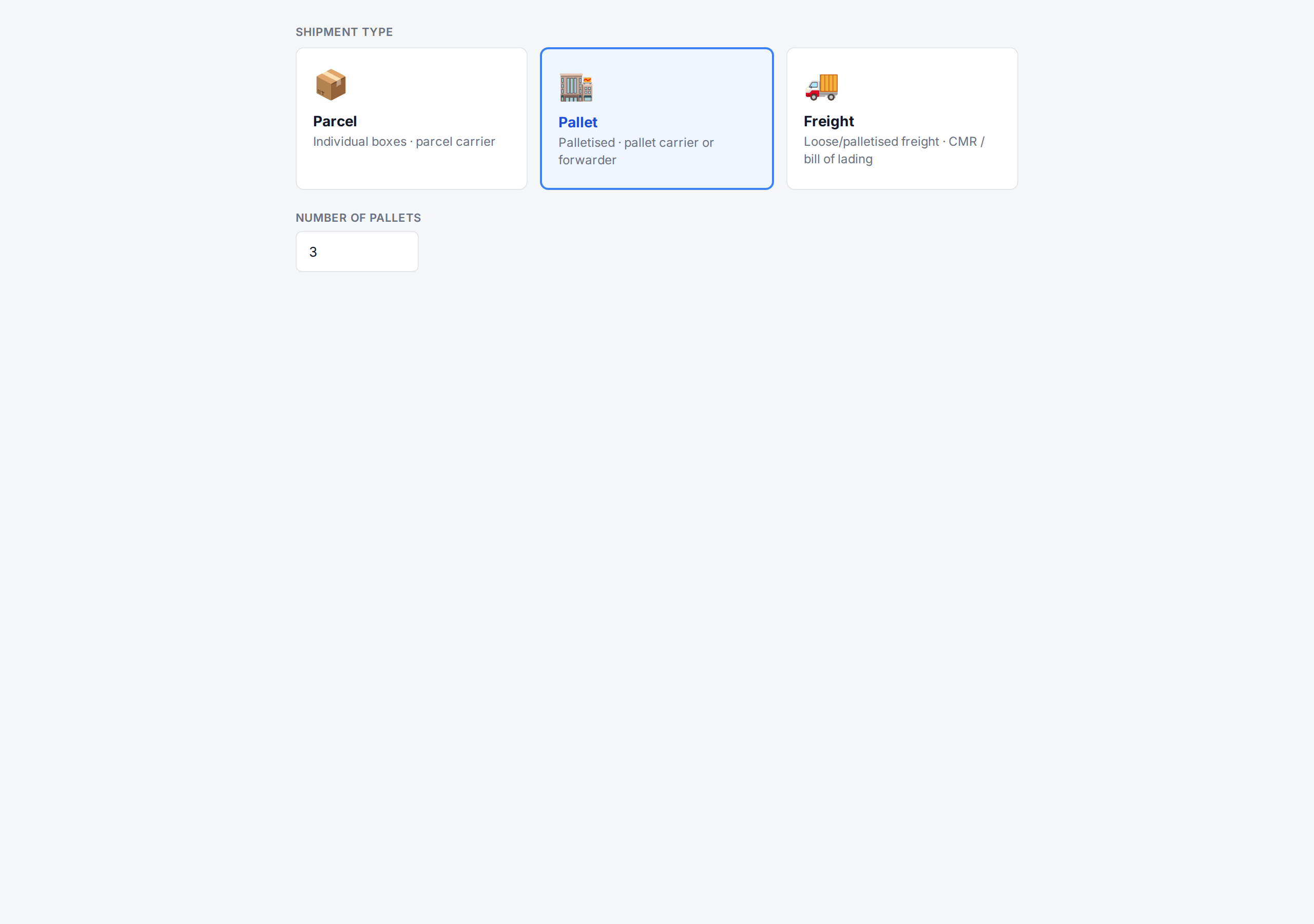
Every B2B order has a Shipment type. The type decides which packing structure ChannelDock uses, what documents are produced, and which carriers and label options are offered.
Comparison table
| Feature | Parcel | Pallet | Freight |
|---|---|---|---|
| Packing structure | One or more individual boxes | Products assigned to pallets | Products assigned to pallets or loose freight |
| Carrier labels | Buy via ChannelDock integrations | External carrier or manual | External carrier or manual |
| Pallet labels | — | ✅ One per pallet | ✅ One per pallet |
| Pallet assignment | Not available | ✅ Required | ✅ Required |
| CMR document | — | — | ✅ Auto-generated |
| Packing slip | ✅ | ✅ | ✅ |
| Commercial invoice | ✅ | ✅ | ✅ |
| Typical carrier | PostNL, DPD, GLS, UPS, DHL | Pallet carrier / freight forwarder | Logistics provider / road freight |
Parcel
Use Parcel when the order ships as one or more individual boxes through a regular parcel carrier (PostNL, DPD, GLS, UPS, DHL, etc.).
- Pack the order like any other order: one shipment per package.
- Standard carrier integrations apply; you can buy labels exactly as for a B2C order.
- The B2B metadata (PO number, customer reference, payment terms) is included on the packing slip and invoice.
Pallet
Use Pallet when the order ships on one or more pallets, typically with a pallet carrier or freight forwarder.
- Set the Number of pallets on the order.
- In the open-order B2B panel you can assign products to each pallet and print a pallet label per pallet.
- Pallet labels include the order reference, customer info, pallet 1/2/3… numbering and total weight.
Freight
Use Freight when the order moves as palletised or loose freight with a logistics provider, often requiring a CMR/bill of lading.
- The freight workflow is the same as Pallet for picking and grouping products.
- Freight orders generate freight-specific documents (CMR, manifest) in addition to pallet labels — see B2B documents and printing.
- Carrier integrations for parcel labels are typically not used; the carrier is handled outside ChannelDock or via a manual carrier.
Changing the shipment type later
You can change the shipment type from the Edit order screen as long as the order is still open and not yet shipped. If you’ve already assigned products to pallets, switching back to Parcel will clear the pallet assignments.
Related articles
Was this helpful?