Manually Uploading Orders
Last updated
You can manually import your orders into ChannelDock.
-
Navigate to Orders > Open orders page, click on the button next to ‘What’s new’ to open the side menu and select Order import.
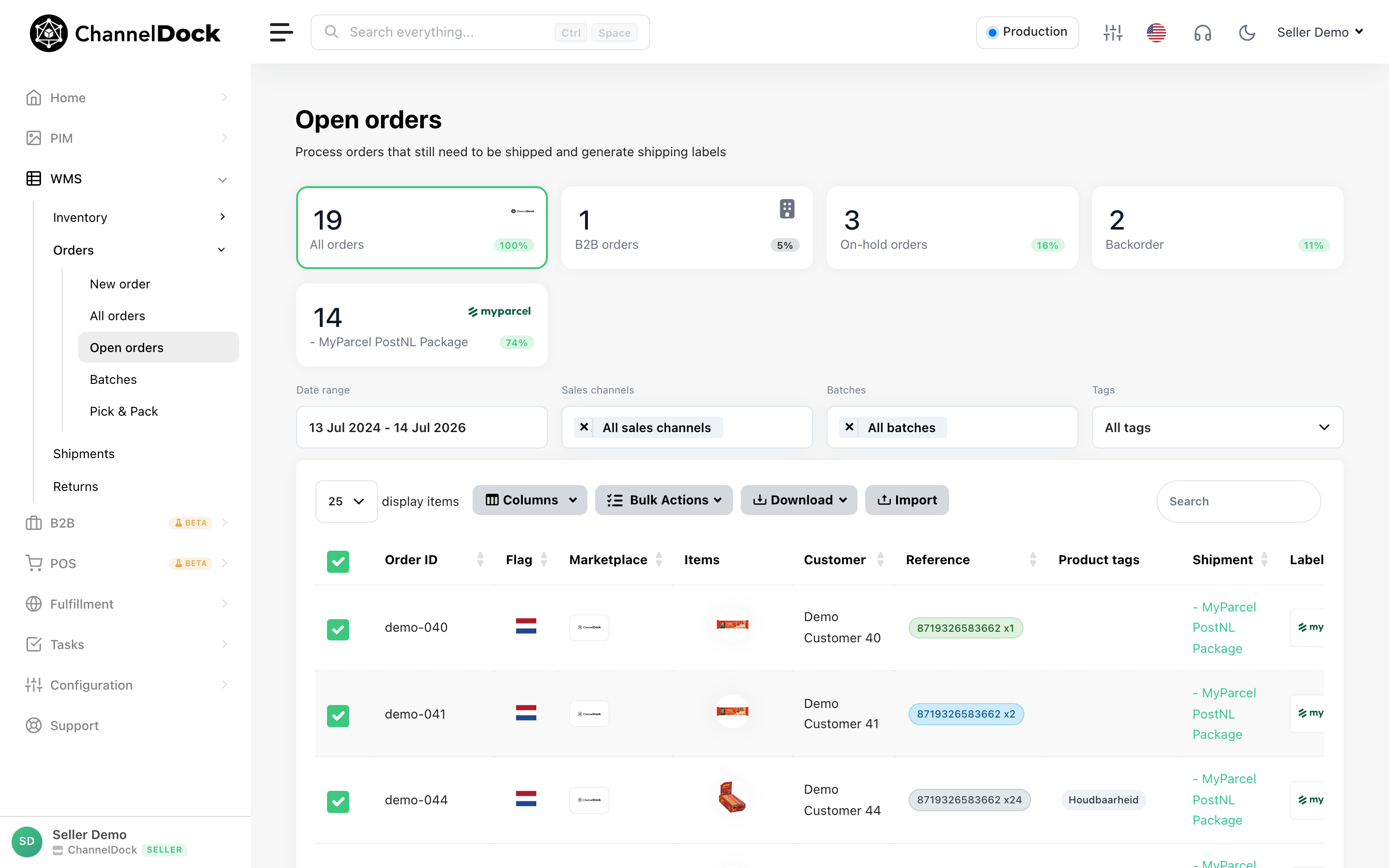
-
Please select the fields you want to import: Order ID, Country, Quantity and at least one or more import fields and click Start import.
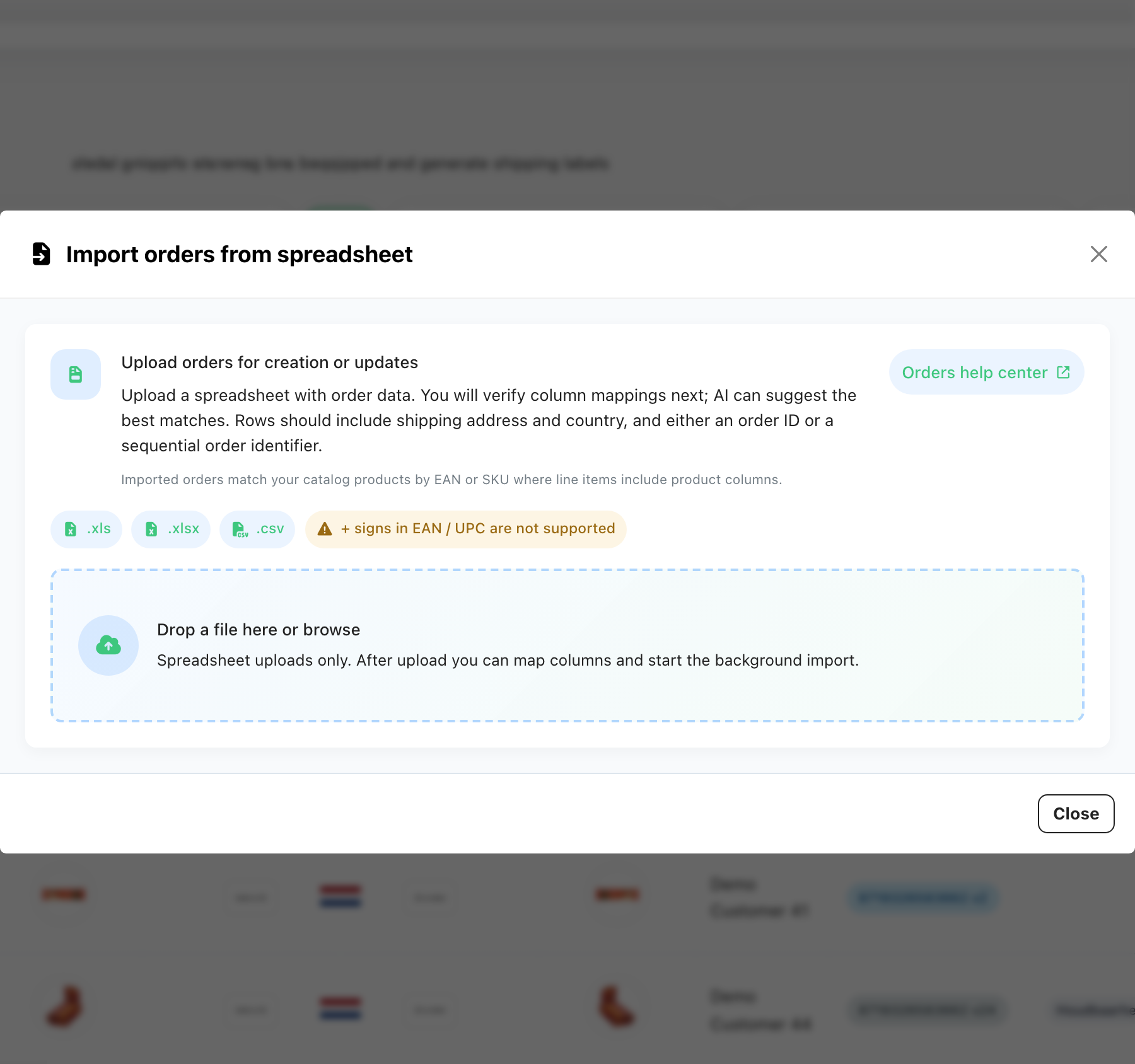
-
Order Date Field Format
-
The Order date field should be provided as text (i.e. not as a number or special date‐type field).
-
It must be formatted as YYYY-MM-DD, where:
- YYYY = 4-digit year
- MM = 2-digit month (01-12)
- DD = 2-digit day of month (01-31)
-
Import Fields
When uploading orders manually, you must provide at least the following required fields:
- Order ID
- Country code (2 letters)
- Quantity
- At least one additional import field
Supported fields for import
Order ID > Unique identifier of the order (from your shop or system).
Order status > Status of the order.
First name > Customer’s first name.
Middle name > Customer’s middle name (optional).
Last name > Customer’s last name.
Company > Company name (for business orders).
Address 1 > Primary street address (street + house number if not split).
Address 2 > Additional address line (apartment, suite, etc.).
Street > Street name (if split from house number).
House number > Numeric part of the address (if split from street).
House number extension > Extra address element tied to the house number (e.g., “A”, “bis”).
Address supplement > Additional descriptive part of the address (building, floor, etc.).
City > City of the shipping address.
Region > State, province, or region.
Zip code > Postal/ZIP code.
Country code (2 letters) > ISO 3166-1 alpha-2 country code (e.g., NL, DE, FR).
Phone number > Customer’s phone number (used for shipping notifications).
Email > Customer’s email address.
EAN > European Article Number (barcode identifier for the product).
SKU > Stock Keeping Unit (unique identifier in your inventory).
Title > Product title/description.
Price > Item price per unit (excluding shipping).
Quantity > Number of items ordered.
Was this helpful?