Fix Shopify products and orders not being imported
Last updated
If products from Shopify are not importing correctly into ChannelDock — and as a result orders are also missing or failing to import — this is often caused by incorrect or invalid EANs on the products in Shopify. Follow the steps below to identify and resolve the issue.
Steps to resolve
-
Manually fetch the products from Shopify
Trigger a manual product sync so ChannelDock attempts to import the latest product data from your store.
Go to Connections → Sales channels, open Actions for your Shopify store, and click Sync API.
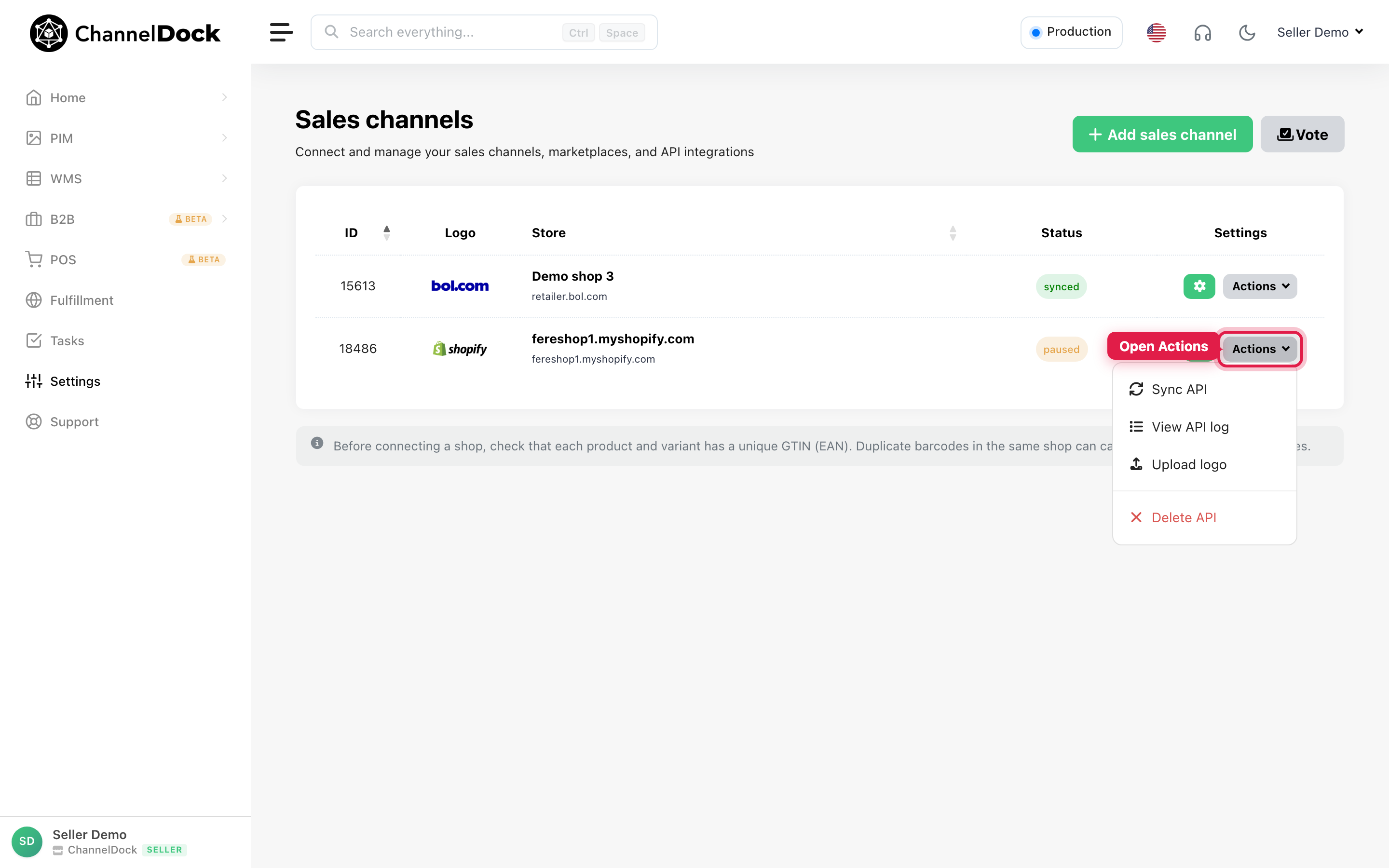
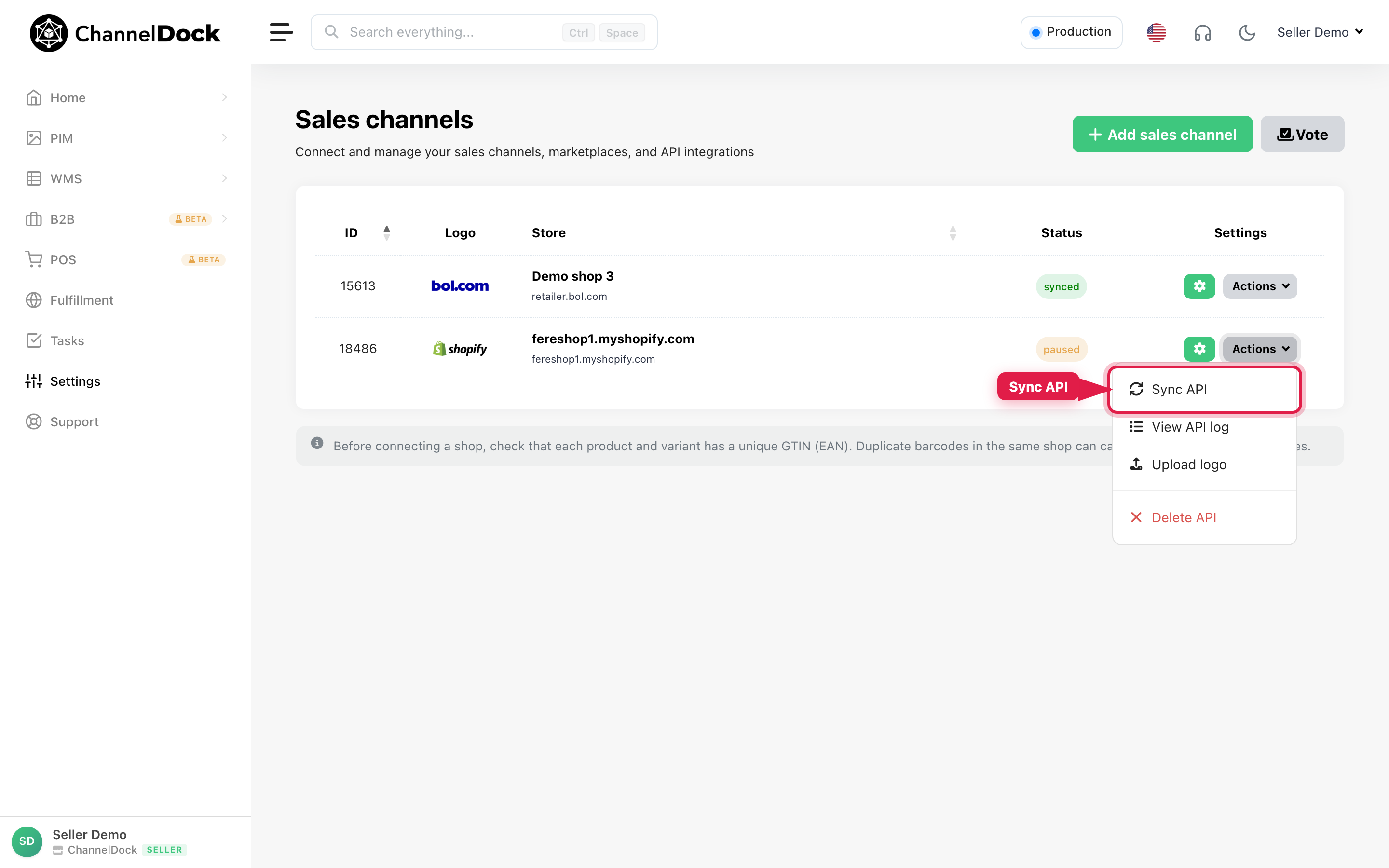
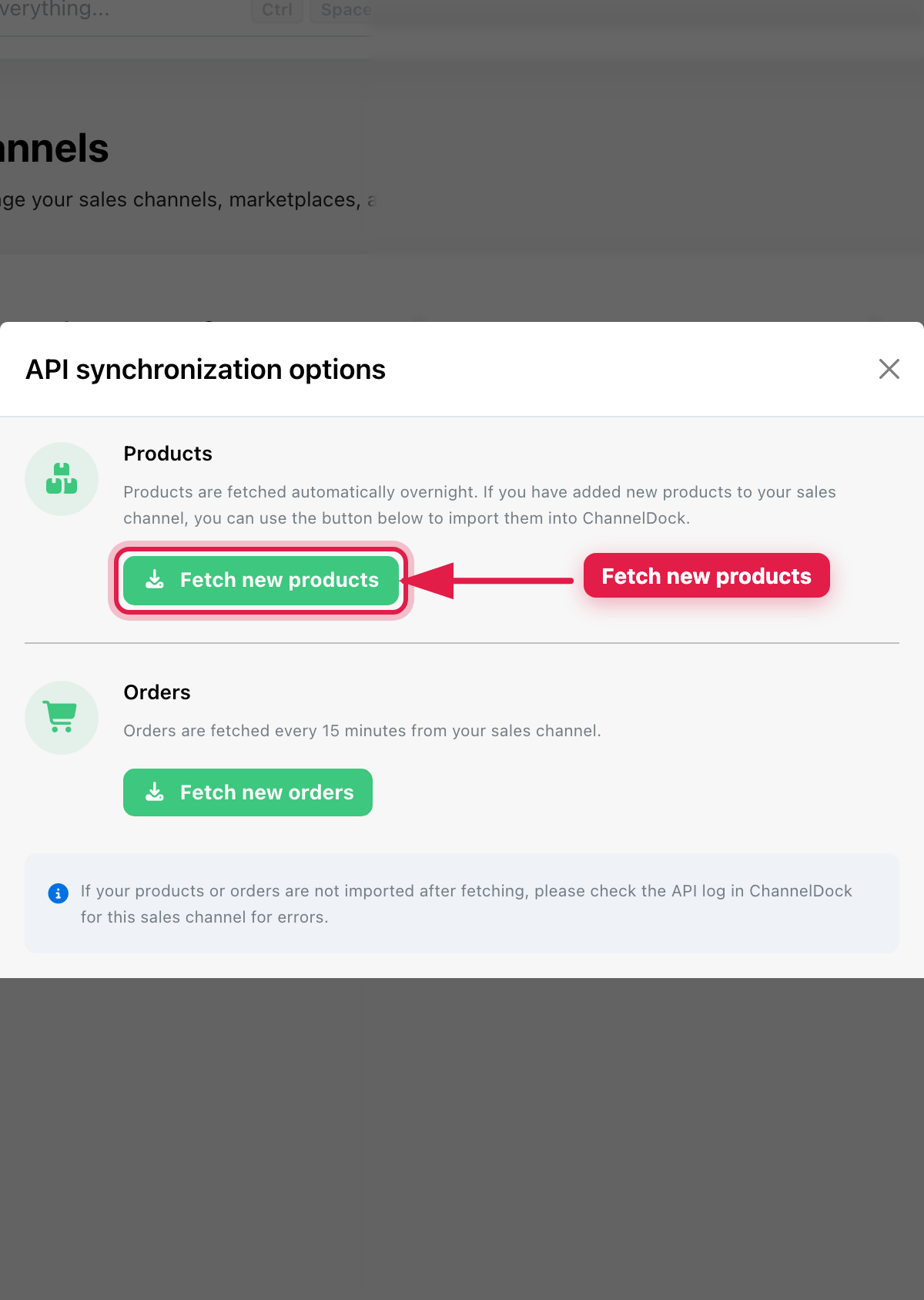
In the modal, click Fetch new products.
-
Check the API logs for errors or warnings
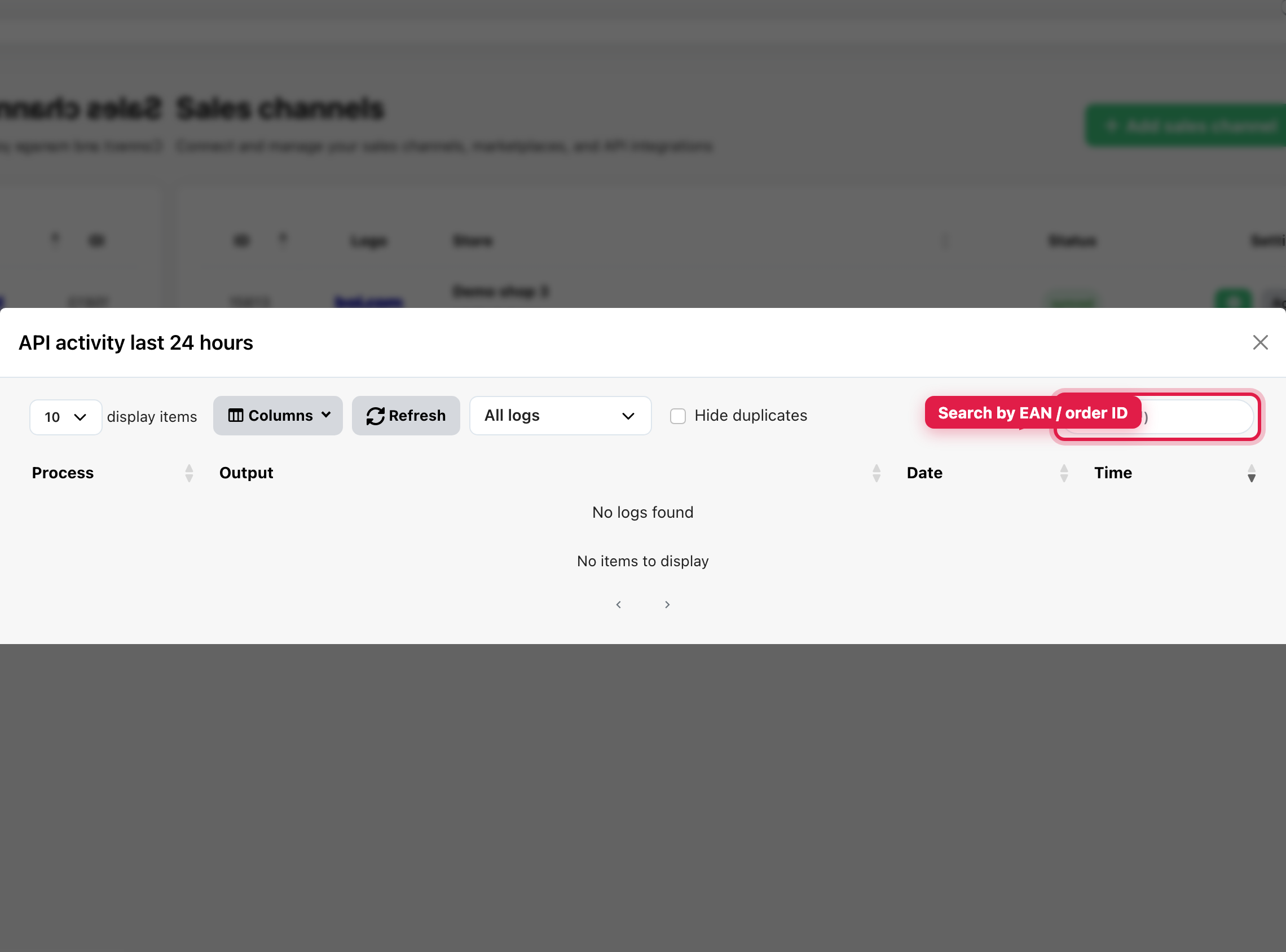
Review the API logs to find which products have issues. Look for error or warning messages related to EANs or product matching.
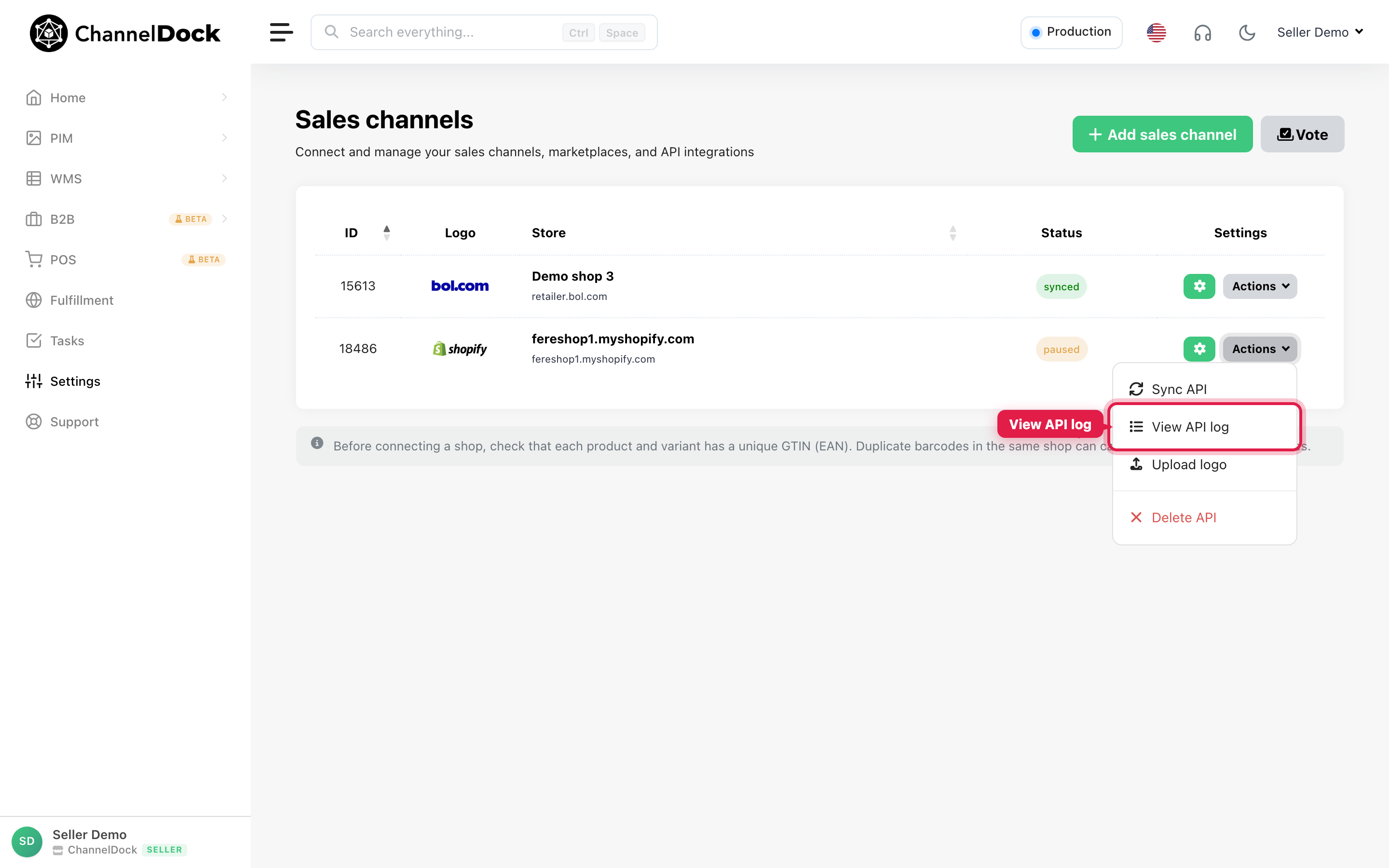
From Actions, open View API log, then search by EAN or order ID.
-
Correct the EANs in Shopify
In Shopify, update the affected products so each one has a valid and correct EAN (barcode). Save your changes before continuing.
-
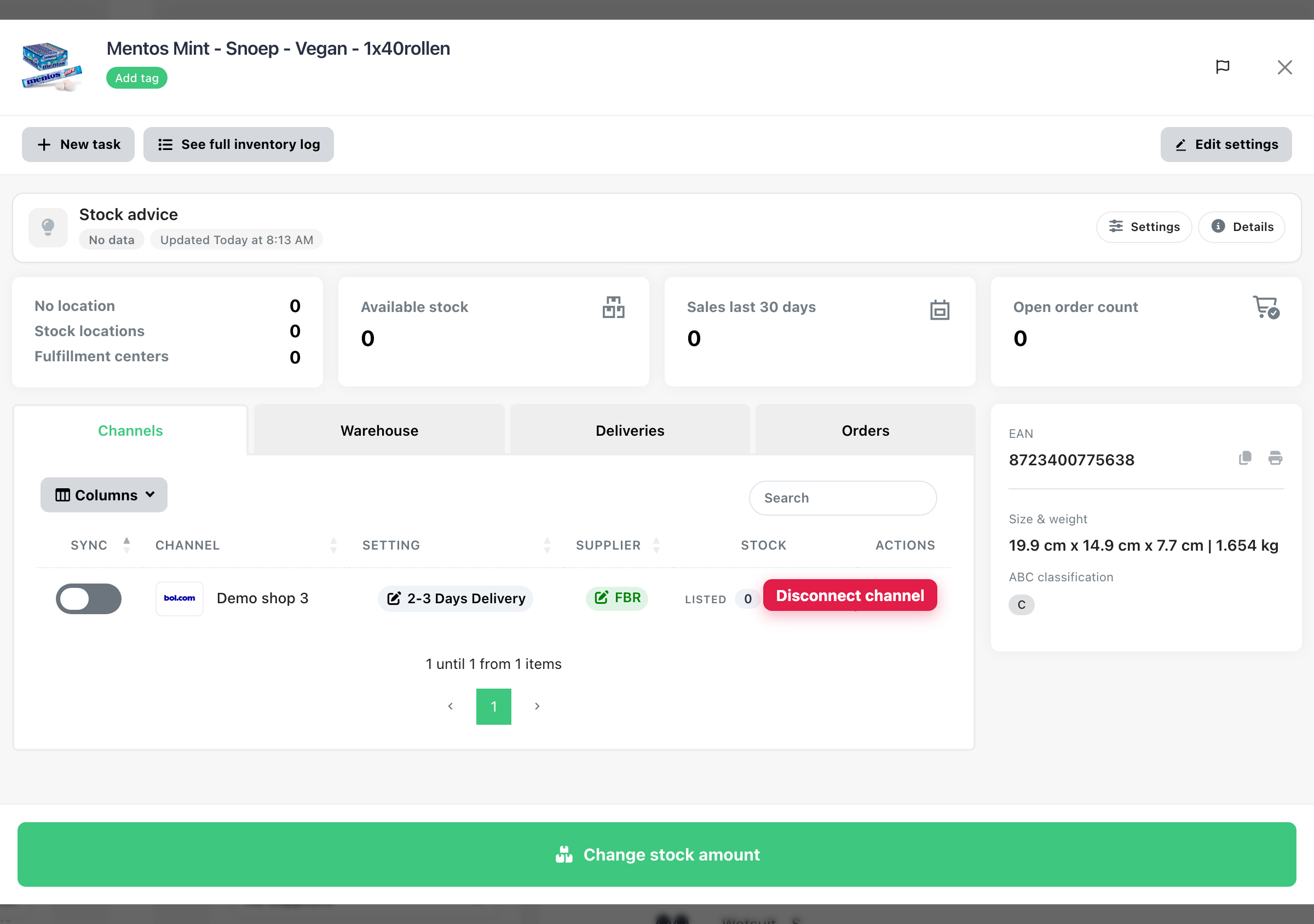
Disconnect the affected products from ChannelDock
Disconnect the products that had incorrect EANs so ChannelDock no longer keeps the outdated product link.
Open the product in Inventory → All products, go to the Channels tab, and click the red trash icon to disconnect the sales channel.
-
Manually fetch the products from Shopify again
Fetch the products once more so ChannelDock re-imports them with the corrected EANs and reconnects them properly.
Repeat Actions → Sync API → Fetch new products as shown in step 1.
Result
Once these steps are completed, the products should be connected correctly and the related orders will also be imported correctly.
Prevent this in the future
To avoid similar issues, read how product and inventory sync works in ChannelDock:
Was this helpful?