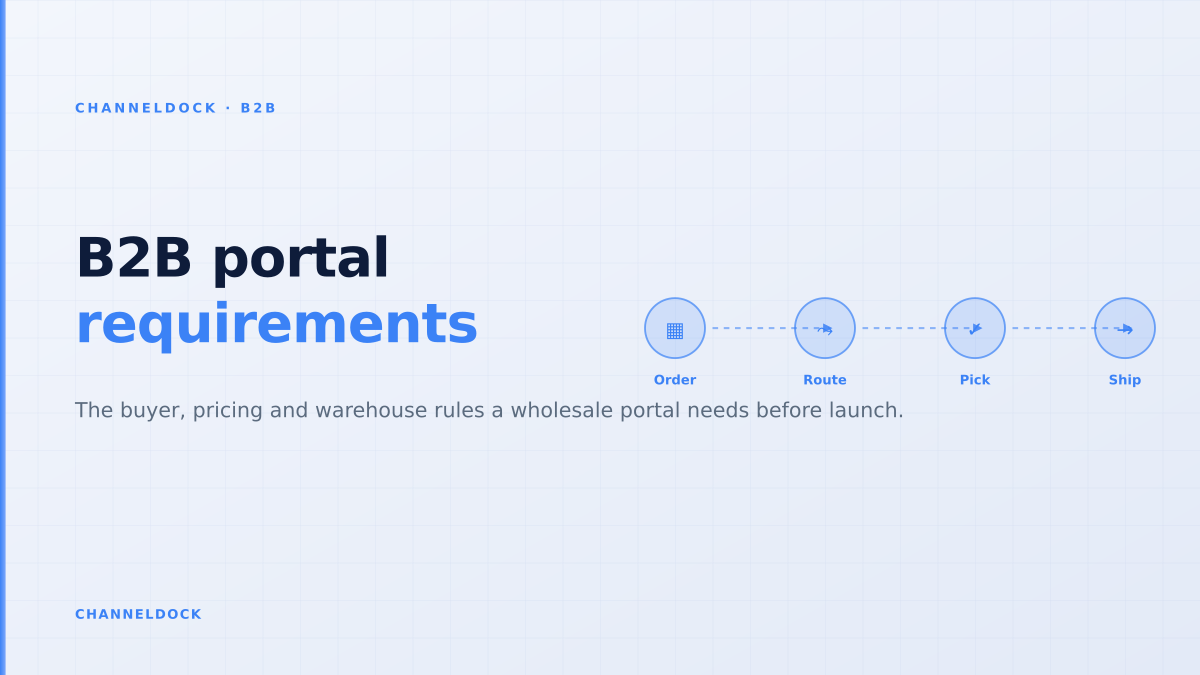
B2B Customer Portal Requirements for Wholesale Sellers
In 2026, the most useful B2B customer portal is not a prettier way to collect wholesale orders. It is the place where buyer permissions, customer price lists, stock promises, approval rules and warehouse release rules meet. If one of those pieces is missing, customers still drift back to email, spreadsheets and phone calls.
That is why this article treats B2B customer portal requirements as an operational checklist, not as a generic ecommerce feature list. BigCommerce documents buyer roles, permissions, company-level order visibility and invoice access. OroCommerce and Orderwise talk about account hierarchies, customer-specific pricing, bulk reordering and workflow automation. Reviews on G2 and Capterra praise B2B portals that reduce manual order entry, but the same reviews also show the pain when accounting, inventory or ERP connections are not smooth enough.
The real requirement: make wholesale ordering operationally safe
Many ranking articles list portal features as if every wholesaler needs the same shopping cart. In practice, the expensive failures happen after checkout. A buyer places an order against stale stock. A sales rep promises a discount that is not in the price list. A warehouse sees a B2B order too late because it arrived in a separate inbox. A finance team chases invoices because the portal shows old balances.
For a brand or distributor, the portal has to answer one question before every order is accepted: can this customer, with this role, buy these SKUs, at this price, from this stock pool, under these payment and approval rules? If the answer is not automated, the portal is only a digital request form.
The most common portal mistake is treating B2B as a private webshop. A buyer-facing catalog is only useful when customer prices, available stock, order approval and warehouse release all stay in sync.
Requirement 1: company accounts, roles and purchasing authority
B2B buyers rarely act as one person. A dealer network may have store managers who reorder weekly, a purchasing manager who approves baskets, an accounts team that downloads invoices and a head-office user who manages addresses. BigCommerce's buyer-role documentation reflects this reality with permissions for user management, shopping lists, quotes, orders, invoices and purchasability.
The practical requirement is to model permissions at company level. A user should not automatically see every order, invoice or price list just because they work for the same customer. Start with three base roles: buyer, approver and account admin. Then add exceptions only where the business process needs them.
- Buyer: can view assigned catalogs, add items, save lists and submit orders or drafts.
- Approver: can approve baskets above thresholds, release shopping lists and review unusual delivery addresses.
- Account admin: can manage users, invoice access, addresses and account-level order history.
ChannelDock's order overview is relevant here because portal permissions should not create a new operational silo. Once the order is approved, it needs to behave like every other order in the queue.
Requirement 2: customer-specific price lists and catalogs
Wholesale buyers expect their negotiated terms to be visible immediately. That includes customer-specific prices, tier discounts, minimum quantities, VAT handling, product restrictions, packaging quantities, agreed payment terms and any products that are hidden from that account. Shopify Community threads about B2B setup show how quickly this becomes complex when sellers try to combine retail and wholesale in one store without a proper portal layer.
The requirement is simple to state and hard to fake: every logged-in customer must see only the products they are allowed to buy, at the price they are allowed to pay, with the quantities the warehouse can actually process. A generic discount code is not enough for dealer, distributor or franchise flows.
Use this decision rule: if a sales rep would check a spreadsheet before confirming the price, that spreadsheet needs to become structured data before the portal launches. Otherwise the portal creates a second source of truth and your team will spend its time reconciling it.
Portal as storefront
- Customer logs in and sees a catalog
- Order lands in a separate export
- Inventory checks happen after the order
- Sales team still fixes prices and delivery dates
Portal as operating layerRecommended
- Buyer roles match real purchasing authority
- Customer price and stock are current at order time
- Approved orders enter the warehouse queue automatically
- Sales only handles exceptions, quotes and account growth
Requirement 3: sellable stock, not raw stock
Most B2B portal guides say buyers need real-time inventory visibility. That is true, but incomplete. Buyers need a stock number they can trust. The number should reflect reservations, damaged stock, channel buffers, warehouse allocation, incoming replenishment rules and any stock held for key accounts.
Showing raw warehouse stock is dangerous because B2B orders are often larger than retail orders. One dealer order can consume a pallet position, trigger a backorder, or steal stock from Amazon, bol.com, Shopify, WooCommerce or a franchise store. A better portal exposes sellable availability: the quantity the business is willing to promise to this account right now.
This is where a B2B portal connects directly with inventory management. Wholesale ordering cannot sit outside the stock engine when all channels compete for the same SKUs.
Requirement 4: repeat ordering and order history built for busy buyers
Wholesale customers do not want to browse from scratch every week. They want to repeat last month's order, adjust quantities, add one new SKU and move on. Search results from Orderwerks, WizCommerce and B2B Wave all point to the same adoption driver: order history, quick reorder, saved lists and account-specific catalogs reduce the need for back-and-forth email.
For operational ecommerce teams, this is more than convenience. Repeat ordering reduces wrong SKUs, duplicate lines, missing pack sizes and unclear purchase references. It also makes customer service easier because the buyer and the sales team look at the same past order.
- 1Map buyer accounts before screensList who can view prices, place orders, approve baskets, change addresses and see invoices. Do this per company, not only per user.
- 2Define the price and catalog sourceChoose one source of truth for price lists, minimum order quantities, VAT logic, restricted SKUs and customer-specific assortments.
- 3Decide which stock number buyers may seeShow sellable availability after reservations, safety stock and warehouse allocation. Raw warehouse stock creates promises the operation cannot keep.
- 4Route approved orders into fulfillmentThe portal should create a normal order in the same queue as marketplace, webshop and manual orders so pick, pack and ship stay consistent.
- 5Test with five real repeat ordersUse existing wholesale customers, old invoices and messy order notes. If the portal cannot handle those patterns, adoption will move back to email.
Requirement 5: approval workflows that do not slow down fulfillment
Approval rules are a B2B portal requirement because not every buyer has the same authority. Common triggers include order value, product category, restricted SKUs, new delivery addresses, overdue invoices, credit limits, expedited shipping and order changes after approval. Magento and BigCommerce documentation both show how structured approval logic becomes part of the buying flow.
The mistake is making approval a manual inbox. If every order needs human review, the portal simply moves the bottleneck from email to software. Use automatic release for normal orders and reserve approval for exceptions. A purchasing manager should not need to touch a weekly reorder that matches the customer's normal pattern, stock is available and payment terms are in good standing.
A B2B portal should reduce approvals by defining safe defaults, not increase approvals by forcing every order through the same manual checkpoint.
Requirement 6: one order queue after approval
The biggest gap in competitor content is the warehouse handoff. Many articles stop at the portal dashboard, but ecommerce operators care about what happens next. After approval, the order needs to enter the same operational flow as marketplace, webshop, POS and manual orders. That means picking priority, packing instructions, partial shipment rules, carrier choice, tracking and invoice data all need to be available without retyping.
If the portal exports a CSV that someone imports at the end of the day, the customer has not received true self-service. They have received a nicer form. A stronger setup connects the portal with integrations, warehouse rules and order processing so the team can manage B2B and D2C demand together.
- Approved orders should appear in the normal pick queue.
- Backorders should be visible before the buyer commits.
- Partial shipments should be controlled by account or order rule.
- Tracking numbers should flow back into the portal automatically.
Requirement 7: invoices, payment status and service visibility
Buyers often call the sales or finance team for three reasons: where is my order, can I get a copy invoice, and what did I order last time? A customer portal should answer those questions without creating new support tickets. That means invoice access, open balance visibility, shipment tracking, order status and downloadable documents are part of the portal requirement, not optional extras.
Be careful with freshness. Invoice and payment data that is 24 hours behind can create more calls, not fewer. If the finance system is not real-time, label the timestamp clearly and decide which actions are allowed in the portal. For example, allow invoice download immediately, but route payment disputes to the account team.
What current ranking content misses
Most B2B customer portal articles are feature catalogs. They mention custom pricing, user roles, invoices and order history, but they rarely explain the operational dependency between those features. The portal only works when every feature points back to the same order, inventory and customer data model.
The seller forums and review sites are more revealing than vendor pages. Reddit threads ask for solid APIs and real order logic. Shopify Community posts focus on approved accounts, hidden prices, VAT invoices and budget limits. G2 and Capterra reviews praise easy ordering, but they also flag integration gaps, reporting needs and missing downstream documents. The lesson is clear: the portal's value is not the screen. The value is fewer exceptions after the screen.
- Start with permissions, pricing and warehouse release rules before changing the storefront.
- Make reordering, order history and invoice visibility the fastest paths in the portal.
- Only expose inventory that the operation is willing to reserve or ship.
- Connect the portal to the same order queue used for marketplaces, webshops and manual sales.
A practical launch checklist
Before inviting wholesale customers, test the portal against real orders from the last 90 days. Include a normal reorder, a large order, a restricted SKU, a new delivery address, an overdue invoice, a product with low stock and an account with special pricing. If any of those require manual correction, write down whether the fix belongs in permissions, pricing, inventory, approval or warehouse release.
Then invite a small group of customers who already order frequently and are willing to give feedback. Watch where they still email the sales team. Every email after launch is a signal that the portal is missing a rule, a view or a confidence cue.
When the foundation is stable, connect the B2B portal with broader ChannelDock B2B portal workflows and the operational features your team already uses. The goal is not to replace relationships with software. The goal is to remove repetitive admin so sales can focus on exceptions, account growth and better service.
FAQ
What are the minimum requirements for a B2B customer portal?
Should a B2B portal show real-time inventory?
How do approval workflows work in B2B ordering?
What is the difference between a B2B customer portal and a B2B order portal?
How does ChannelDock support B2B portal operations?
Conclusion
A strong B2B customer portal starts with the buyer experience, but it succeeds or fails in operations. The requirements that matter are company permissions, account-specific pricing, sellable stock, repeat ordering, exception-based approvals, warehouse release and service visibility. If those pieces share one source of truth, customers get 24/7 self-service and the team gets fewer manual order fixes. If they do not, the portal becomes another inbox.