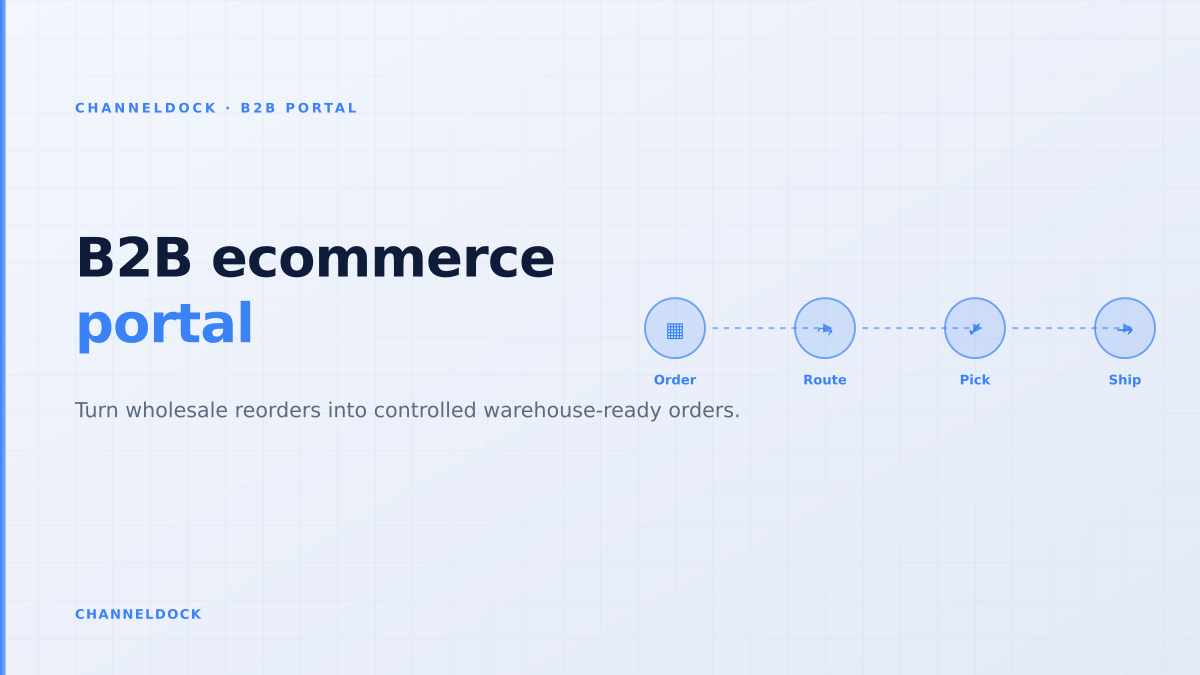
B2B ecommerce portal: the warehouse-first guide
“B2B portal” is one of the cleanest opportunities in this week’s ChannelDock competitor analysis: 1,000 monthly searches, keyword difficulty 5, commercial intent and AI Overview features. The broader phrase “B2B ecommerce portal” adds another 300 searches with clear buying intent. That is enough demand to justify a page — but not another generic definition of B2B ecommerce.
The useful angle for wholesalers, distributors and ecommerce brands is operational: how do you let business customers reorder online without creating a second order queue that the warehouse still has to fix by hand? The answer is a warehouse-first B2B ecommerce portal: one that connects buyer permissions, customer-specific pricing, order approval, inventory reservation and fulfillment before an order reaches the picker.
Why the portal has to start behind the cart
Most competitor pages describe B2B portals as self-service storefronts. They mention customer-specific catalogs, net terms, invoices and quote requests. Those features matter, but they sit on top of the real operating problem: a wholesale order is not ready to ship just because a buyer clicked “submit”.
A B2B order often includes pallet quantities, pack-size rules, customer-specific prices, purchase order numbers, credit limits, multiple ship-to locations and internal buyer approvals. If those rules are not enforced before order release, the portal only moves manual work from email into a new screen. The sales team still checks prices, customer service still confirms quantities, and the warehouse still discovers stock conflicts during picking.
The five locks every B2B ecommerce portal needs
A good portal does not give every buyer the same catalog. It applies five locks before an order becomes operational: account, product, price, quantity and release status. Account locks decide which company, location and user can buy. Product locks decide what that buyer is allowed to see. Price locks apply contract pricing, tiered pricing or customer-specific discounts. Quantity locks enforce minimum order quantities, pack sizes and pallet rules. Release locks decide when the order can enter fulfillment.
This is where ChannelDock’s B2B Portal matters for ecommerce teams. The portal is not isolated from operations: buyers place orders on a branded portal, while the seller keeps control over review, B2B documents and fulfillment routing in ChannelDock. That keeps wholesale demand in the same operational system as marketplace, webshop, POS and manually entered orders.
The mistake is treating a B2B ecommerce portal as a nicer login screen. Wholesale customers do not only need a cart. They need their negotiated prices, allowed products, order limits, PO rules, delivery addresses and live stock availability to match what your warehouse can actually ship.
Approval is not bureaucracy; it is stock protection
Approval workflows are often framed as buyer-side governance: a junior buyer creates a basket, a manager approves it above a budget threshold, and procurement receives a purchase order. For the seller, approval has a second purpose: it protects stock accuracy. Unapproved B2B baskets should not silently consume available stock if that same SKU is selling on Shopify, bol.com, Amazon or through a sales rep.
A practical B2B ecommerce portal separates draft, approval and fulfillment states. In draft, the buyer can build the order. In approval, the buyer’s organization or the seller can validate pricing, credit, delivery address and PO details. Only after approval should the system reserve stock and create the warehouse task. ChannelDock’s order management features help keep that release moment tied to the same queue that handles other ecommerce orders.
Storefront-first portal
- Publishes a catalog before stock rules are clean
- Lets buyers submit orders that still need manual correction
- Pushes exceptions to sales, customer service and the warehouse
Warehouse-first B2B portalRecommended
- Shows account-specific products, prices and quantities
- Routes orders through approval before stock is released
- Creates pickable orders, documents and shipping tasks in one queue
Inventory visibility should be honest, not optimistic
Wholesale buyers want real-time availability, but “real-time” can be dangerous if the portal exposes raw warehouse stock. A distributor might have 480 units physically on the shelf, but only 120 are safe to promise after marketplace reservations, B2C orders, replenishment buffers, damaged stock and account-specific allocation rules. Showing 480 creates trust for five minutes and a backorder problem for the next five days.
The better model is available-to-promise by buyer group. A key account may see reserved stock. A small dealer may see only open stock. A franchise location may see its local allocation. A new wholesale buyer may have access to a narrower assortment until credit terms are approved. If product data or channel-specific assortment rules are complex, connect the portal to PIM workflows so product visibility and operational availability stay aligned.
A B2B portal earns trust when the buyer can reorder quickly and the warehouse can ship without asking, “Who approved this, which price is right, and where did the stock go?”
Design the reorder path before the full catalog
The highest-value B2B portal traffic is rarely a buyer browsing all products from scratch. Wholesale buyers reorder familiar SKUs: the same 50, 100 or 200 items, often with minor quantity changes. That is why order history, favorites, SKU quick entry, CSV upload and saved baskets should ship early. A portal that makes reordering fast gets adoption; a portal that behaves like a retail catalog gets ignored by busy procurement teams.
For many ChannelDock customers, the fastest launch sequence is to start with repeat orders and a limited account-specific catalog. Once that is stable, expand into quote requests, broader assortment browsing, more buyer roles, EDI feeds and franchise or retail replenishment flows.
- 1Start with accounts, not productsCreate buyer groups, ship-to locations, approval roles and payment terms before you import the full catalog.
- 2Expose only orderable stockPublish availability that reflects warehouse reservations, B2C demand, backorders and pack-size rules.
- 3Separate draft, approval and fulfillment statesA buyer can build a basket, a manager can approve it, and operations can release it only when it is valid.
- 4Turn repeat orders into templatesUse order history, favorites, SKU quick entry and CSV uploads so buyers do not rebuild the same basket every week.
- 5Measure adoption by manual work removedTrack portal orders versus phone, email and spreadsheet orders, plus correction rate before picking.
Where current ranking content leaves a gap
The ranking landscape is crowded with feature checklists: customer-specific pricing, net terms, quote workflows, approval permissions, ERP integration, real-time inventory and invoices. Those are valid, but most articles stop at the software selection layer. They do not explain how a submitted B2B order becomes a pickable warehouse task, how stock should be reserved, or how B2B orders should coexist with marketplace and D2C demand.
That operational gap is ChannelDock’s opening. The product story is not “launch a portal because buyers want self-service”. It is “launch a portal that turns wholesale demand into controlled, document-ready, warehouse-ready orders.” That is more specific, more credible for AI search systems, and more useful for sellers who already feel the pain of phone, email and spreadsheet order intake.
- Target “B2B ecommerce portal” with an operational angle: negotiated pricing only matters if the warehouse receives a clean order.
- Approval gates should happen before stock reservation, not after the picker discovers the order is invalid.
- The best conversion path is from self-service reorder to ChannelDock’s B2B Portal and unified order workflow.
FAQ
What is a B2B ecommerce portal?
How is a B2B ecommerce portal different from a normal webshop?
Should B2B portal orders reserve stock immediately?
Which pages should a B2B portal connect to in ChannelDock?
What should you measure after launch?
Conclusion
The best B2B ecommerce portal is not the one with the longest feature list. It is the one that removes manual order intake while keeping commercial control intact: account-specific pricing, approval gates, honest stock visibility, correct documents and a clean handoff into fulfillment.
For wholesalers, distributors and brands selling to dealers or franchise locations, that is the difference between a digital storefront and an operational sales portal. ChannelDock’s B2B Portal is strongest when it is positioned exactly there: the self-service front door for wholesale customers, connected to the same inventory and order engine that runs the rest of ecommerce operations.