Connecting MyParcel
Last updated
Before you connect MyParcel to ChannelDock
-
Login to MyParcel and click the account icon in the top right corner and go to the shop you want to link via ‘Shop settings’.
-
Scroll down to the API section. If you have not yet created an API key, you can do so here.
To connect MyParcel to ChannelDock
-
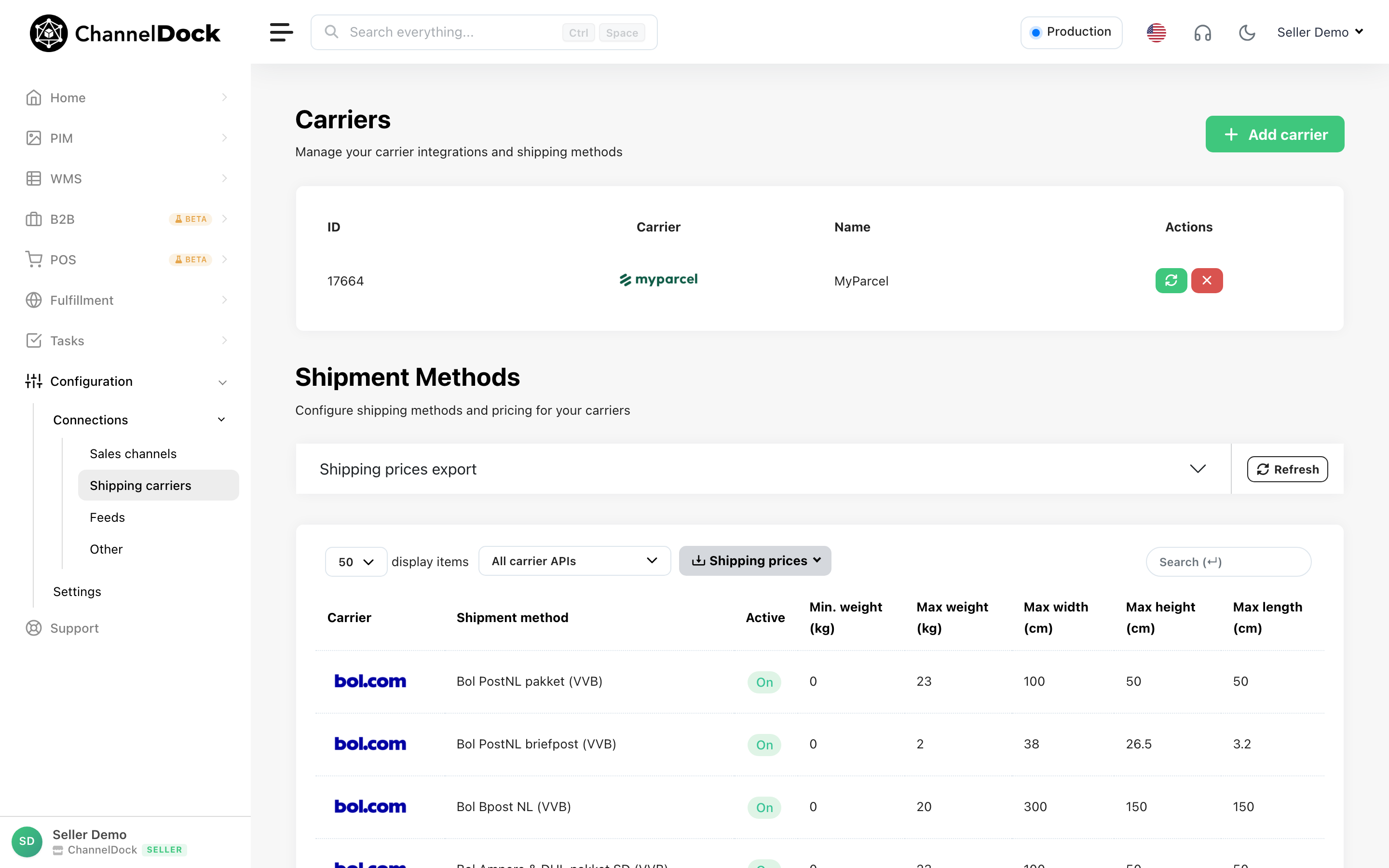
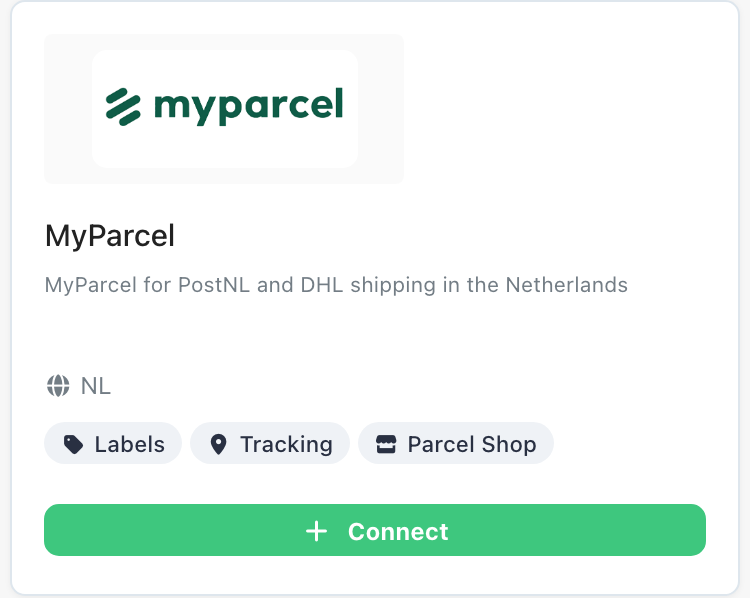
In ChannelDock, navigate to 'Conections > Shipping Carriers’ and click on MyParcel icon.
-
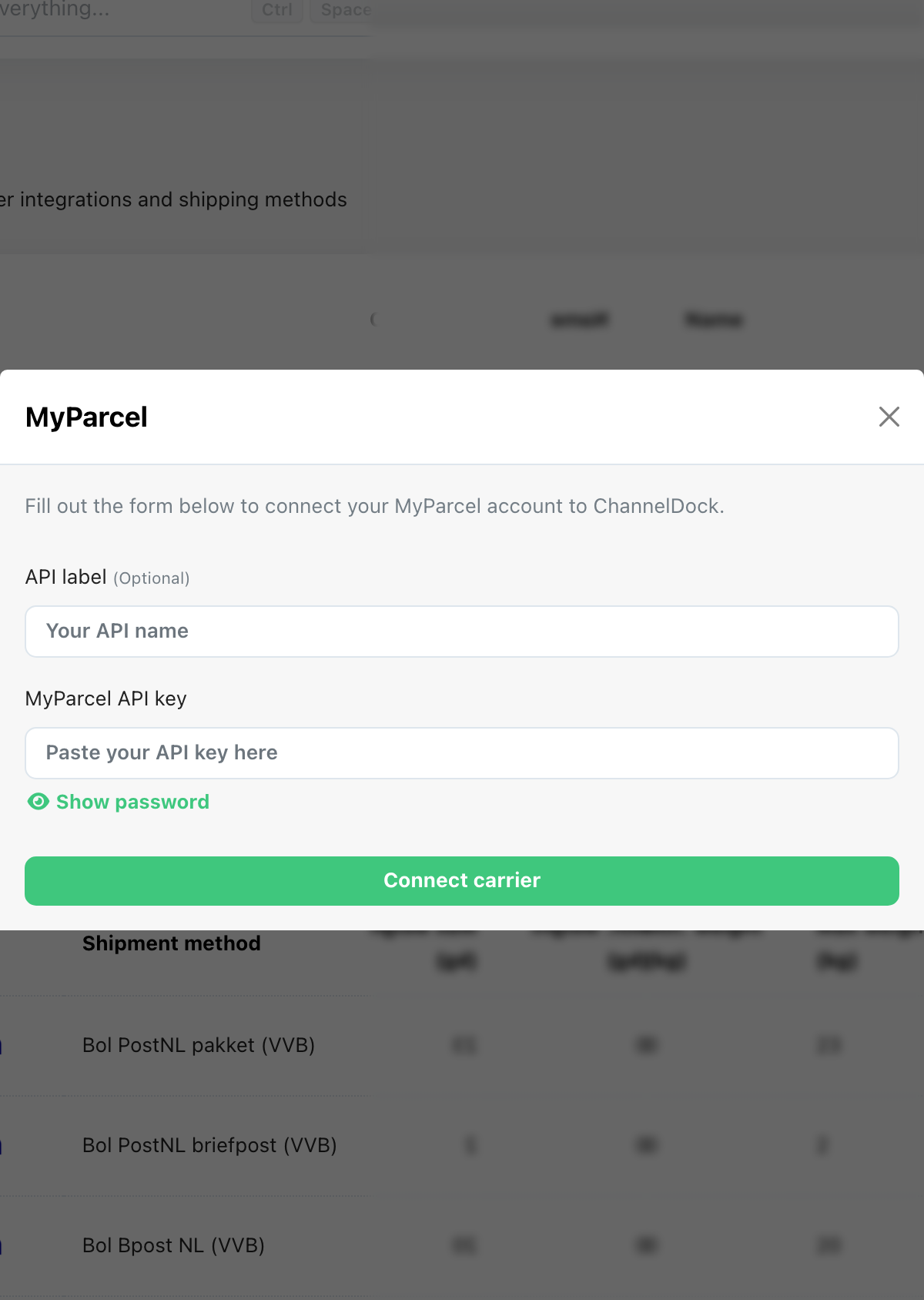
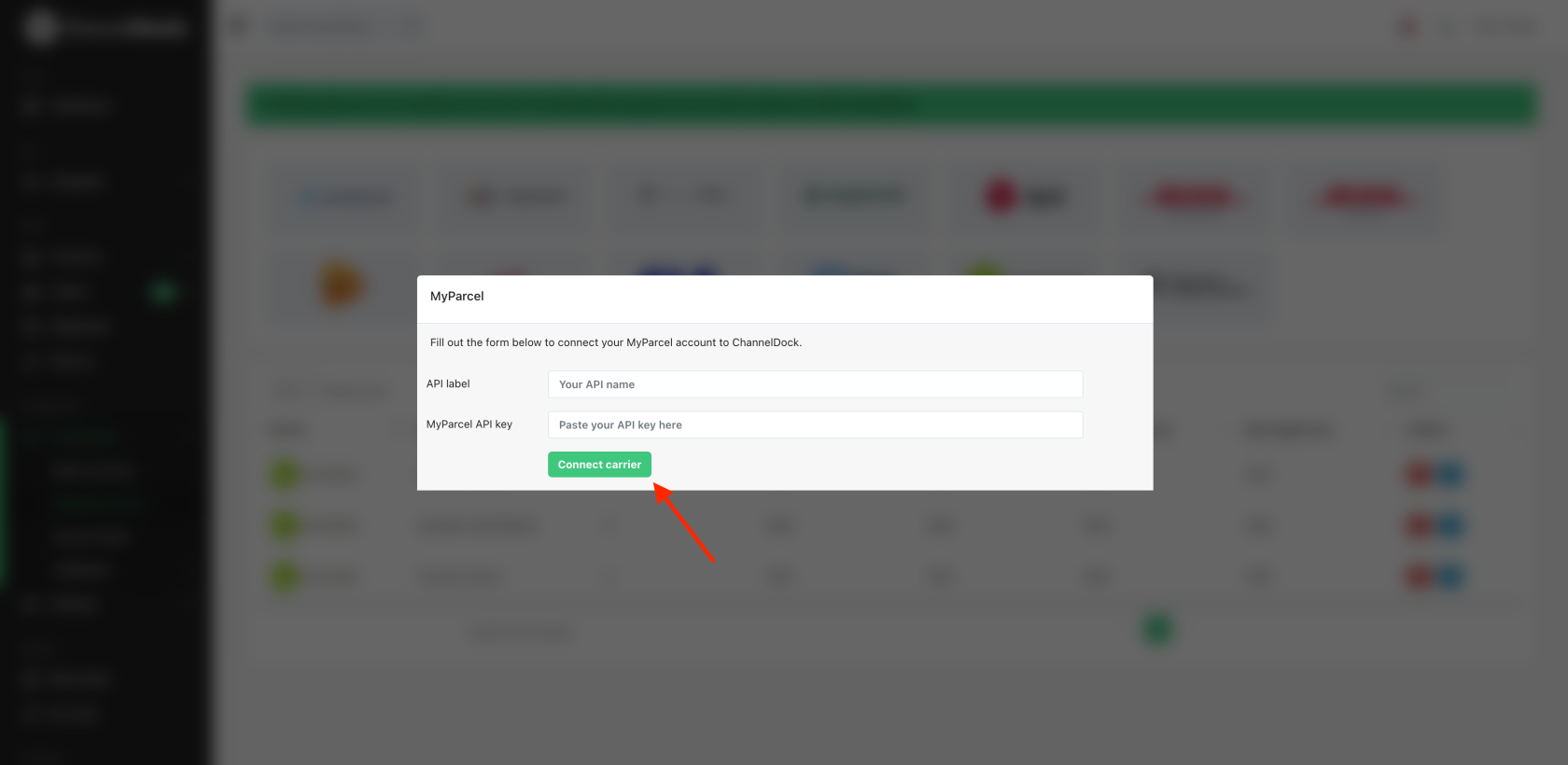
In the pop-up window, add your API name, paste the API key and click ‘Connect Carrier’.
-
MyParcel is now connected to ChannelDock. Now try to process an order in ChannelDock with a MyParcel shipping option.
Was this helpful?