Upload shipment label price with T&T
Last updated
Your carrier might add extra fees to a shipment after delivering the parcel to the customer. To save time when invoicing your customers as a fulfillment center, you can easily upload the shipment label prices to ChannelDock based on the track & trace codes. Here is how you do it:
-
Navigate to the Shipments page inside of your ChannelDock account.
-
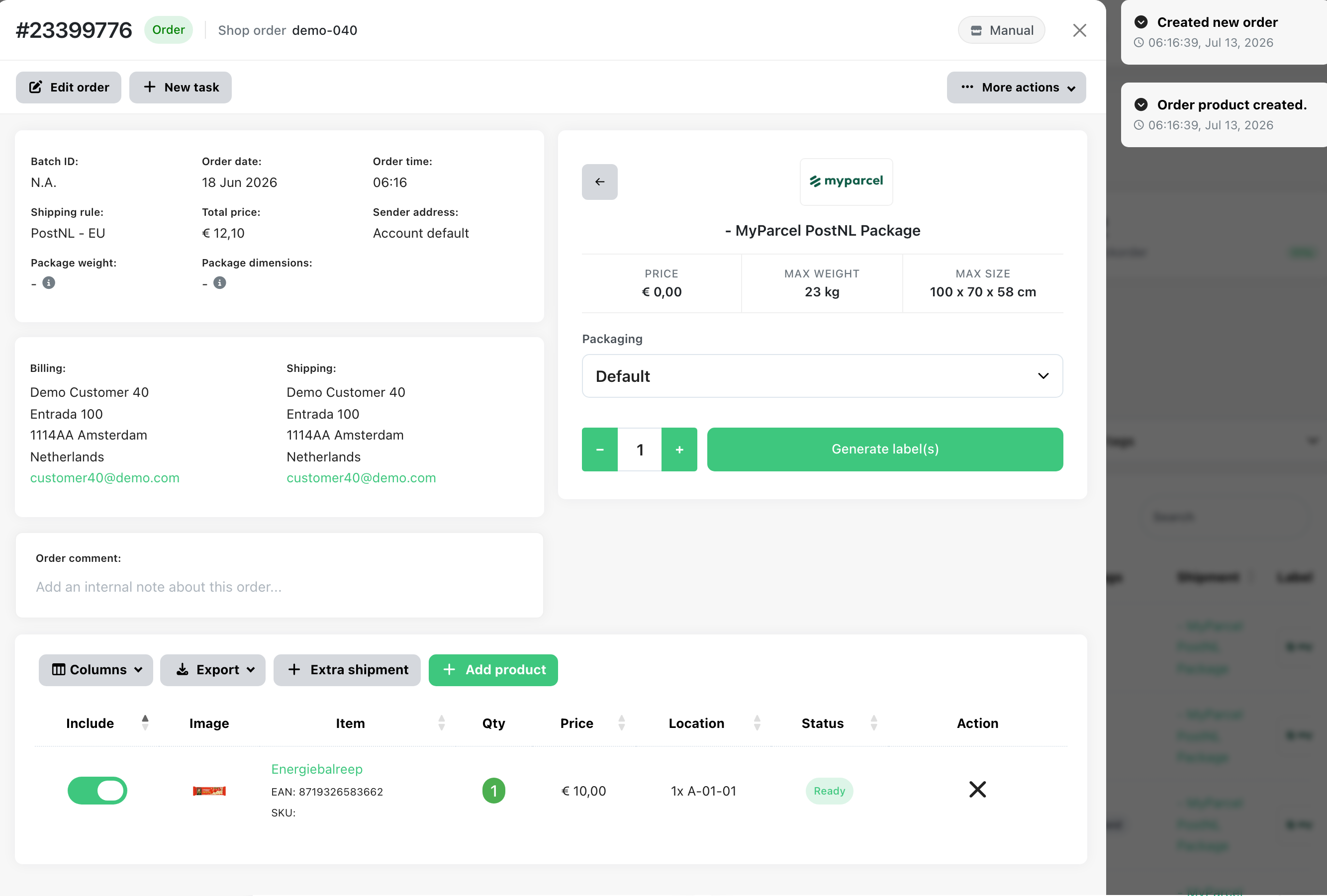
Click on the ‘Upload T&T’ button.
-
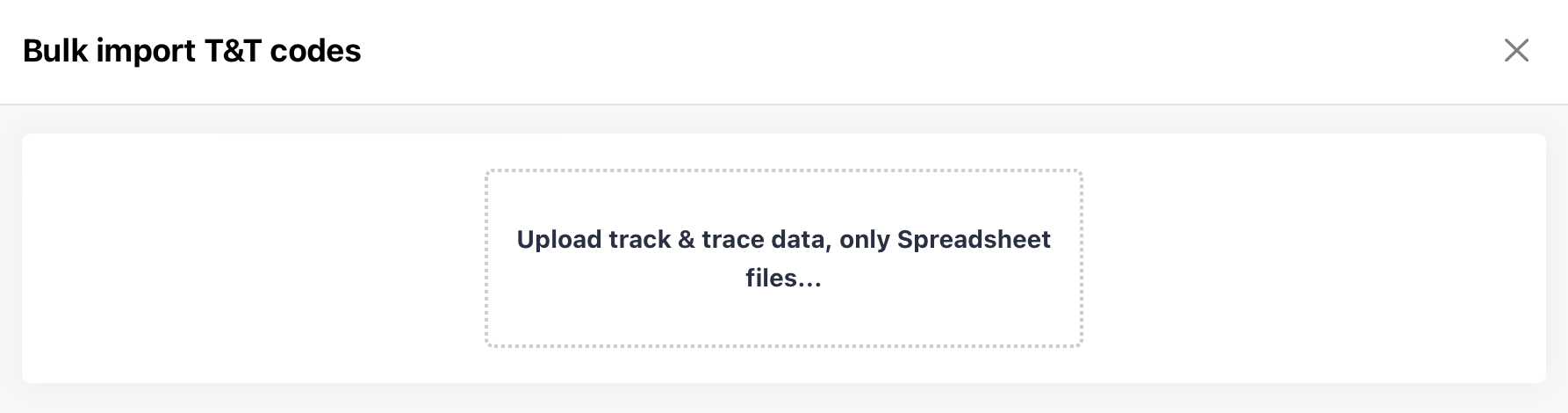
Click on the button to select a file from your computer
-
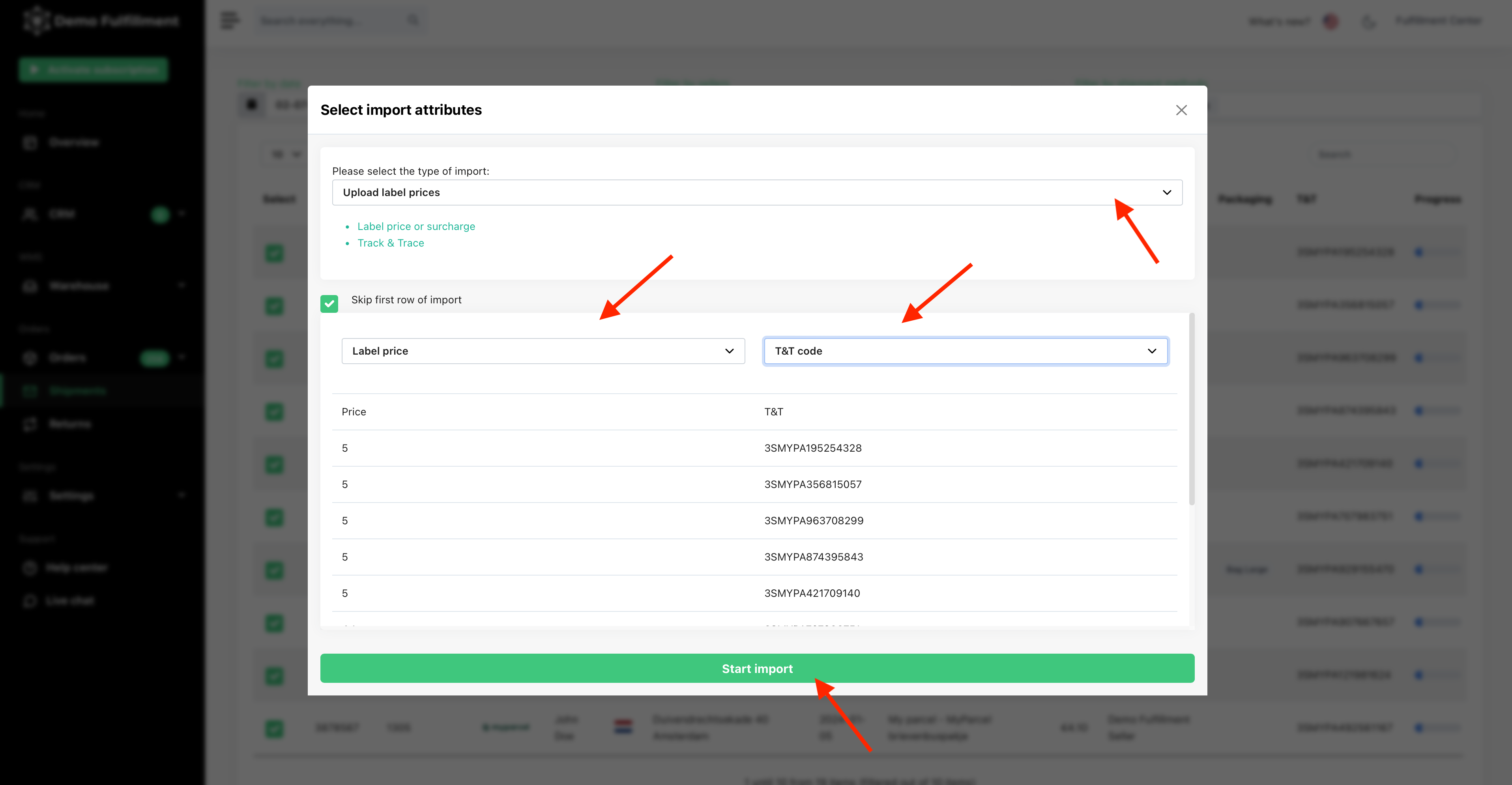
As ‘Import type’ for the first drop-down you need to select ‘Upload label prices’. Then define which columns are track & trace codes of your shipments and which column are the label prices. After defining both column the green ‘Start import’ button appears. Click on this button.
-
Done! Your label prices will now be matched to the right labels.
Was this helpful?