Custom Shipping Rule
Last updated
To use a manual shipping method as a shipping rule, you need to first create a custom shipping method.
Create a Custom Shipping Method
- Go to Connection > Shipping Carriers
- Click Add Carrier and select Custom shipping method
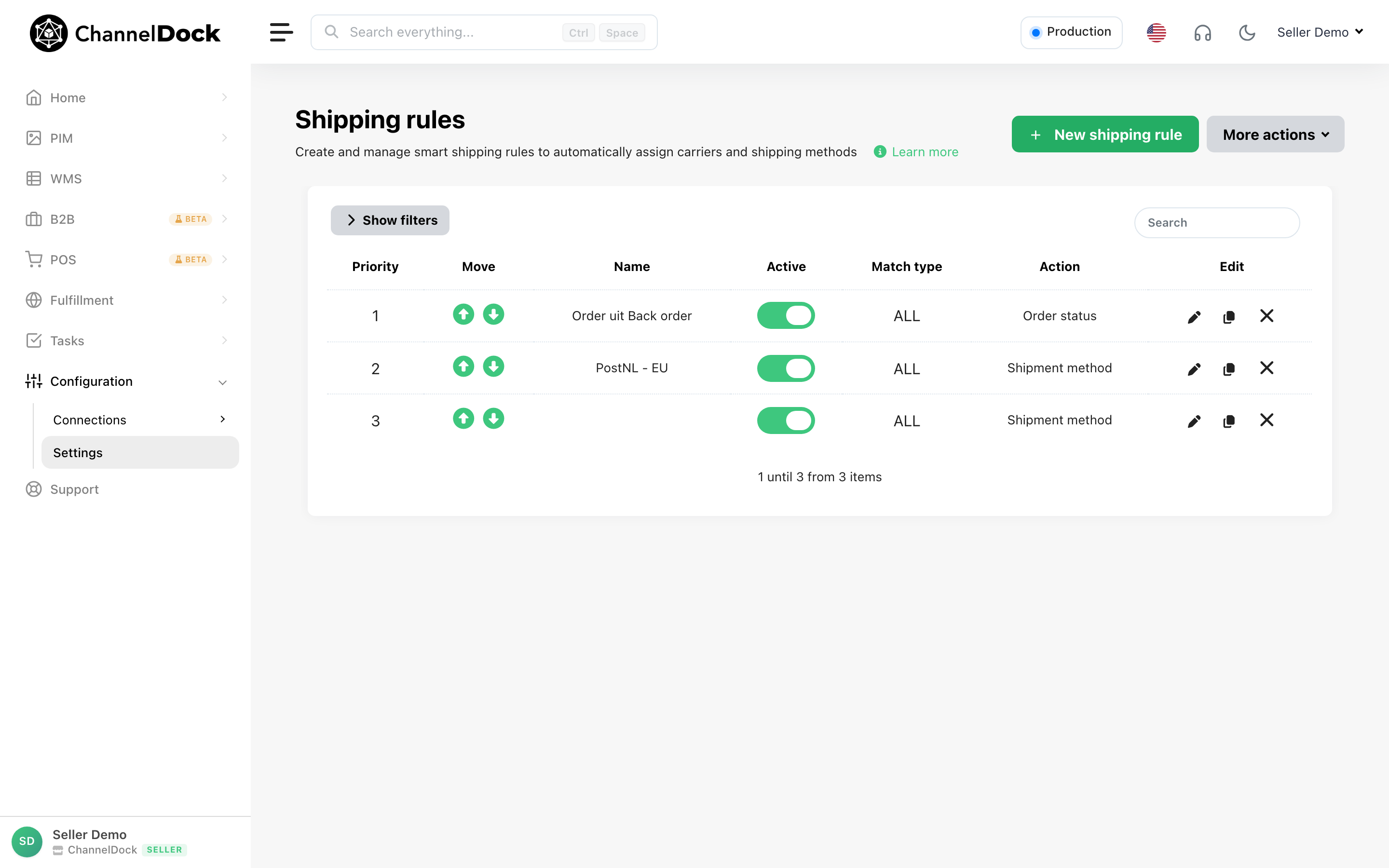
Choose the name for the custom shipping method
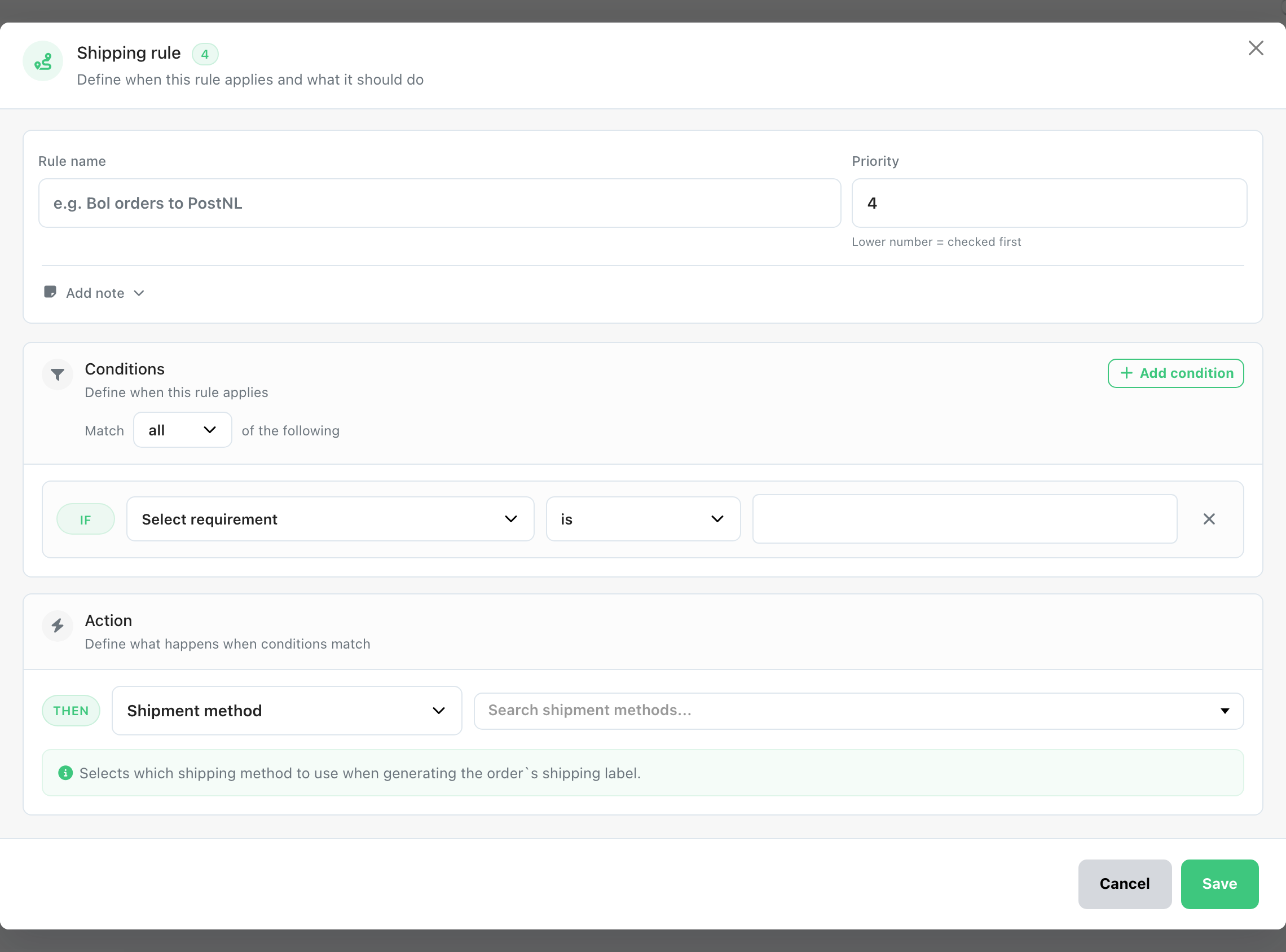
Create a Shipping Rule
- Go to Settings > Shipping Rules > New Shipping Rule
- Define your requirements (e.g., weight, destination, SKU, etc.)
- Under Shipping Method, select the custom method you created (Mailstamp)
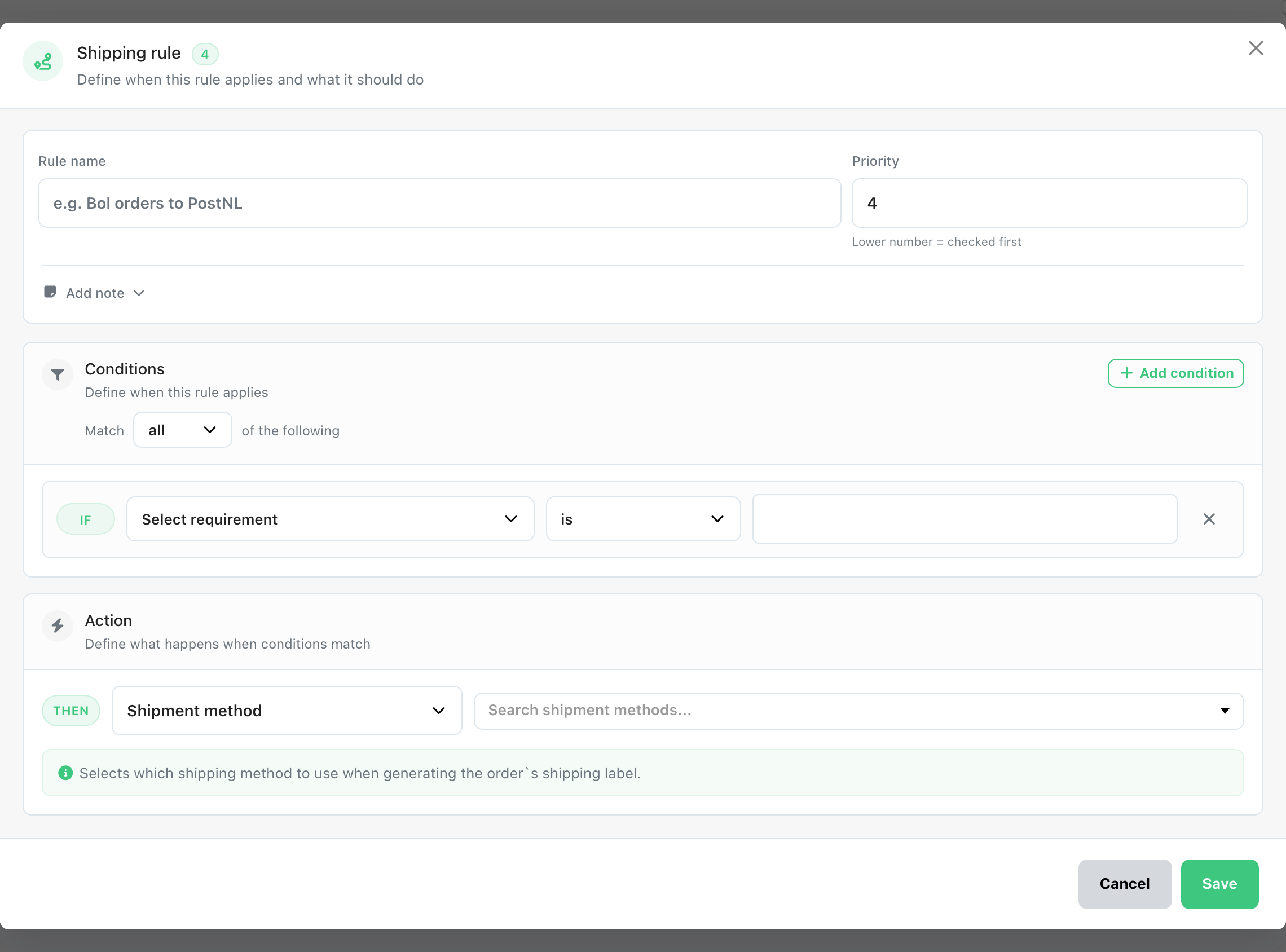
Once saved, the rule will automatically apply the Custom shipping method to orders that match the conditions you specified.
Was this helpful?