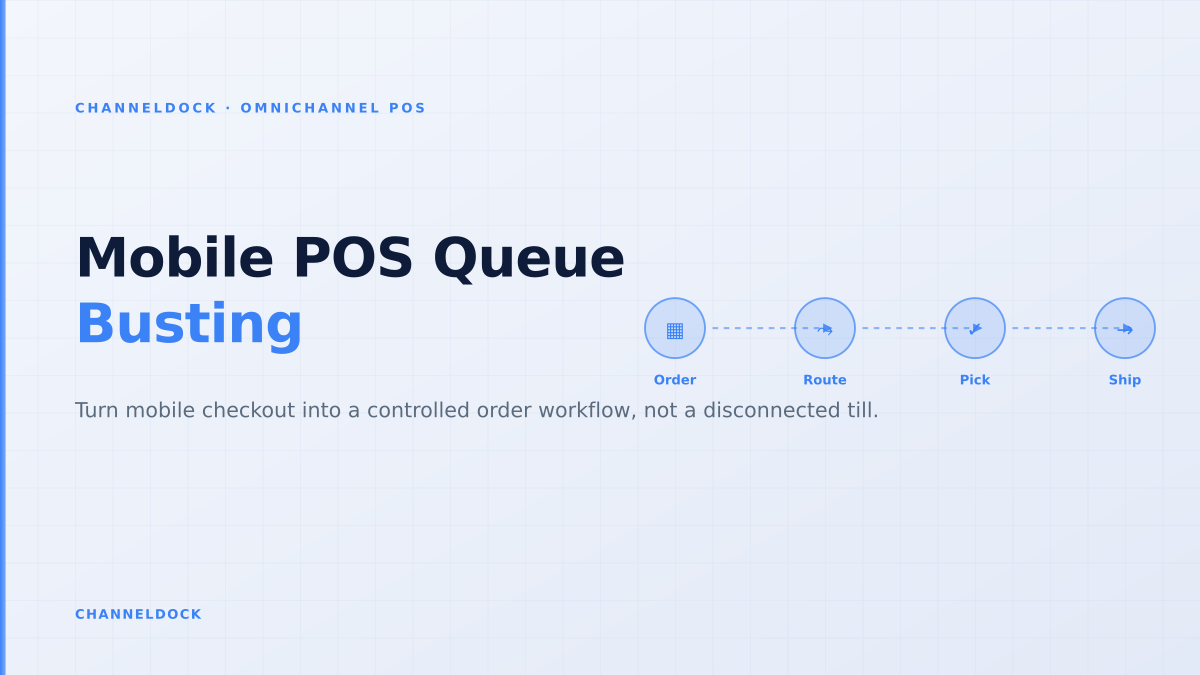
Mobile POS Queue Busting: The Retail Operations Playbook
In 2026, mobile POS queue busting is no longer just a payment convenience. Shopify’s line-busting guide says shoppers are often willing to wait only about five minutes before the purchase is at risk, while Lightspeed’s 2025 retail research reports that 56.4% of shoppers remember quick checkout and 51.5% cite long waits as a reason for a negative experience. For a retailer selling through stores, a webshop and marketplaces, that makes the checkout line an operational SLA.
The problem is that most queue-busting advice stops at the handheld. It says “take payment anywhere” but ignores what happens next: which stock pool was reduced, whether a BOPIS order was already holding the same unit, whether an offline transaction synced cleanly, and whether the warehouse sees the sale in time. A better mobile POS playbook connects the store floor to ChannelDock integrations and the same order controls used for ecommerce.
Why the queue is an inventory problem
On a quiet Tuesday, a mobile sale that syncs late is an accounting nuisance. On a Saturday rush, it can become a stock conflict. The same jacket may be scanned by an associate, reserved for click-and-collect, promised online and offered on a marketplace before the systems agree on what is actually available.
That is why mobile POS belongs in the order-management conversation. The goal is not to replace the cash wrap with a tablet. The goal is to turn every in-store sale into a clean order event that updates available-to-sell stock, customer history, payment status and warehouse work without a second manual pass.
What ranking POS articles usually miss
Shopify and Lightspeed both explain the customer-experience case well: line busting reduces waiting, lets staff sell on the floor and helps during peak hours. Lightspeed also points to returns and exchanges as a line-busting use case. But many ranking articles treat queue busting as a front-of-house tactic only.
The missing layer is the back-office workflow. A mobile POS checkout can touch inventory reservations, returns, fulfillment assignment, staff permissions, tax mapping, payment reconciliation and order attribution. If those controls are not designed up front, a faster checkout creates slower reconciliation later.
The order-first queue-busting model
Retailers should design queue busting around the order record, not the payment terminal. The moment an associate scans the first SKU, the handheld should know the location, available quantity, sales channel, customer context and permitted actions. From there, the sale follows a controlled sequence.
- 1Map the queue moments that deserve mobile checkoutStart with real congestion points: fitting rooms, seasonal tables, BOPIS pickup, returns desk, events and closing-time rushes. Do not hand out devices everywhere on day one. Pick the zones where the counter queue blocks revenue or staff attention.
- 2Define the stock source before the first scanEvery handheld sale needs a location: store shelf, stockroom, warehouse, reserved pickup stock or endless-aisle shipment. If staff can sell from the wrong pool, online orders and marketplace stock will drift.
- 3Reserve inventory before payment, not after closingThe safe pattern is scan, check availability, reserve the unit, take payment, then create the order. Waiting until the end-of-day sync to reduce stock is how mobile checkout creates oversells.
- 4Limit what associates can overrideMobile devices need the same controls as the fixed till: manager PINs for discounts, void reason codes, return rules, cash drawer separation and audit logs. Speed should not remove governance.
- 5Plan for offline mode as an exception queueShopify documents that offline POS orders and inventory sync after reconnecting. That is useful, but it is also a risk window. Flag offline transactions, review them after reconnection and reconcile any stock conflicts before web orders are released.
- 6Feed the warehouse and customer-service team immediatelyA mobile sale can become a pickup, shipment, transfer or exchange. Send it into the same order queue as ecommerce, bol.com, Amazon and manual orders so pick lists, returns and customer history stay complete.
Where ChannelDock fits in the workflow
ChannelDock’s POS and order flows are built for retailers that do not sell in one place. Store sales, webshop orders, marketplace orders, B2B entries and manual orders should land in one operational inbox, then feed inventory, pick lists and customer service from the same truth. The orders feature overview shows the same principle for ecommerce routing: orders are useful when they are structured, assigned and auditable.
For mobile POS, that means handheld checkout should not become a shadow channel. It should create the same order data that warehouse teams use for pick and pack, the same stock changes that ecommerce uses for available-to-sell, and the same return context that customer service needs when a shopper comes back to the store.
Payment-first mobile POS
Order-first queue busting
Pilot it before peak season
The safest pilot is one store, one rush moment and one product category. For example: fitting-room checkout on Saturdays, queue busting at a seasonal table, or BOPIS pickup during the last two hours before closing. Give associates a clear script: scan, confirm stock source, add customer if needed, reserve, take payment, issue receipt and close the order.
Then audit the exceptions. Did any handheld transaction stay offline? Did any order reduce the wrong location? Did customer service receive a ticket because a receipt, return or pickup status was missing? Did ecommerce stock oversell after store-floor checkout? These answers matter more than the number of devices deployed.
Pilot scorecard
- Queue: average visible wait time at the counter before and after mobile checkout.
- Throughput: handheld transactions per associate hour.
- Stock: number of mobile sales that caused a stock conflict or manual correction.
- Control: discounts, voids, returns and offline transactions requiring manager review.
- Follow-up: customer-service tickets tied to receipts, returns, pickup or missing order history.
Conclusion
Mobile POS queue busting works when it removes the line without breaking the ledger. Retailers should treat the handheld as another order-capture point in the omnichannel stack, not as a lightweight payment shortcut. If the sale reserves stock, enters the shared order queue and leaves an audit trail, the store can move faster without creating hidden work for ecommerce, warehouse and finance teams.
That is the practical difference between “we can take payment anywhere” and “we can sell anywhere without losing control.” For retailers with stores, webshops, marketplaces and warehouse stock, the second sentence is the one that scales.
- Queue busting should reduce waiting and protect the inventory ledger at the same time.
- The operational test is not whether a device can accept payment. It is whether that sale updates orders, stock, returns and customer history without manual reconciliation.
- Run the first pilot in one high-friction zone, measure abandoned queues, stock conflicts, offline transactions and post-sale exceptions, then scale by location.
- Connect POS, ecommerce and warehouse workflows before peak season. A handheld rollout during a rush exposes every weak integration at once.