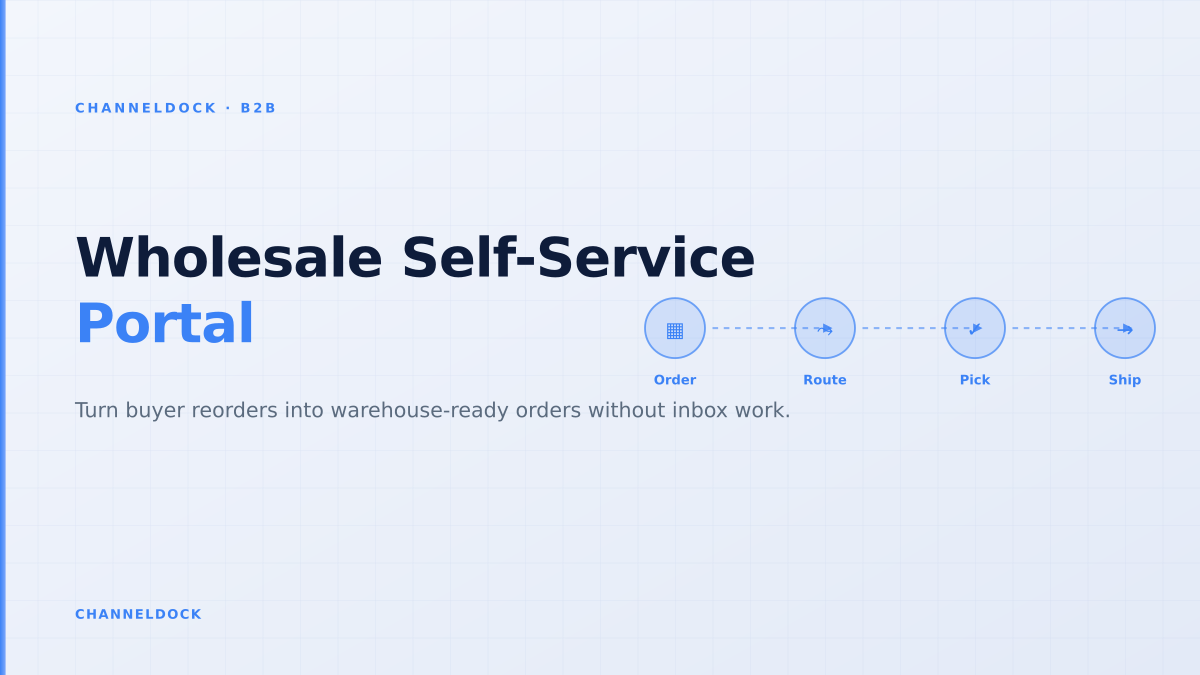
Wholesale Self-Service Portal: The Order Flow That Actually Works
Gartner reported in 2025 that 61% of B2B buyers prefer a rep-free buying experience, but a wholesale self-service portal only works when the order that leaves the buyer's screen is already useful to the warehouse. If the portal accepts a reorder and then pushes a messy email, PDF or half-checked cart into operations, the company has digitised the storefront while keeping the old order-entry work behind it.
The strongest search results for B2B portals talk about customer-specific pricing, catalogs, account access and order history. Those are important, but they miss the harder operational question: what happens after the wholesale buyer clicks submit? For a distributor, manufacturer or brand, the portal must reserve inventory, respect pack sizes, handle approval rules, create a clean order, and release the work into picking without forcing a sales rep to rebuild the order by hand.
The portal is not the hard part, the order state is
Most B2B portal projects start with the visible buyer experience: a branded login, a catalog, net terms, order history and a reorder button. That gets the buyer into the portal, but it does not guarantee a usable order. The order still needs a state that every team understands: draft, submitted, waiting for approval, reserved, partially released, picked, shipped, invoiced, backordered, cancelled or returned.
When that state is missing, support tickets do not disappear. They change shape. Buyers stop asking “can I place the order?” and start asking “did the order really reserve stock?”, “why is one line missing?”, “which warehouse is shipping it?”, and “when will the backorder release?”. A wholesale self-service portal should answer those questions before the buyer has to ask.
A B2B portal should not be treated as a separate webshop for wholesale buyers. It is an order intake layer connected to inventory, order routing, warehouse release and customer communication. If those systems stay disconnected, the portal simply becomes a prettier inbox.
What existing ranking content misses
BigCommerce, Shopify, OroCommerce, B2B Wave, OrderEase and several wholesale platform vendors all explain the standard feature list well: custom pricing, account-specific catalogs, quick order forms, order history, payment terms and buyer roles. The gap is that many articles stop at checkout. They do not show the operational handoff between sales and fulfillment, and that is where wholesale margins are lost.
For ChannelDock's audience, this matters because wholesale orders rarely behave like simple consumer orders. One customer may order in case packs, another in single units. One account may have a credit hold. One line may be available in the main warehouse, while another line needs a future delivery. One buyer may submit a cart that needs manager approval inside their own company. The portal has to preserve all of that structure while still creating a clean order for the team using order management software.
A wholesale self-service portal earns trust when the buyer can reorder quickly and the warehouse can pick the result without decoding a sales note.
The six checkpoints before a wholesale order is accepted
A good B2B portal should not accept every cart blindly. It should validate the order before it becomes operational work. That validation can be strict or flexible, depending on the customer relationship, but the checkpoints are consistent.
- 1Identify the buying accountConnect every portal user to a company, customer group, price list, delivery address and permission level. Shared logins break audit trails and make approval rules impossible.
- 2Show only valid products and pricesThe catalog should already know which SKUs, bundles, pack sizes, tax rules and customer-specific prices apply to that account.
- 3Validate quantities before checkoutMinimum order quantities, carton multiples, pallet rules and channel-specific stock buffers should be checked before the order reaches a person.
- 4Reserve stock with a clear expiryAvailable-to-promise logic should decide whether the order can reserve stock immediately, wait for payment, or enter an exception queue.
- 5Route exceptions, not every orderCredit holds, missing EANs, unavailable lines and buyer approval rules should create exceptions. Clean reorders should flow through without manual entry.
- 6Release warehouse work in the same queuePortal orders should land beside marketplace, webshop, EDI and sales-rep orders, so pick, pack, shipment labels and tracking updates follow one process.
Why account-specific pricing needs operational guardrails
Customer-specific pricing is the headline feature in almost every B2B portal article. It deserves that attention, because buyers will not self-serve if they do not trust the price. But pricing alone is not enough. A buyer also needs to know whether the price applies to the requested quantity, whether the product is available for their region, whether the discount is tied to a delivery window, and whether the order will trigger a credit hold.
This is where wholesalers often overcomplicate the portal. They try to rebuild every ERP pricing edge case in the buyer interface. A better approach is to decide which rules are hard stops and which rules are review flags. Hard stops include unavailable SKUs, invalid pack sizes, missing delivery address and blocked customer status. Review flags include unusually large quantities, margin exceptions, credit exposure, and delivery requests that need planning.
Portal as a storefront
- Accepts the cart first, resolves conflicts later
- Sends exceptions into email or sales notes
- Shows pricing but not operational availability
- Creates new support questions after checkout
Portal as order intakeRecommended
- Validates customer, SKU, quantity and terms before submit
- Sends only true exceptions to a review queue
- Reserves stock or explains the backorder clearly
- Feeds the same pick and pack process as other channels
The warehouse-first order flow
The order flow should be designed backwards from the warehouse. Start with the question: what does the picker, packer, planner or customer service person need to know when this order appears? If the answer is buried in a portal comment, the flow is not ready. The operational record should include SKU, quantity, unit of measure, customer account, promised date, reservation status, approval status, delivery method, warehouse assignment and exception reason.
That does not mean the buyer should see warehouse complexity. The buyer needs a simple message: available now, available later, waiting for approval, or partially available. Behind the scenes, ChannelDock can connect portal orders with integrations, inventory rules, order holds, pick and pack work, shipping labels and tracking updates. The buyer gets clarity, while the team keeps one source of truth.
If a sales rep still has to retype portal orders into the warehouse system, the portal has not reduced work. It has only moved the first conversation online.
Where self-service portals fail after launch
Portal adoption usually fails for practical reasons, not because buyers dislike digital ordering. The search results and community threads repeat the same pain points: buyers cannot see their real price, quick order is too slow for long SKU lists, order status is vague, approvals do not match the buyer's company structure, and the portal does not reflect live inventory. A buyer who hits one of these problems returns to email because email still feels safer.
Sales teams can also undermine adoption if the portal is positioned as a replacement for the relationship. The better message is that the portal removes routine order entry so reps can work on exceptions, assortment advice, account planning and growth. In practice, the best B2B portals give both the buyer and the sales rep access to the same order record.
- For buyers: faster reorders, account-specific pricing, order history, clear stock messages and tracking updates.
- For sales: fewer repetitive emails, cleaner exceptions, better account visibility and less retyping.
- For operations: orders arrive with the data needed for reservation, routing, picking, packing and invoicing.
What to measure in the first 90 days
Do not judge a wholesale self-service portal only by revenue. Revenue can rise because existing customers are ordering more, because sales reps are pushing the portal, or because a few large accounts moved online. The operational KPIs show whether the portal is actually improving the business.
- Track portal adoption by active buying account, not only by registered users.
- Measure manual interventions per 100 portal orders. This is the fastest signal that the workflow is broken.
- Split exceptions by reason: pricing, stock, credit, approval, address, SKU mapping or warehouse capacity.
- Compare reorder cycle time before and after launch, from buyer intent to warehouse release.
- Watch partial shipment and backorder communication. Buyers forgive shortages faster when the portal explains them early.
FAQ: wholesale self-service portal order flow
What is a wholesale self-service portal?
What is the difference between a B2B portal and a webshop?
Should portal orders reserve stock immediately?
How do sales reps fit into a self-service portal?
What is the most important integration for a B2B portal?
Conclusion
A wholesale self-service portal is not won in the login screen. It is won in the order flow behind it. Buyers want the speed of self-service, but they also need the trust of correct pricing, accurate stock, clear approvals and visible order status. Operations needs the same thing from the other side: clean order data, controlled exceptions and a single queue for every channel.
For brands, distributors and wholesalers using ChannelDock, the practical goal is simple: let buyers reorder without waiting, while keeping sales, inventory, warehouse and shipping teams aligned on the same operational record. That is what turns a B2B portal from a digital catalog into a real sales channel.