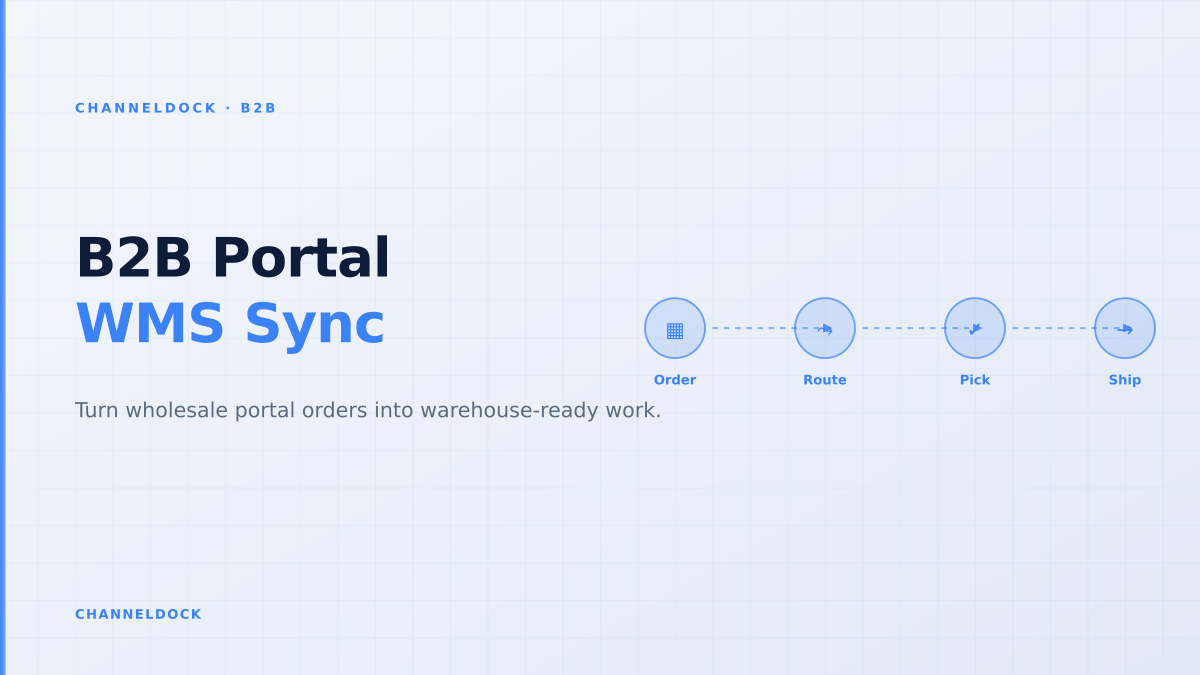
B2B Order Portal WMS Integration: Make Wholesale Orders Pickable
In 2026, a B2B buyer portal only works when it is connected to warehouse execution. Gartner’s June 2025 sales survey found that 61% of B2B buyers prefer a rep-free buying experience, but “rep-free” does not mean “ops-free”. A wholesale buyer still needs account pricing, sellable stock, delivery confidence, order history and clean exceptions before they will stop emailing a sales rep.
That is why the strongest B2B portal projects now start with the question behind the storefront: when a buyer clicks submit, does the order become pickable work for the warehouse? ChannelDock’s B2B portal, order management and fulfillment workflows are strongest when those layers share one operational truth.
The ranking pages miss the warehouse handoff
Competitor content from BigCommerce, OroCommerce, OrderEase, RepSpark and wholesale portal agencies correctly talks about customer-specific pricing, quick reorder, order history, invoices and account permissions. That is useful, but it often stops at the buyer interface. The expensive failure happens one step later: the portal accepts an order that sales would have corrected, finance would have held, or the warehouse cannot pick without rework.
Real B2B ecommerce is not B2C with larger baskets. It has contract prices, pack sizes, pallets, net terms, credit limits, buyer roles, retail customer allocations, partial shipments, seasonal pre-orders and sometimes EDI orders from the same account. If those rules live outside the portal, self-service simply moves manual work from inbox to operations.
Why buyers lose trust after one wrong order
Wholesale buyers are often ordering for stores, job sites, franchise locations or replenishment calendars. A wrong availability promise has a larger consequence than a consumer stockout: a retailer misses a shelf reset, a reseller cannot fulfill its own customer order, or a procurement team has to explain why the supplier portal showed “available” but the warehouse delayed the pallet.
Forum threads around Shopify B2B and wholesale ordering show the same pattern: sellers need B2B-only rules for minimum order value, quantity per SKU, account approval, customer-specific pricing and separate B2B/B2C inventory locations. Those are not cosmetic portal features. They are operational controls that protect margin and prevent overselling.
The common mistake is treating a B2B order portal as a nicer storefront. Wholesale buyers do not only ask “can I buy this?” They ask “is this price mine, is this stock actually sellable, and will the warehouse ship it the way my account expects?” If the portal cannot answer those three questions, buyers go back to email.
The integration model: portal, ERP, WMS and tracking
A practical B2B order portal WMS integration separates responsibilities. The portal owns the buyer experience: login, catalog, saved lists, quick order, PO number, approvals and account documents. The ERP or accounting layer owns customer terms, invoices, credit exposure and contract pricing. The WMS or inventory layer owns pickable stock, warehouse locations, reservations and packing execution. Carrier systems own tracking events and delivery proof.
The buyer should not see that complexity. They should see one clean answer: what can I order, at what price, when will it ship, and what happens if only part of the order is available? Behind that answer, the systems need clear handoff rules.
Storefront-first portal
- Shows the buyer a polished catalog, but validates stock after checkout.
- Accepts orders that still need manual price, MOQ or credit checks.
- Creates a second inbox for the warehouse to interpret.
WMS-connected order portalRecommended
- Checks sellable stock, reservations and pack rules before release.
- Uses one order queue for portal, rep, EDI and marketplace orders.
- Returns status from pick, pack, partial shipment and tracking events.
What “available stock” should mean in a B2B portal
Many failed portals expose raw on-hand inventory. That number is almost never safe enough for wholesale. Sellable B2B stock should subtract marketplace reservations, open pick waves, quality holds, damaged inventory, channel buffers and account-specific allocations. It may also need to include inbound purchase orders only when the customer accepts a future ship date.
For example, 480 units on hand might become only 140 units sellable to a wholesale buyer after subtracting 120 units reserved for bol.com and Amazon, 80 units already in open picks, 40 units in quarantine, 50 units protected for a key retail account and 50 units below the reorder buffer. Showing “480 available” wins the click and loses the relationship.
Available-to-promise is a business promise, not a database field. For B2B, it should combine stock on hand, inbound supply, account reservations, cut-off times, warehouse capacity and the customer’s own delivery rules.
Five controls that make portal orders warehouse-ready
The best implementation sequence is not to build every feature at once. Start with the controls that prevent dirty orders from entering operations, then add richer buyer convenience on top.
- 1Define what “available” meansUse sellable stock, not raw on-hand stock. Subtract reservations, quarantine, damaged items, pending marketplace orders and B2B allocations before showing availability.
- 2Validate account rules before checkoutCustomer-specific price lists, pack multiples, minimum order quantities, approval gates and credit limits should be checked before an order reaches the warehouse.
- 3Write clean orders into one queuePortal orders should enter the same order management flow as Amazon, bol.com, Shopify, sales-rep and EDI orders, with source tags instead of separate handling.
- 4Pass warehouse instructions with the orderInclude ship-to rules, pallet notes, carrier preference, delivery window, partial-shipment permission and any account-specific packing instruction.
- 5Send status back to the buyerPick started, packed, partly shipped, delayed, backordered and delivered are more useful than a generic “processing” state.
The clean-order rate matters more than portal logins
Portal analytics often over-focus on registrations, logins and online revenue. Those numbers matter, but they do not prove operational success. A wholesale portal can drive revenue while still creating expensive rework if every third order needs manual correction before picking.
Track clean-order rate instead: the percentage of portal orders that pass pricing, credit, stock, MOQ, address and warehouse-rule validation without human repair. Also track support tickets per order, order-status questions, delayed order confirmations, partial-shipment disputes and order lines changed after submission. Those metrics reveal whether the portal is replacing email or simply collecting better-looking errors.
- Buyer adoption: repeat portal orders by account, not only first logins.
- Operational quality: clean-order rate and manual touches per order.
- Warehouse speed: portal order submitted to pick-task created.
- Trust signals: fewer “where is my order?” and “is this really in stock?” messages.
Where ChannelDock fits
ChannelDock is useful for B2B sellers because the portal is not isolated from the rest of ecommerce operations. A wholesale order can sit next to marketplace, webshop, POS and manual orders in one operational overview. Inventory rules, order processing, warehouse work and fulfillment-center collaboration stay connected instead of becoming separate silos.
For sellers working with a 3PL, this is especially important. The buyer portal may take the order, but the fulfillment center needs accurate stock, release rules, pick-pack instructions and tracking feedback. ChannelDock’s fulfillment center network and operational workflows help connect that front-end demand to warehouse reality.
- Do not launch portal adoption campaigns until pricing, availability and order status are connected to operational systems.
- Put exception rules in front of checkout instead of letting sales or the warehouse repair orders afterward.
- Use ChannelDock’s B2B portal, order overview and fulfillment workflows together so self-service buyers and internal teams work from one order truth.
- Measure portal success by clean-order rate and support-ticket reduction, not only by login count.
FAQ
What is a B2B order portal WMS integration?
Why do wholesale buyers still email orders when a portal exists?
Should the ERP or WMS be the source of truth for B2B stock?
How often should B2B portal stock sync with the warehouse?
What should a B2B portal send to the warehouse besides SKUs and quantities?
Conclusion
A B2B order portal WMS integration is not a technical nice-to-have. It is the difference between a portal that buyers try once and a portal they rely on for repeat wholesale orders. If account pricing, sellable stock, approvals, order release and warehouse status are connected, self-service becomes faster than email. If they are not, the portal becomes another inbox.
The practical rule is simple: never let the portal accept an order that your warehouse, finance team or sales team already knows is wrong. Make the order pickable before it is promised, and wholesale buyers will have a reason to self-serve.