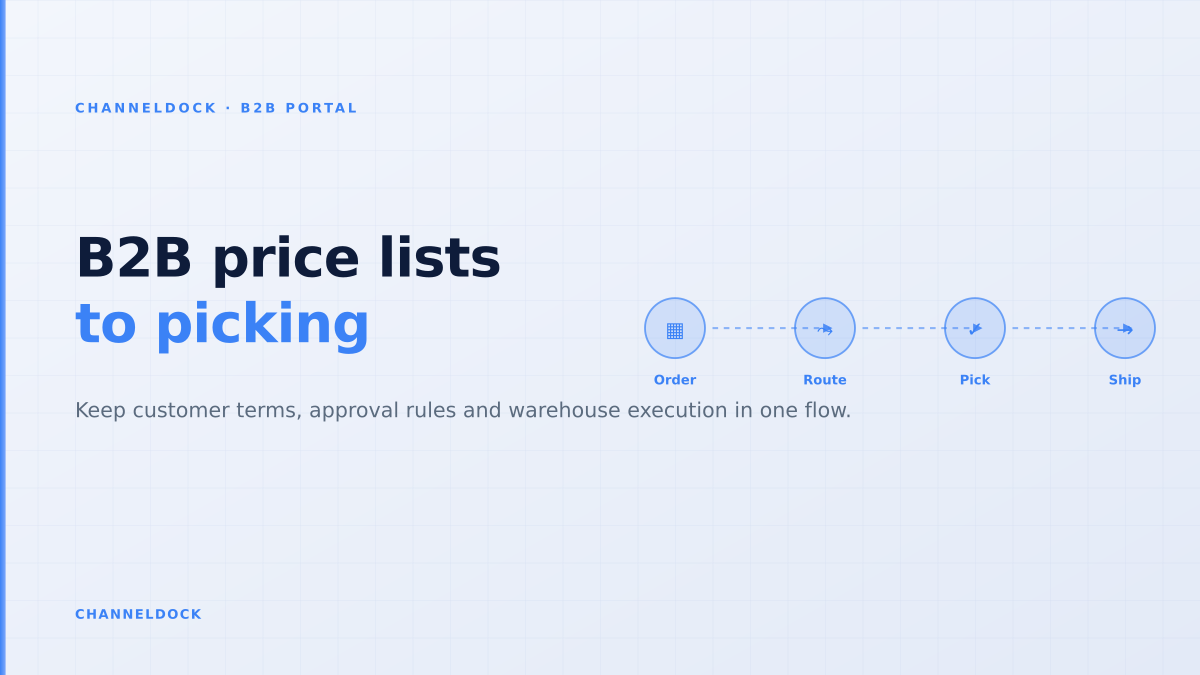
B2B price lists only work when the warehouse sees the rules
In 2026, the strongest B2B ecommerce pages all promise the same thing: every wholesale buyer logs in, sees their own catalog, their own price list, their payment terms and a fast reorder flow. That promise is attractive, but it is incomplete. A customer-specific price is not operationally safe until the order desk, inventory system and warehouse understand the same rules.
That is the gap many ranking articles miss. They explain price lists, company accounts and buyer roles, then stop at checkout. The real failure usually happens later: a sales rep approves an exception, the portal accepts a minimum quantity, the warehouse receives a generic pick instruction, and finance has to reconcile why the invoice does not match the buyer's contract.
For wholesalers, distributors and D2C brands moving into B2B, the better question is not just “can each customer see a different price?” It is: can the entire fulfilment flow preserve that customer context from login to label?
The portal promise is now table stakes
Competitor research across Shopify B2B, BigCommerce B2B Edition, OroCommerce, Sana Commerce, SparkLayer, B2B Wave and dedicated wholesale portals shows clear agreement on the baseline. A modern B2B portal should support account-specific catalogs, negotiated pricing, buyer roles, payment terms, quick reorders and approval workflows.
Shopify documents catalogs, company locations, quantity rules, volume pricing and draft-order review. BigCommerce describes companies, customer groups, price lists and buyer roles. OroCommerce and Virto Commerce frame price lists, contract pricing and procurement controls as native B2B logic. Specialist portals like SparkLayer, OrderEase and B2B Wave lead with price lists, MOQs, pack rules and customer-specific terms.
That means “we have a B2B portal” is no longer a differentiator. The differentiator is whether the portal creates orders that your warehouse can fulfil without a clarification email. ChannelDock's B2B Portal is strongest when it is connected to operational flows: inventory, approval, document generation, picking, partial shipment and carrier execution.
Why customer-specific pricing breaks after checkout
Customer-specific pricing sounds like a pricing problem, but in operations it is a data ownership problem. The price visible in the portal may come from an ERP, ecommerce platform, spreadsheet import, sales rep override or manually maintained customer group. If the source of truth is unclear, the warehouse becomes the first team to notice the contradiction.
Common symptoms are easy to spot. A buyer orders a product that is visible in the portal but blocked for their region. The portal shows a quantity break, but the warehouse receives units instead of case packs. A sales rep locks a promotional price, but the order is repriced by the ERP before invoicing. A key account has reserved stock, but the stock is still available to D2C shoppers and marketplaces.
The biggest B2B portal risk is not showing the wrong price on the screen. It is accepting an order that looks valid to the buyer but arrives in the warehouse without the rules needed to pick, reserve, split or invoice it correctly.
The four-rule model for a safe B2B price-list handoff
Before adding another price list, map every B2B order through four rule layers. Each layer answers a different operational question. Keeping them separate avoids the common mistake of using “customer group” as a bucket for everything.
- 1Separate product visibility from priceA catalog decides what the account may buy. A price list decides what the account pays. Do not hide unavailable operational exceptions inside discount logic.
- 2Attach the rule to the buyer locationA company can have multiple branches, warehouses or franchise stores. Treat the location as the practical unit for pricing, shipping and stock reservation.
- 3Validate quantity before order submissionCase packs, MOQs, volume breaks and pallet quantities should be checked before the order is accepted, not after the picker prints a list.
- 4Pass fulfilment instructions with the orderThe warehouse needs to see reserved stock, partial-shipment permission, required documents, carrier preference and whether approval is still pending.
- 5Lock the commercial decision before pickingOnce an order is approved, freeze the agreed price and terms for that order so later catalog edits do not change the invoice.
Why “lowest price wins” can be dangerous
Some B2B systems allow multiple catalogs or price lists to apply to the same buyer. That can be useful for regional pricing, market-specific assortments or temporary promotions. It can also create a hidden failure mode: the customer sees the lowest applicable price, but the order desk still thinks the account is under its standard contract.
The operational answer is not to forbid overlap. It is to make overlap explicit. If a buyer qualifies for a promo catalog, the submitted order should carry the exact rule that produced the price. Finance, customer service and warehouse teams then know whether the order is a contract order, a promotional order, a quote conversion or a manual exception.
Portal-only pricing
- Buyer sees a custom price
- Warehouse receives a normal order
- Exceptions live in sales notes
- Finance reconciles after shipment
Operational price-list handoffRecommended
- Buyer sees the assigned catalog and price
- Warehouse receives case-pack and reservation rules
- Approvals lock terms before picking
- Invoice matches the submitted order
The warehouse needs different information than the buyer
A B2B buyer cares about availability, price, quantity breaks, payment terms, order history and whether the order is approved. The warehouse cares about SKU, unit of measure, case-pack size, pick location, reservation status, partial shipment policy, required document and carrier handoff. A good portal does not force one view to serve both teams.
That is where B2B portal content often becomes too ecommerce-centric. It treats the portal as a storefront. For ChannelDock customers, it is more useful to treat the portal as an order capture layer connected to order management, inventory control and warehouse execution.
When those systems stay connected, customer service can answer “why did this buyer get this price?” and the warehouse can answer “what may I ship today?” without switching between spreadsheets, ecommerce admin screens and ERP notes.
A practical validation checklist before go-live
Use real customers, not sample accounts. Pick five account types: a top distributor, a small dealer, a franchise branch, a new wholesale applicant and an internal sales-rep order. For each one, test the exact path from login to pick list.
- Can the buyer only see the products they may order?
- Does the cart enforce MOQ, case-pack and volume-break rules?
- Does the submitted order retain the price-list source?
- Can the order be approved before stock is picked?
- Does the pick instruction show B2B-specific fulfilment rules?
What competitors usually underplay
Most competitor pages are strong on front-office capability. They explain buyer accounts, price lists, catalogs, payment terms, quote flows and ERP integrations. The missing layer is usually warehouse readiness. Few articles ask whether the picker sees the commercial constraint that made the order valid.
That omission matters for B2B sellers because the cost of a wrong order is not just a return. It can mean contract disputes, credit notes, missed pallet cutoffs, wrong branch allocation, margin leakage or a key account calling their sales rep instead of using the portal next time.
A B2B portal should reduce sales support work, not move the work into operations. If every portal order still needs a Slack message before picking, the portal is only a nicer order form.
How ChannelDock should position the workflow
ChannelDock's advantage is that the B2B order does not have to stop at a storefront boundary. A buyer can place a wholesale order through the portal, but the operational context can continue into the unified order queue, stock control, fulfilment routing and shipping workflow.
That creates a cleaner message for wholesalers: let customers self-serve, but keep control before anything leaves the warehouse. The account sees its own catalog and terms. The seller keeps approval gates. The warehouse receives an order that is ready to pick, split, hold or ship according to the customer rules.
- Do not evaluate a B2B portal only by the storefront experience. Follow the order into the warehouse.
- Keep catalog, price list, permission and fulfilment rule separate so exceptions are auditable.
- Use real customer accounts in testing because most failures appear only with overlapping contracts and branch rules.
- Connect the portal to order and inventory operations so self-service does not create manual clean-up work.
FAQ
What is B2B customer-specific pricing?
What is the difference between a catalog and a price list?
Should B2B portal orders go straight to the warehouse?
How does this differ from a normal ecommerce checkout?
Can ChannelDock support B2B ordering alongside marketplaces?
Conclusion
B2B price lists are only reliable when they travel with the order. A portal that shows negotiated pricing but loses the rules at fulfilment will still create manual work, margin risk and customer confusion.
The best B2B portal projects start with the buyer experience, then continue into the warehouse. If customer-specific catalogs, price lists, approval gates and fulfilment instructions remain connected, the portal becomes more than a webshop. It becomes the controlled order entry layer for wholesale growth.