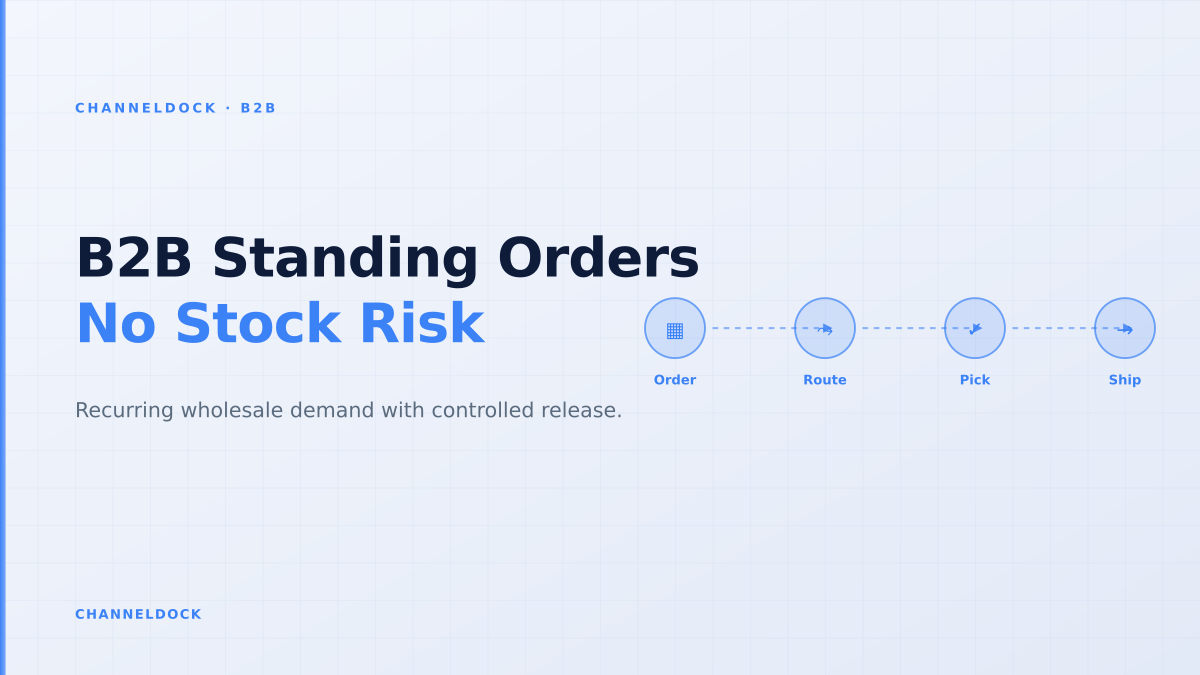
B2B Standing Orders: Recurring Wholesale Without Stock Risk
Recurring wholesale demand looks predictable until it collides with live stock, customer-specific pricing and warehouse cut-off times. A standing order for 40 cartons every Monday is useful only if the system checks whether those cartons are still available, whether the buyer is still within terms and whether the warehouse can release the work without pushing marketplace or webshop orders into an oversell.
That is why B2B standing orders should not be treated like consumer subscriptions. In wholesale, the order is part replenishment plan, part purchase commitment and part warehouse reservation. The winning setup is a portal workflow that creates the next order automatically, but still validates stock, payment terms, minimum quantities, pack sizes and release dates before anything reaches pick and pack.
What a B2B standing order actually is
A standing order is a saved wholesale order that repeats on a schedule: weekly store replenishment, monthly dealer stock, seasonal branch deliveries or a blanket agreement released in smaller shipments. The buyer and seller agree on SKUs, quantities, cadence, delivery address, pricing rules and approval conditions once. The portal then drafts or releases each occurrence at the right moment.
The operational difference is important. A reorder button copies a past order when the buyer clicks it. A standing order creates future demand before the buyer asks again. That makes it valuable for planning, but risky if it bypasses the live inventory and order rules that protect other channels.
Do not let a recurring order reserve stock forever. Reserve too early and you starve faster channels; reserve too late and the buyer sees a delivery promise the warehouse cannot keep. The release window should match your replenishment lead time and pick-pack capacity.
Why recurring wholesale orders break in manual workflows
Most wholesalers start with a spreadsheet, a calendar reminder or a note in the ERP. That works while the same customer buys the same quantity every week. It breaks when one location skips a delivery, a sales rep edits quantities by email, a credit hold appears, a SKU is discontinued or the warehouse runs behind because webshop orders spiked.
Research across competitor content shows the same gap: many B2B platforms explain recurring orders as a revenue or buyer-convenience feature, but spend less time on the fulfillment controls. The real issue is not whether a portal can create the next cart. It is whether the recurring order can survive contact with inventory reservations, customer-specific catalogs, payment terms, delivery cut-offs and warehouse release rules.
A standing order should create a forecast first, a reservation second and a warehouse task only after validation. If it jumps straight to picking, it is just automated chaos.
The warehouse-safe standing order flow
The safest setup separates the recurring template from the individual order releases. The template stores the commercial agreement. Each release is treated like a normal B2B order: priced, validated, reserved, approved and then handed to the warehouse. That keeps the workflow automated without removing control.
- 1Create the buyer templateStore SKUs, pack sizes, delivery cadence, default address, account-specific pricing and approval rules in the B2B portal.
- 2Generate a draft before the cutoffCreate the next occurrence early enough for the buyer, sales team or finance team to adjust exceptions before warehouse release.
- 3Validate stock and buyer rulesCheck available-to-promise inventory, MOQ, customer-specific catalog access, credit limit, payment terms and backorder policy.
- 4Reserve only the releasable quantityHold stock for the confirmed delivery window, not for every future occurrence in the template.
- 5Release to pick and packSend the validated order into the same operational queue as webshop, marketplace, EDI and manual orders.
Reservation timing: the overlooked control
The hard part is deciding when recurring demand becomes committed stock. Reserve all future quantities and your stock position becomes artificially low for months. Reserve nothing until pick day and buyers lose trust when a recurring delivery suddenly fails. The middle path is a rolling release window: reserve the next confirmed shipment when it enters the operational horizon, while keeping future occurrences as forecast demand.
In ChannelDock terms, that means recurring B2B demand should connect to inventory visibility, order processing rules and the B2B portal rather than living in a separate calendar. The portal tells the buyer what is planned; the stock engine decides what can be promised; the order queue decides what can be released.
Recurring order as subscription
- Charges or ships on a fixed date
- Assumes the same quantity stays valid
- Often ignores buyer approvals and warehouse cut-offs
- Can over-reserve stock or create surprise backorders
Recurring order as controlled releaseRecommended
- Creates forecast demand before committing stock
- Validates pricing, MOQ, terms and live ATP
- Reserves only the next releasable shipment
- Hands clean work to WMS, barcode and pick-pack flows
Rules every B2B standing order portal needs
Recurring orders become reliable when the portal has explicit rules. Start with the smallest rule set that protects margin and stock. Add more only when the exception rate shows you need them.
- Buyer-specific assortment: a standing order should not keep releasing a SKU after the buyer loses access to that catalog.
- Price refresh logic: decide whether the order uses locked contract pricing, current customer pricing or a quote that expires.
- Minimum order quantity and pack size: recurring lines should still respect carton sizes, case quantities and margin floors.
- Credit and payment terms: a repeat order from a buyer over limit should be held before the warehouse starts picking.
- Stock and substitution policy: define whether the system should split, backorder, substitute or hold when only part of the recurring order is available.
- Cut-off and delivery calendar: weekly routes, branch delivery days and warehouse capacity should decide the release date.
If you cannot automate every rule on day one, automate visibility first: show the buyer the next planned delivery, show operations the future demand, and hold any release that fails stock, MOQ or credit checks.
Where competitors often stop short
Shopify app listings and B2B commerce guides tend to frame standing orders as scheduled draft orders. ERP-led content usually frames them as blanket orders. Food wholesale tools often focus on route predictability. Those are useful angles, but none is enough for a multichannel seller that shares one stock pool across wholesale buyers, webshop customers and marketplaces like bol.com, Amazon, Zalando, OTTO, Kaufland, Temu or TikTok Shop.
The missing layer is operational arbitration: which channel gets the stock, when the reservation starts, who approves the exception and when the warehouse sees the task. Without that layer, recurring B2B orders can quietly steal inventory from faster channels or create warehouse work that finance has not approved.
How ChannelDock fits the workflow
ChannelDock is strongest when the B2B portal is not isolated from the warehouse. Wholesale buyers can place and repeat orders through the portal, while the operational layer connects those orders to live stock, centralized order management, integrations and fulfillment workflows. That is especially important for sellers that run both B2B and marketplace operations from the same inventory.
A practical setup is to let recurring orders draft automatically in the portal, route exceptions to the right team and release approved orders into the same pick-pack flow as every other order. Pair that with integrations for ERP, webshop, marketplace and carrier data, and the standing order becomes a controlled operational promise instead of another manual reminder.
- Use standing orders for predictable wholesale demand, but keep future occurrences as forecast until the release window.
- Validate every occurrence against current stock, customer pricing, MOQ, payment terms and warehouse capacity.
- Expose the schedule to buyers so they can adjust early instead of emailing changes after the cutoff.
- Route portal, EDI, manual and marketplace orders into one queue so stock promises stay consistent.
FAQ
What are B2B standing orders?
Are standing orders the same as subscriptions?
When should stock be reserved for a recurring wholesale order?
Can a B2B portal handle blanket purchase orders?
What is the biggest risk with recurring B2B orders?
Conclusion
B2B standing orders are powerful because they turn repeat wholesale demand into something sellers can plan around. But the value comes only when recurring demand is connected to stock, approvals and warehouse execution. Treat each occurrence as a controlled release: forecast first, validate second, reserve third and pick only when the order is truly ready.
For wholesalers, distributors and brands using ChannelDock, the practical next step is to connect the B2B portal to inventory and order rules before scaling recurring schedules. That keeps buyers stocked, protects other channels and gives the warehouse clean work instead of automated surprises.