Lesson 7 of 19 · WMS
Move stock between warehouse locations
How to: use WMS → Stock transfer.
A transfer changes where stock sits. Total stock for the product stays the same. Do not use Correct or Adjust for a move.
Go to WMS → Stock transfer (page title Stock Transfer).
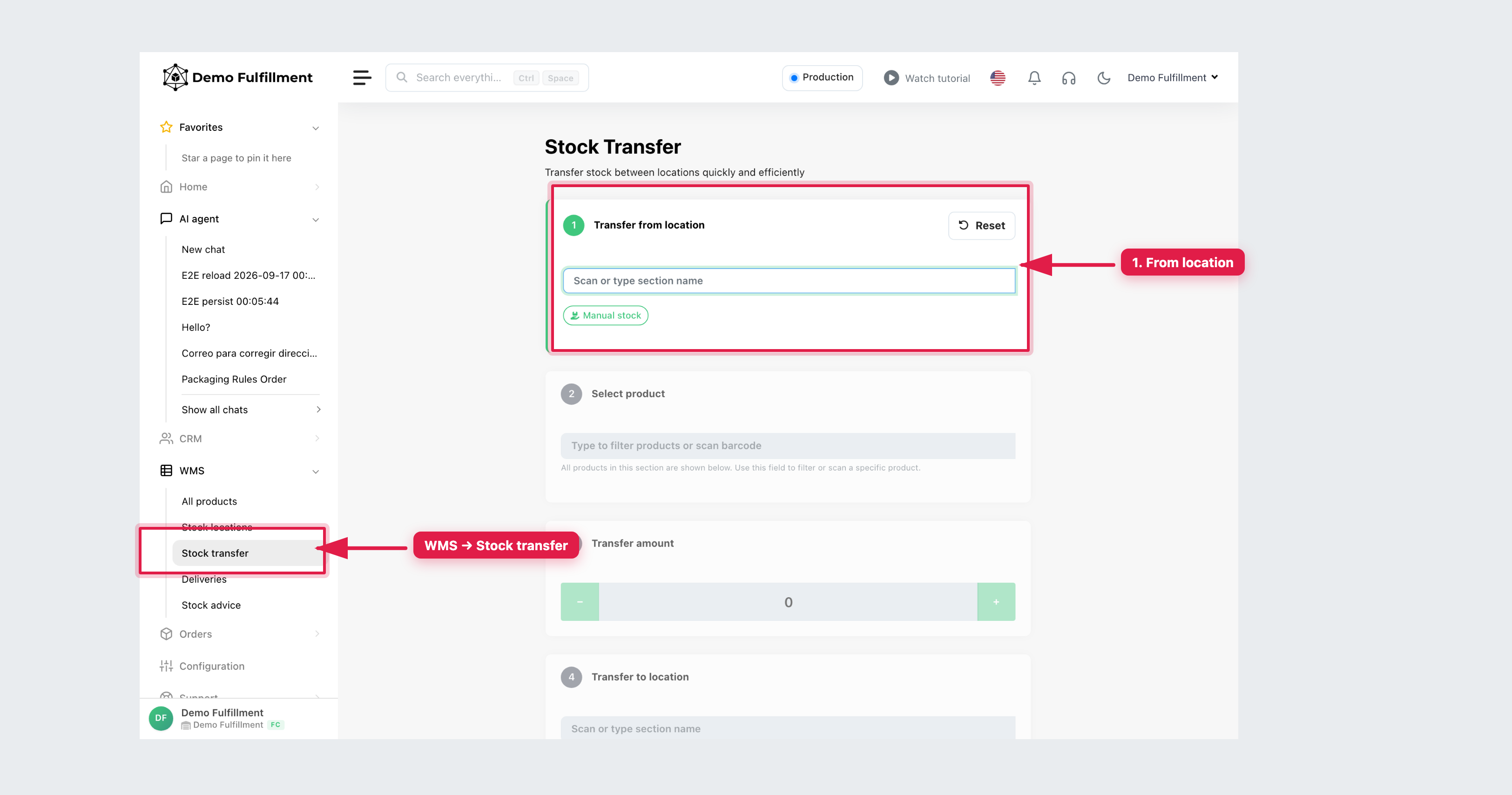
Steps
- Transfer from location — scan or type the section name. Use Manual stock only if a supervisor asks.
- Select product — type the name or scan the barcode (only products in that section are listed).
- Transfer amount — enter the quantity.
- Transfer to location — scan or type the destination section.
- Complete the transfer, then check recent transfers so you do not repeat it.
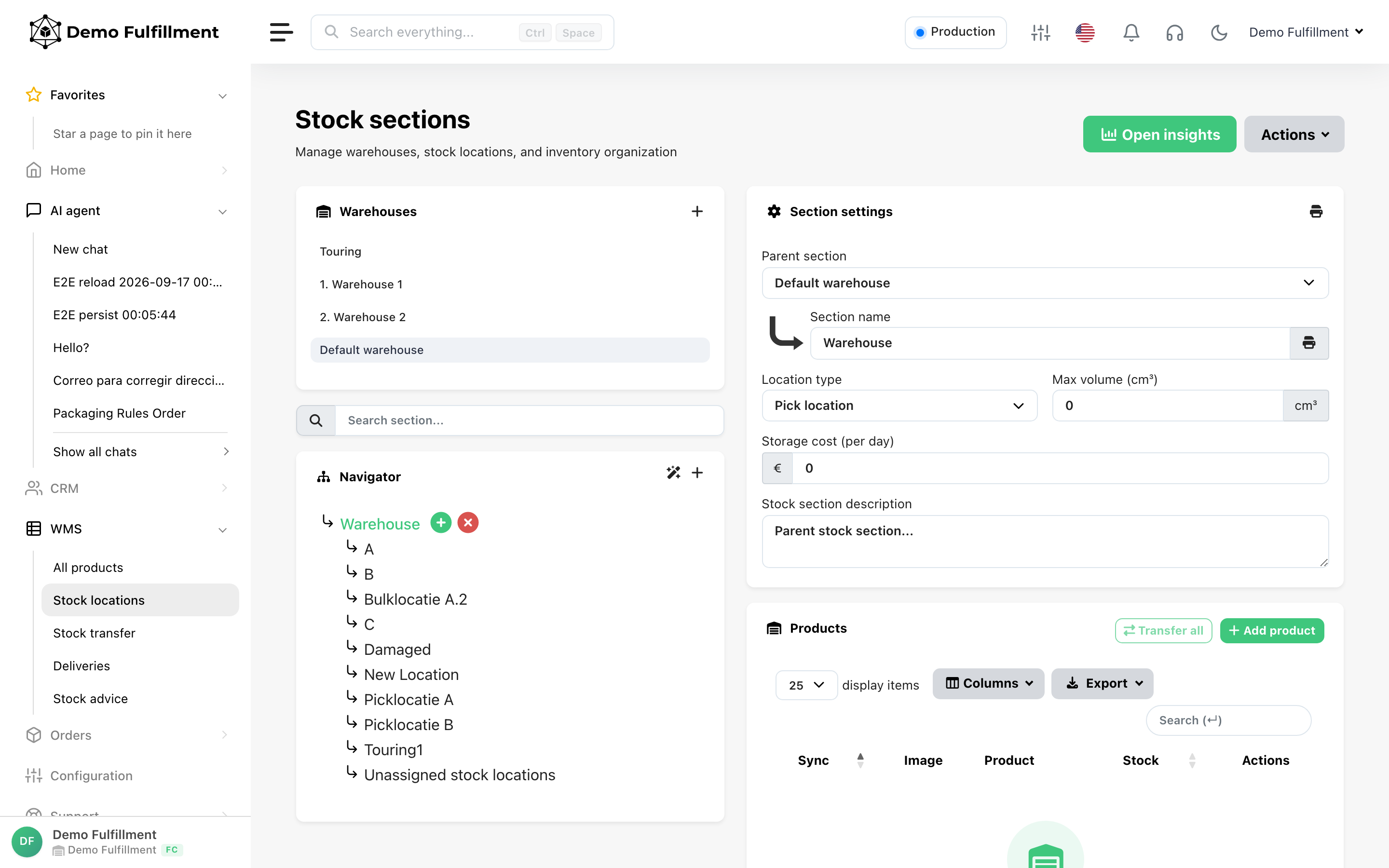
On WMS → Stock locations you can also use Transfer all on a section, or Transfer in Change stock amount for one product. Move the goods physically, then check both locations.
More help: Stock Transfer
Was this helpful?