Lesson 18 of 19 · Configuration
Understand shipping rules
How to: read Configuration → Settings → Shipping rules.
Shipping rules choose the carrier service. One change can affect many orders. Only authorised staff should edit them.
Open Configuration → Settings → Shipping rules.
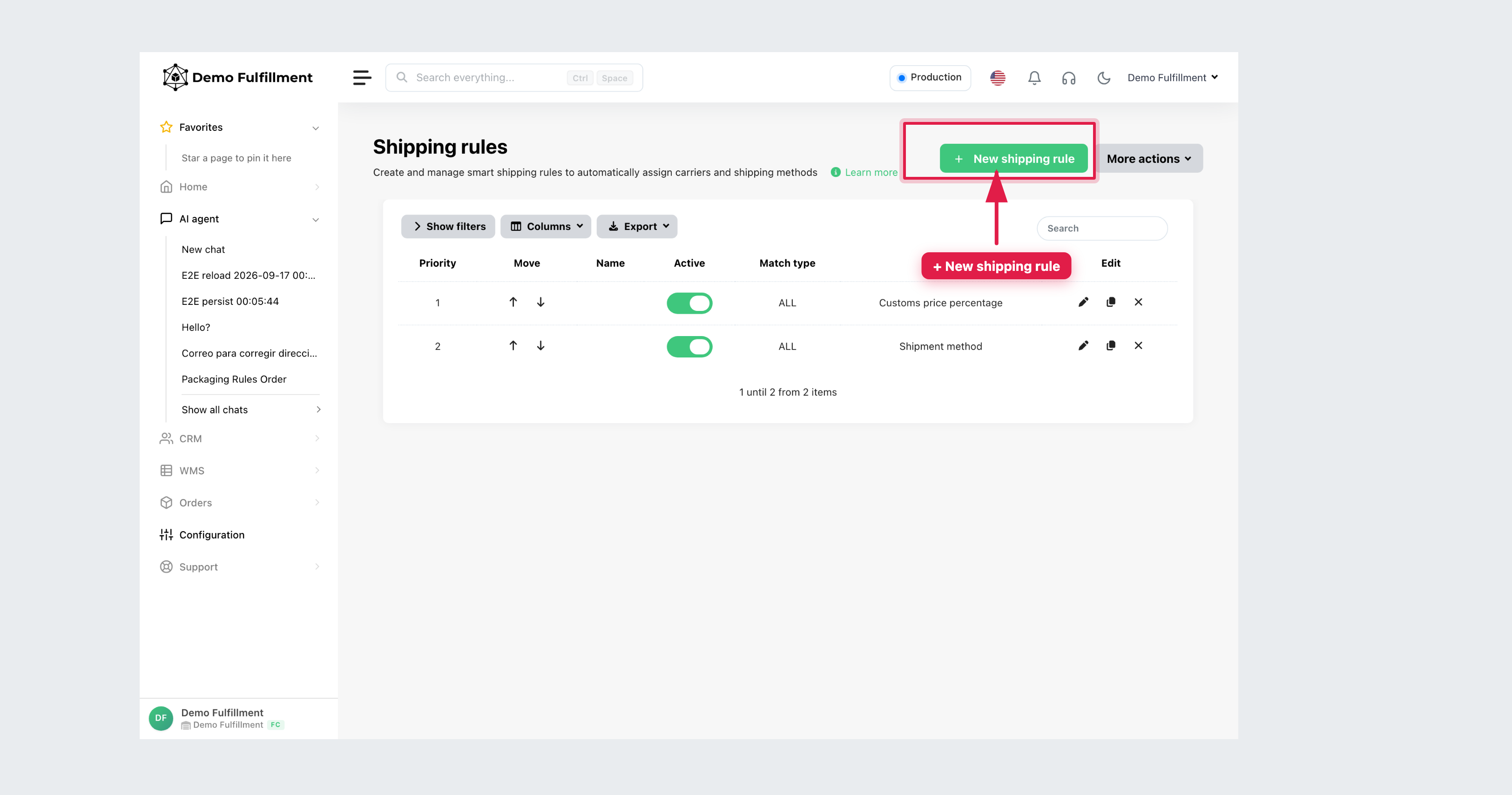
How to read a rule
The list shows Priority, whether the rule is Active, Match type and Action (for example Shipment method or a price action).
- Priority — which matching rule is checked first. When a method is assigned, later rules are not checked.
- Add condition (on the rule) — when it applies (channel, country, tags/EAN, size or weight).
- Action — which shipping method (or other action) to assign.
Flexible Size uses packaging dimensions. Length, width, height or weight uses combined product dimensions.
A rule may not apply if the method is off under Configuration → Settings → Carriers, the size or country does not match, or the order data does not match the conditions. Administrators can use Test on order.
On an order, Shipping rule shows which rule applied (or No rule applied).
More help: Creating smart shipping rules
Was this helpful?